
Voice-powered screen annotation
Hold Option to draw over what you see on your Mac and speak at the same time. Assist saves the annotated screenshot and can attach a local transcript to the capture.

Assist is a native macOS app for voice-powered screen annotation, full-screen screenshots, and local clipboard history, helping Mac users capture and reuse content from the notch.
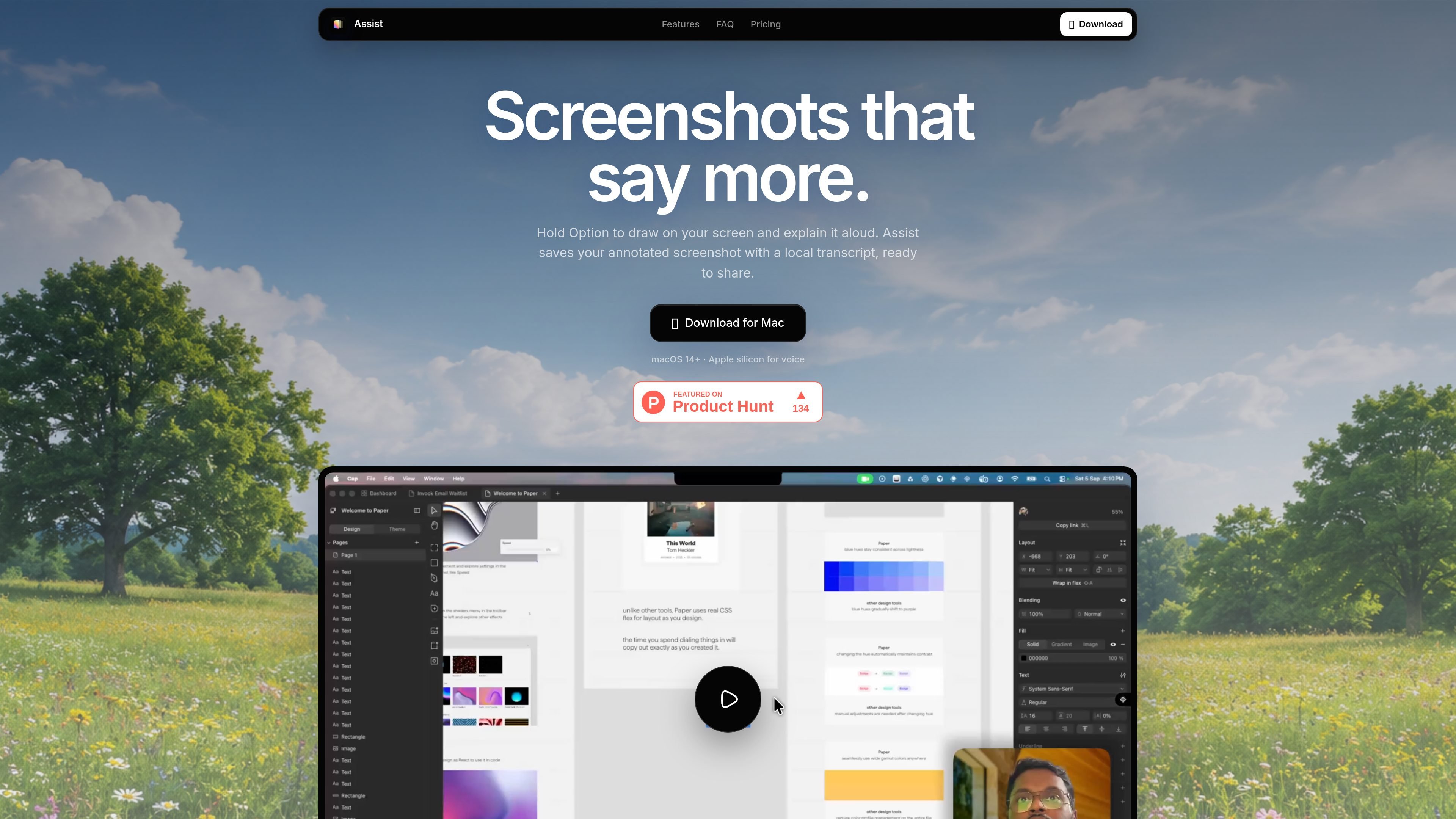
Assist is a native macOS app that brings three workflows into the notch: voice-powered screen annotation, full-screen screenshots, and clipboard history. It is built for people who need to capture what they see, explain it aloud, and keep copied text ready to reuse without leaving their current app.
The app uses different shortcuts for different jobs. Hold Option to annotate and speak over the screen, use Control + Option for a clean screenshot, and rely on the local shelf to revisit recent screenshots, transcripts, and copied text. Assist also keeps the capture process local on the Mac, with transcription running on-device on supported Apple silicon Macs.
Hold Option to draw over what you see on your Mac and speak at the same time. Assist saves the annotated screenshot and can attach a local transcript to the capture.
Press Control + Option for an immediate full-display screenshot without entering annotation mode. The capture is saved instantly for later reuse.
After a screenshot, a quick editor appears under the notch so you can crop to free or fixed ratios, blur private areas, or add a backdrop with padding, rounded corners, and shadow.
Assist keeps copied text beside screenshots in a local shelf, with filters for All, Text, and Images so you can find and reuse items quickly.
Screenshots, copied text, history, and optional transcripts are stored locally on your Mac rather than in a cloud account.
The app is designed for macOS notch access, so recent captures and clipboard items can be opened, filtered, copied, or dragged back into other apps from one place.
Annotate a UI, diagram, or issue on your screen while explaining it out loud, then save the image and transcript together for later reference or sharing.
Capture a clean full-screen screenshot when you need a fast record of what is on the display, then copy, drag, crop, blur, or restyle it before using it elsewhere.
Keep copied text, screenshots, and recent captures in one local history so you can reopen items from the notch instead of hunting through separate app windows.
Use local transcription and stored screenshots when you want to keep sensitive material on your Mac rather than sending audio to a cloud service.
Assist combines voice-powered screen annotation, full-screen screenshots, and local clipboard history in one Mac app. It also keeps recent screenshots, copied text, and optional transcripts ready to reuse from the notch.
Hold Option anywhere on macOS, draw on the screen, and speak while you annotate. When you release Option, Assist saves the capture with an optional local transcript you can copy together with the image.
No. Voice transcription runs locally with WhisperKit on Apple silicon. Raw audio stays in memory only during transcription and is never saved; Assist stores only the resulting transcript and its status.
Yes. Press Control + Option to capture the full display immediately. The screenshot is saved right away and appears in your history, where you can preview it, copy it, or drag it into another app.
Assist is a one-time purchase for one Mac. The site states there is no subscription.

Contextberg records your screen, input, browser, and AI agent history locally, then shares work context via MCP with Claude Code and Cursor for resumptions, search, and reviews.

Yattayo: Slider To-Do Board turns tasks into a tactile slider board with sticky notes, widgets, reminders, iCloud sync, and Premium recurring habits.

at8pm is an iPhone journaling app that locks daily entries after a chosen time, with text, voice, photos, locations, video notes, private iCloud sync, and Face ID.

Goldfish is an AI memory app for macOS that helps you reply, write, summarize, and continue with context already on your Mac. It stores memory locally and writes in your tone.

Flunkey is a voice-first productivity layer for Windows that turns speech into text, AI outputs, and remembered context without leaving your app.

MeetStream is a meeting bot API for Zoom, Google Meet, Microsoft Teams, and Webex. Record, stream, and analyze meetings with usage-based pricing and $5 free credit.