
Structured agent building
Agent Studio structures an agent around identity, conversation, and closing blocks. The page says it uses those blocks to sketch the agent skeleton and fills gaps, flows, and guardrails from a module library.
Bolna Agent Studio builds production-ready voice AI calling agents from a brief or SOP for recruitment, education counselling, customer support, and repeated phone workflows.
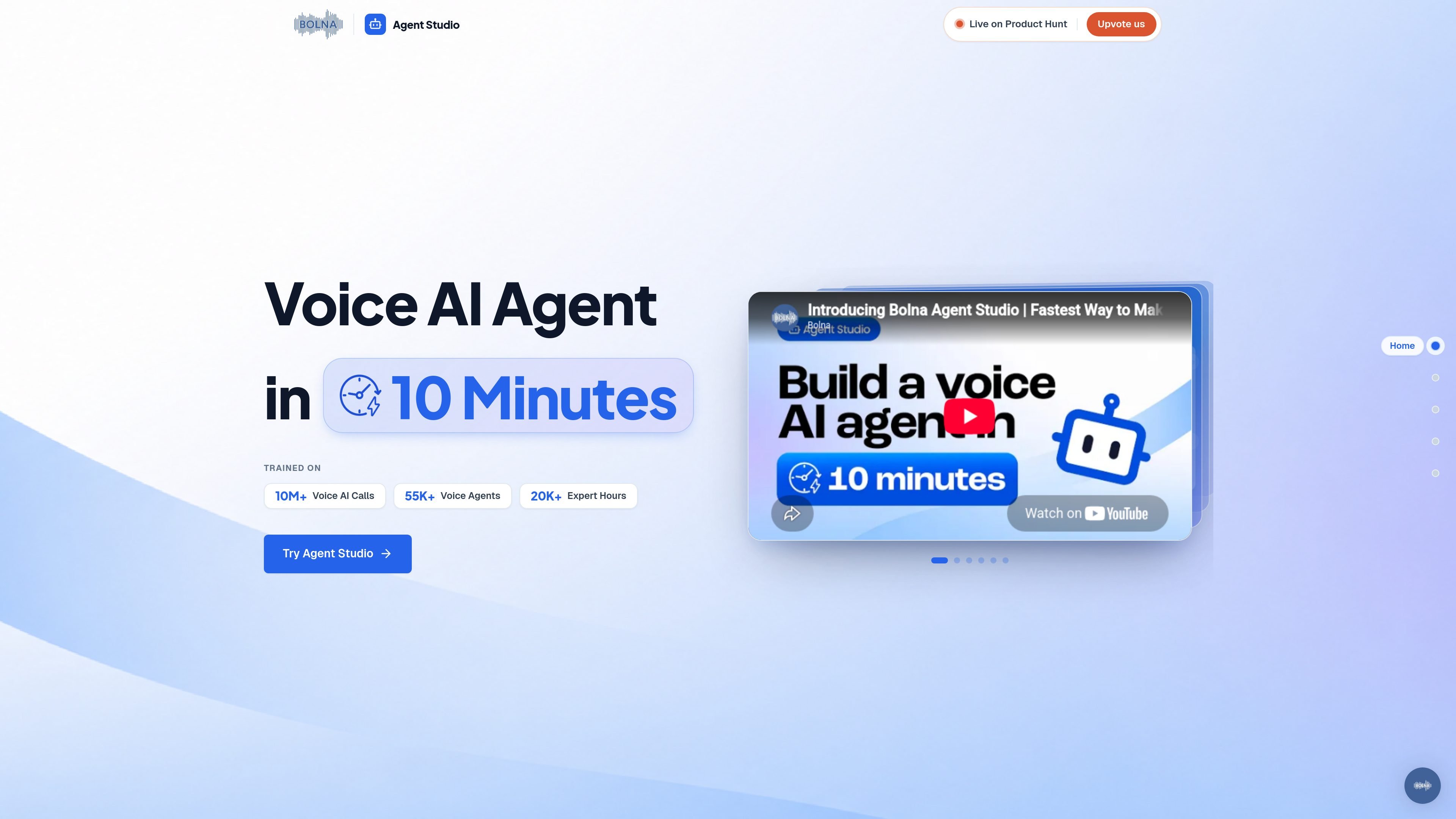
Bolna Agent Studio is a voice AI agent builder for creating production-ready calling agents. The product page says it can build a voice AI agent in 10 minutes by capturing three parts of an agent: identity, conversation, and closing.
The workflow starts from a short brief or SOP and uses modular blocks, default guardrails, and a prompt assessment process to shape the agent. The source shows this being used for recruitment, education counselling, and customer support scenarios, where the system is meant to manage human-like calls, edge cases, and consistent call handling.
Agent Studio structures an agent around identity, conversation, and closing blocks. The page says it uses those blocks to sketch the agent skeleton and fills gaps, flows, and guardrails from a module library.
Users can define personality, voice, and tone, or upload a brief in PDF, DOCX, or TXT format up to 10 MB. The flow is designed to pull the goal, audience, and key details from that input.
The conversation layer covers the opening line, edge cases, guardrails, and a scripted flow. The example shown includes default guardrails such as not claiming to be a human recruiter and not fabricating job details.
The closing layer handles hang-up logic, fallbacks, and goodbyes. The example shows different endings depending on whether the caller is interested, busy, not interested, or reached a wrong number.
Bolna describes the system as enterprise-grade by default, with modular structure, real conversation flows, multilingual support with real accents, and built-in compliance-friendly checks.
The page says the platform assembles and assesses the prompt using an assessment framework that checks 10 structural dimensions. It also notes that it picks the best TTS and STT models for each use case.
Recruiting teams can use the agent to greet candidates, confirm identity, introduce a role, assess interest, and manage next steps. The Awign case study shows Bolna being used for high-volume technical hiring, screening, rescheduling, and structured candidate evaluation.
Education and admissions teams can use the product for counselor-style voice conversations where the agent explains a program and guides a prospect through next steps. The site surfaces education counselling as an example of a live agent scenario.
Support teams can use a voice agent for customer support interactions that need a consistent opening, handling of edge cases, and polite call endings. The product page explicitly lists customer support as a live example.
Operations teams that handle repeated phone outreach can use the brief-driven setup to capture a standardized script and a closing path for common outcomes such as callback requests or wrong numbers. This fits workflows that need reliable call handling at scale.
Bolna’s setup flow centers on Agent Studio, which asks for the agent identity, conversation flow, and closing behavior. The page says it can build a production-grade voice AI agent in 10 minutes, but it does not provide a step-by-step implementation guide.
The rendered page shows form fields for booking a demo or pilot and mentions monthly minutes to automate, suggesting it is intended for team and business use. The source does not describe a specific team collaboration model inside the product.
The product is designed to produce a structured call agent prompt with identity, conversation, guardrails, and closing logic. The source also says it assembles and assesses the prompt, but it does not detail export formats or downstream workflow outputs.
The source highlights built-in guardrails, real conversation flows, multilingual support with real accents, and hang-up logic. It does not provide a full list of supported channels, integrations, or deployment environments on this page.
Bolna’s pricing page shows pay-as-you-go credits, a pilot plan, and enterprise plans with custom pricing and integrations. It also mentions a free credit offer for signups and support for BYOK for LLM, TTS, and ASR services.

Wallie is an open-source AI streamer that watches your screen, hears chat, and delivers live commentary in a configurable persona. Runs locally with your own keys.

Flunkey is a voice-first productivity layer for Windows that turns speech into text, AI outputs, and remembered context without leaving your app.

CreateOS Sandbox is an isolated compute environment for running code and agent workloads in Firecracker micro-VMs with private networking and SDK, CLI, or MCP control.

Codex Plugins bundle reusable skills, app integrations, and MCP servers into workflows you can install in the Codex app or use from Codex CLI.

An All-In-One AI Platform that combines tools for image, video, voice, writing, and chat to enhance creativity and collaboration.

Gemma AI is a phone call reminder app that calls you with scheduled reminders instead of push notifications, with Google Calendar sync and natural voice interaction.