
Conversation-based setup
Connect a Gmail conversation or another supported source so Bracket can work from the client discussions where project context already exists.

Bracket is an AI workspace for organizing client conversations into scope, deliverables, requirements, decisions, and deadlines, with change tracking and draft replies.
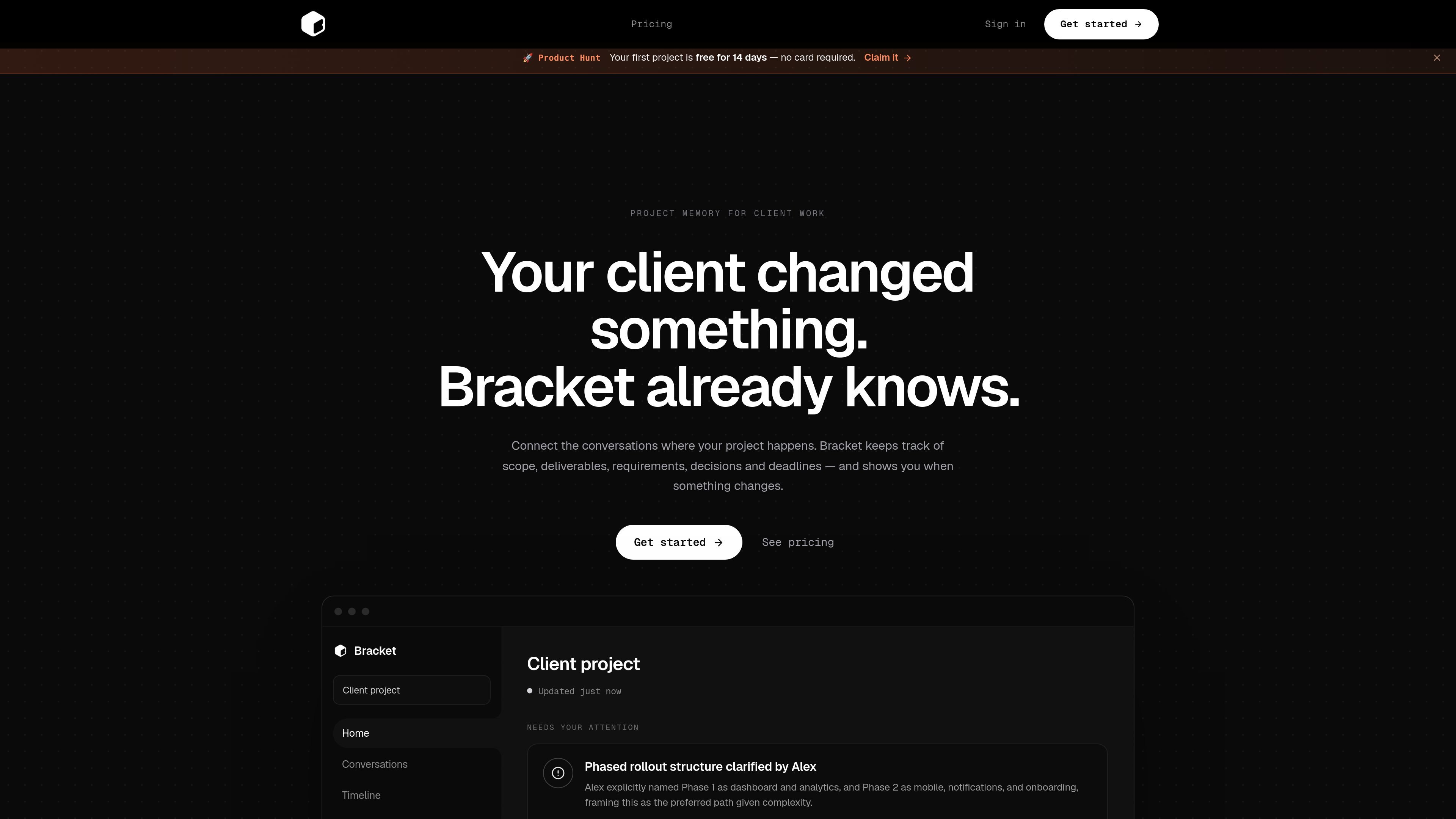
Bracket is an AI workspace for managing client projects through their source conversations. Users connect a Gmail thread or another supported source, and Bracket organizes the project’s scope, deliverables, requirements, decisions, and deadlines as the conversation develops.
The product is intended to reduce the need to reconstruct project context from messages. It surfaces meaningful changes, explains what they affect, and includes a review step before the user approves a change. Bracket also supports draft client replies and client-ready documents for ongoing or occasional client work.
Connect a Gmail conversation or another supported source so Bracket can work from the client discussions where project context already exists.
Organize the evolving project record into scope, deliverables, requirements, decisions, and deadlines instead of leaving those details scattered across messages.
Identify meaningful changes in client conversations and explain what the change affects in the project.
Present project information through dedicated areas for conversations, timelines, and source material, alongside structured project facts.
Generate draft client replies and client-ready documents from the organized project context.
Support ongoing work with live project memory and updates across connected tools, according to the pricing page.
Connect a client thread and turn scattered requirements and decisions into a working project record that can be reviewed as the engagement progresses.
Use the change view to understand when a client revises scope, deliverables, or priorities and what downstream project information may be affected.
Refer to the organized project context when preparing a client update, response, or project document instead of searching through the full conversation history.
Use the monthly workflow for client work that spans multiple active engagements and the per-project option for occasional client assignments.
Connect the Gmail conversation or another supported source where the client project already lives. Bracket then organizes the project context and highlights meaningful changes for review.
Bracket is designed for client projects where requirements, scope, deliverables, decisions, and deadlines evolve across conversations.
Bracket keeps scope, deliverables, requirements, decisions, and deadlines organized, and can draft client replies and client-ready documents. The site does not provide a complete list of output formats.
Bracket offers a monthly plan for ongoing client work and a per-project plan for occasional work. The pricing page states that users can cancel anytime.
The home page describes a review step in which Bracket shows what changed and what it affects, and the user approves the change once. The site does not provide further detail about team collaboration or role permissions.

runevr is a connected workspace for creative teams, bringing boards, media review, chat, recordings, drive, calls, and AI agents into one room-based environment.

Goldfish is an AI memory app for macOS that helps you reply, write, summarize, and continue with context already on your Mac. It stores memory locally and writes in your tone.

Lasso is an ecommerce product data platform for enriching catalog records, processing supplier files, generating product content, and tracking competitors. It includes a web app, REST API, SDK, and MCP server.

ArtDeck is a visual reference board app for iPhone, iPad, and Mac. Collect mixed references on one canvas and study them with ToolBox lenses. Offline, optional iCloud sync, one-time purchase.

Biji is a versatile platform designed to enhance productivity through innovative tools and features.

Struere turns spreadsheet data into structured operational software with dashboards, alerts, and automations for teams replacing manual spreadsheet workflows.