
UStackUStack
Carousels Generator icon

Carousels Generator

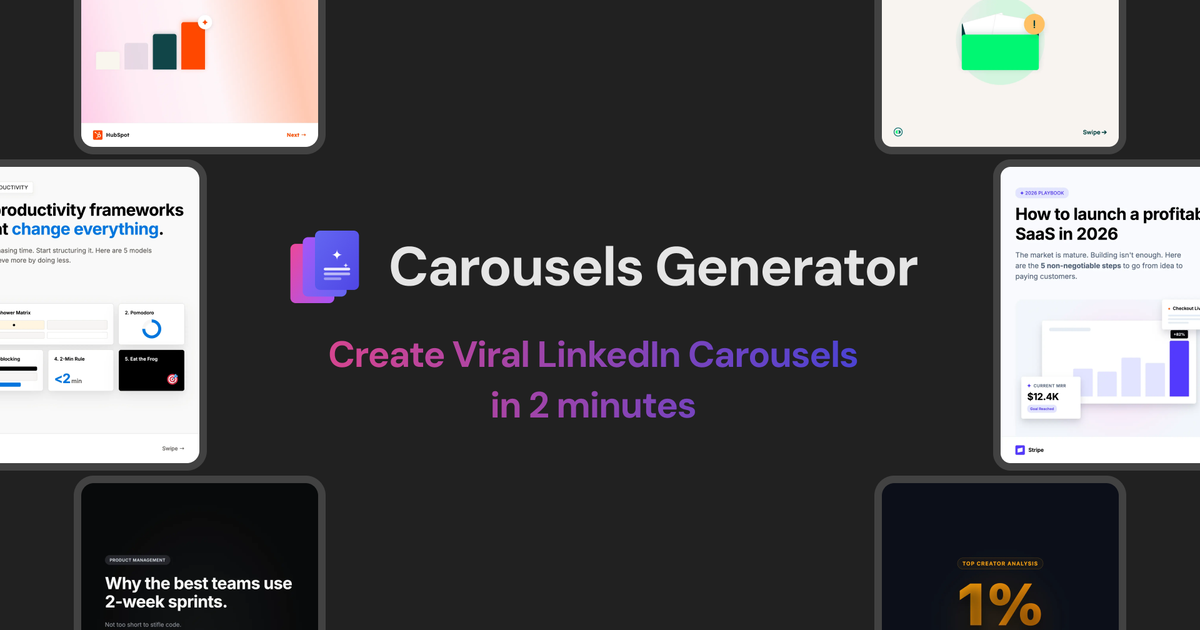
Carousels Generator creates LinkedIn carousels with AI-generated text and design. Publish directly to LinkedIn or export as a PDF with brand kits.
Carousels Generator

What is Carousels Generator?

Carousels Generator is a tool for creating LinkedIn carousels using AI. It generates both the carousel text and the design so you can produce a complete carousel without design skills.

The goal is to help you go from an idea to a published LinkedIn carousel (or a downloadable file) quickly, with options like brand kits, PDF export, and direct LinkedIn publishing.

Key Features

  • AI-generated carousel text and design: The system creates the content and the carousel layout together, reducing the need to assemble elements manually.
  • Direct LinkedIn publishing: Publish the generated carousel to LinkedIn as part of the workflow.
  • PDF export: Download your carousel in PDF format for sharing or offline use.
  • Brand kits: Create and use a consistent branding setup, including your colors and logo.
  • No design skills required: The interface is positioned around producing carousels without needing to design from scratch.

How to Use Carousels Generator

  1. Start for free to create your first carousel.
  2. Choose or set your branding (colors and logo) using brand kits.
  3. Generate the carousel with AI, producing both the text and the design.
  4. Publish to LinkedIn directly, or export as a PDF depending on your preferred workflow.

Use Cases

  • Launching a product or feature on LinkedIn: Generate a carousel quickly and publish it directly to LinkedIn to support a timely announcement.
  • Repurposing content for social distribution: Turn existing messaging into a carousel format and export a PDF for sharing across channels.
  • Maintaining brand consistency: Use brand kits to apply consistent colors and logo across multiple carousel posts.
  • Creating educational or explainers: Use AI generation to draft the carousel text and corresponding design in one pass.
  • Working without design expertise: Produce carousels without building layouts manually, focusing instead on the topic and branding.

FAQ

  • Is Carousels Generator free?
    The page says you can start for free, but it also references monthly or annual plans for discounts.

  • What is a credit?
    The FAQ section references credits, but the page content provided does not explain how credits are defined or used.

  • How many credits are needed for a carousel?
    The page includes this question in the FAQ, but it does not provide the number or rule in the supplied content.

  • Can I change plans at any time?
    This question appears in the FAQ; however, the specific policy is not included in the provided text.

  • In what format can I download my carousels?
    Your carousels can be exported as PDF.

Alternatives

  • LinkedIn carousel builders without AI generation: Tools focused on arranging slides and formatting templates typically require more manual writing and design work compared with AI text + design generation.
  • General-purpose presentation tools (e.g., slide editors): These can export to PDF and help you design a carousel-style deck, but they don’t inherently provide the LinkedIn carousel workflow or AI-driven slide creation.
  • AI content-writing tools paired with a manual design workflow: Writers can help draft carousel copy, but you’d still need a separate step to design the carousel and manage LinkedIn publishing.
  • Social media scheduling tools that support carousel creation: Some platforms help with publishing and scheduling, but may not include the same AI-generated text-and-design carousel creation flow described here.