
Browser bookmark capture and auto-sync
Import an existing browser bookmark tree in one pass, including folders, and keep future browser bookmarks indexed automatically through the extension.

Deepmark is a private bookmark search tool that combines browser bookmarks and saves from X, Instagram, and YouTube. Search your library in natural language.
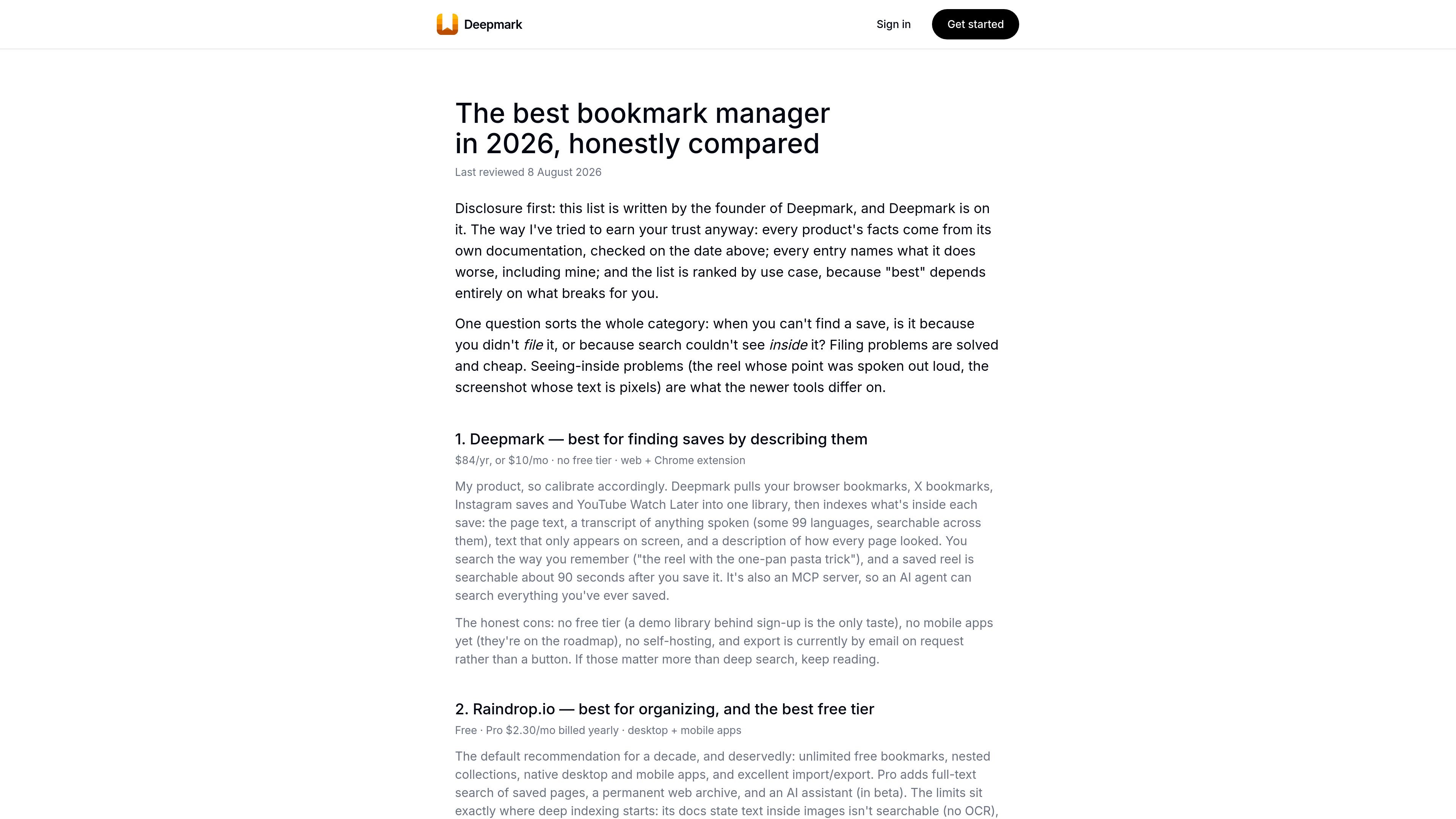
Deepmark is a private bookmark search product that brings together browser bookmarks and selected social saves from X, Instagram, and YouTube in one library. It is designed to make saved links searchable by what they contain, not just by title or URL.
The product indexes imported and newly saved items with transcription, visual description, OCR, summaries, and tags, then lets users search in natural language from the browser extension or through an MCP-compatible AI client. The source also shows a single-plan pricing model with unlimited saves and support for media indexing under fair use.
Import an existing browser bookmark tree in one pass, including folders, and keep future browser bookmarks indexed automatically through the extension.
Connect supported social sources—X, Instagram, and YouTube—so bookmarks, saves, Watch Later, and Liked items can be indexed in the background.
Turn saves into searchable text by transcribing audio, reading page copy, extracting on-screen text, describing visuals, and adding AI summaries and tags.
Search across the meaning of what you saved, not just titles or URLs. The site describes hybrid semantic search working across text, audio, visuals, and meaning layers.
Access your library through an MCP server using one URL and OAuth sign-in, with tools for search, latest saves, and full bookmark detail.
Import a large bookmark collection, including folders, then search it by describing what you vaguely remember instead of hunting through nested lists.
Save posts, reels, videos, and browser links from different services, then keep them searchable in one place without managing separate bookmark systems.
Ask an MCP-compatible assistant to search your library, surface the latest saves, or retrieve full bookmark detail with transcripts and descriptions.
Use the extension side panel to search while browsing, especially when you want to retrieve a link, quote, or source without leaving the page.
Review a video or audio save later through transcript and visual descriptions, which is useful when the original item is long or hard to scan quickly.
Deepmark connects to your browser bookmarks and can also sync saves from X, Instagram, and YouTube. It then indexes the content so you can search it later in natural language.
The source says Deepmark is private and scoped to your account. Its MCP access is also account-scoped, so connected agents can only search your own library.
Deepmark imports your existing browser bookmark tree in one pass, then keeps new browser bookmarks indexed automatically. It also syncs supported social sources in the background.
The product page says Deepmark is available from the browser extension side panel and also as an MCP server for supported AI clients.
The available source material shows one pricing plan on the home page, but the pricing URL itself returns a 404. The page lists a yearly-billed option and a monthly option, with unlimited saves and fair-use media indexing.

Goldfish is an AI memory app for macOS that helps you reply, write, summarize, and continue with context already on your Mac. It stores memory locally and writes in your tone.

ArtDeck is a visual reference board app for iPhone, iPad, and Mac. Collect mixed references on one canvas and study them with ToolBox lenses. Offline, optional iCloud sync, one-time purchase.

Dcyde is a shared decision log for product teams to capture what was decided, why, and the source, with searchable records from Slack, Figma, or Dcyde.

qbrin is an enterprise AI search and governed agent platform that turns company knowledge into cited answers and can abstain when evidence is missing.

Lasso is an ecommerce product data platform for enriching catalog records, processing supplier files, generating product content, and tracking competitors. It includes a web app, REST API, SDK, and MCP server.

Biji is a versatile platform designed to enhance productivity through innovative tools and features.