
Three chat modes
Ask chat mode is positioned for planning the next step, Focus chat for deep analysis on a defined set of sources, and Co-work chat for structured editing in a canvas-style workspace.

docAnalyzer is a source-grounded AI document workspace for analyzing long files, citing claims to the source, and generating reusable outputs. Supports OCR, broad file import, and plans for individuals, teams, and enterprises.
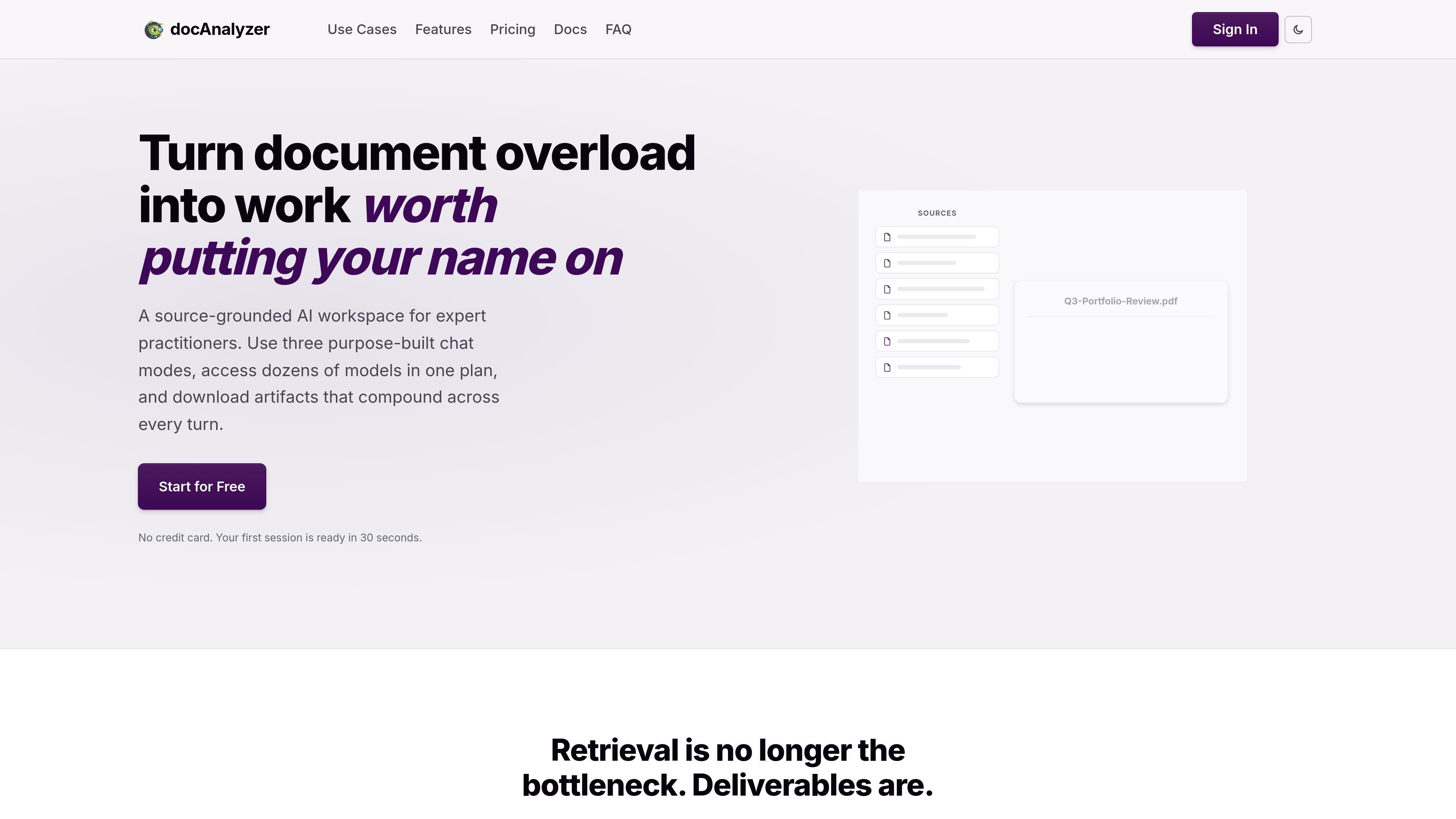
docAnalyzer is a source-grounded AI document workspace for reading, analyzing, and transforming long documents. It is designed for users who need more than a chat box: the product keeps context across turns, cites claims back to the source, and can generate downloadable artifacts that continue working in later steps.
The site positions the product for expert practitioners handling PDFs, contracts, research files, and other document-heavy workflows. It supports multiple chat modes, 30+ models in one interface, OCR for scanned pages, and a range of upload formats including PDFs, Word documents, PowerPoint, OpenDocument files, spreadsheets, markdown, plain text, HTML, and URLs.
Ask chat mode is positioned for planning the next step, Focus chat for deep analysis on a defined set of sources, and Co-work chat for structured editing in a canvas-style workspace.
The platform offers 30+ models from providers such as OpenAI, Anthropic, Google, and xAI in one interface, with support for switching models mid-thread without restarting the conversation.
The system generates downloadable outputs such as PDFs, spreadsheets, charts, diagrams, ZIP bundles, and HTML, and those artifacts can be reused in later turns.
Citations are tied to the source page or section, and the interface is designed to keep answers grounded in uploaded documents rather than relying on generic chat responses.
Automatic OCR runs during upload for scanned or image-based pages, making the extracted text searchable without consuming credits.
Team and enterprise plans add shared workspaces, collaboration features, SAML sign-on, designated support, and tailored AI agents and automation.
Review long contracts or policy documents while keeping every answer tied to the exact page or section where the source text appears.
Analyze large research sets, web pages, and uploaded files together when you need synthesis across many sources rather than a single file chat.
Turn document findings into reusable deliverables such as PDFs, spreadsheets, charts, diagrams, or bundles that can be refined over multiple turns.
Use OCR to make scanned PDFs and image-based pages searchable before extracting data or validating the contents.
Collaborate in team workspaces with shared credits, shared chatbot deployments, and seat management when multiple people need access to the same document set.
Yes. The pricing page says monthly plans can be canceled anytime, and access continues until the end of the current billing period.
Documents are stored encrypted on docAnalyzer’s infrastructure. When you chat, the system sends only the relevant document chunks to the AI vendor used by your plan, and the site says vendors are not allowed to train on your data.
Credits are used by some operations such as premium AI models, large datasets, OCR, and high-context queries. If you run out, basic chats keep working, while premium models and large datasets pause until the next billing cycle; you can also buy one-time credit bundles.
docAnalyzer supports PDFs, Word documents, PowerPoint, OpenDocument files, RTF, EPUB, Excel spreadsheets, markdown, plain text, HTML, and URLs. CSV and JSON are available in experimental mode.
Team plans bill per seat and provide a shared workspace, shared chatbot deployments, and shared credits. Seats can be added or removed, and the next invoice is prorated.

ArtDeck is a visual reference board app for iPhone, iPad, and Mac. Collect mixed references on one canvas and study them with ToolBox lenses. Offline, optional iCloud sync, one-time purchase.

Paperpal is an AI tool for academic writing, offering literature reading, language polishing, citations, plagiarism checks, AI detection, and pre-submission review.

Goldfish is an AI memory app for macOS that helps you reply, write, summarize, and continue with context already on your Mac. It stores memory locally and writes in your tone.

Lasso is an ecommerce product data platform for enriching catalog records, processing supplier files, generating product content, and tracking competitors. It includes a web app, REST API, SDK, and MCP server.

Hype is a web tool for finding trending YouTube topics by category, time range, and scoring mode. Spot emerging ideas and review source videos.

Codex Plugins bundle reusable skills, app integrations, and MCP servers into workflows you can install in the Codex app or use from Codex CLI.