
Personalized daily story collections
Dreambeans builds a daily set of personalized stories based on the connected Google services you choose, rather than showing a generic feed.

Dreambeans is an experimental Google Labs app that creates daily personalized story collections from connected Google services. Available to eligible Google AI Ultra subscribers in the U.S.
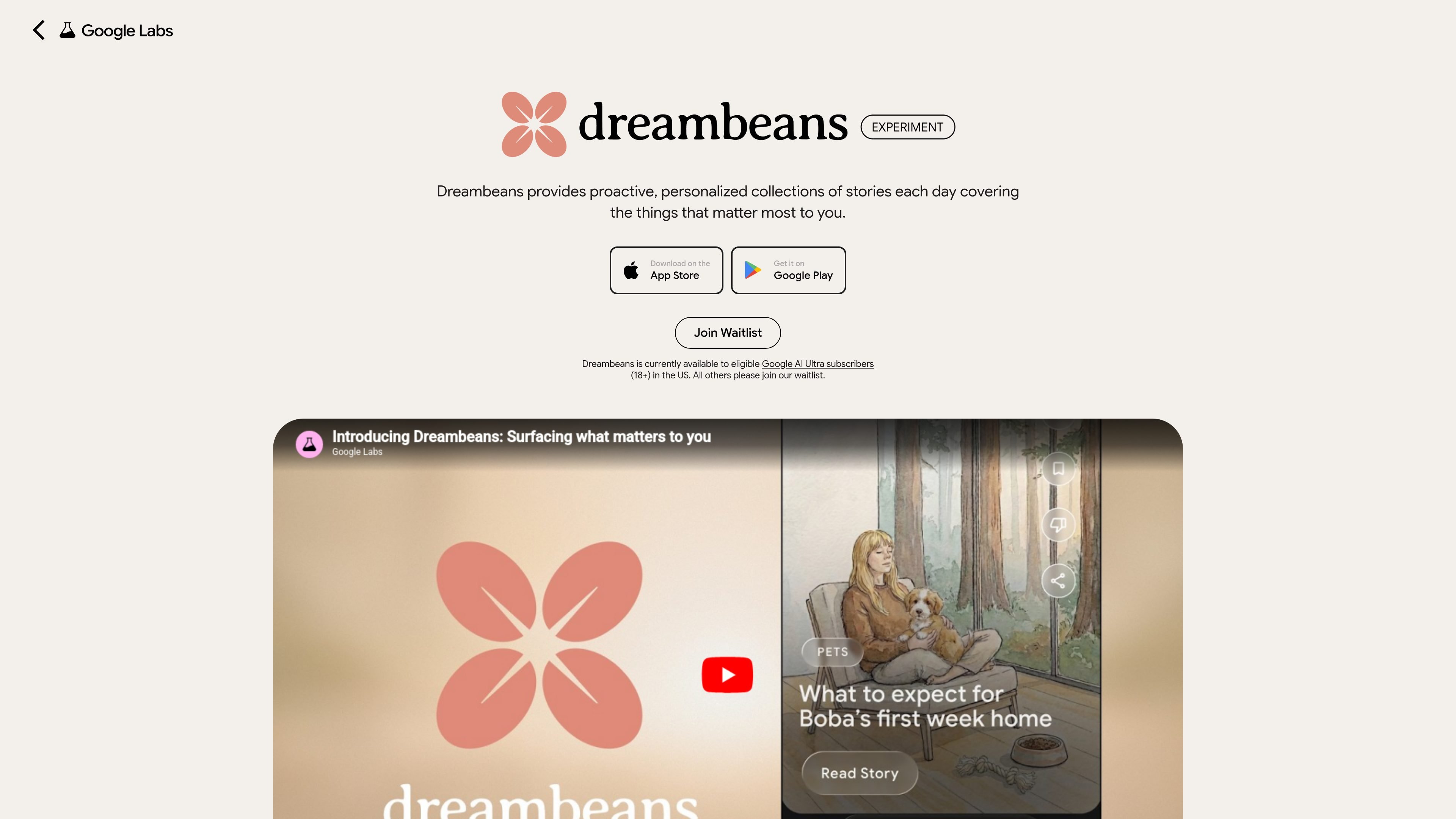
Dreambeans is an experimental Google Labs app that creates proactive, personalized collections of stories each day. It is designed for people who want a curated daily view of things that may matter to them, based on personal context from the Google services they choose to connect.
The app works with a personal Google account and currently appears to be limited to eligible Google AI Ultra subscribers in the United States who are 18 or older. It relies on connected sources such as Gmail, Calendar, Google Photos, YouTube, and Search history, then synthesizes that information into a daily visual feed of stories and suggestions.
Dreambeans builds a daily set of personalized stories based on the connected Google services you choose, rather than showing a generic feed.
The app can synthesize signals from Gmail, Calendar, Photos, YouTube, and Search history, and it requires at least one connected app to generate stories.
Stories are generated overnight and delivered as a daily drop after the first set is prepared, with in-app notification when the stories are ready.
Each story uses personalized, AI-generated artwork, and stories that involve you or the people in your life can be illustrated using Google Photos and Nano Banana 2.
Users can tap thumbs down or open the tuning feature to correct details, validate recommendations, or mark items as not for me.
Some stories include one-tap actions such as See Ticket or Watch Trailer, which point users to the next step or more information.
Connect personal Google services and get a daily collection of stories that may highlight trips, events, interests, or people relevant to you.
Use the tuning feature or thumbs down controls when a recommendation is off, then let the app refine future story drops based on your feedback.
Enable sources such as Gmail, Calendar, Photos, YouTube, and Search so the app can combine practical signals like receipts, flights, memories, hobbies, and emerging interests.
Tap story actions like See Ticket or Watch Trailer when Dreambeans includes a next step, rather than treating the story as a dead-end card.
Dreambeans is currently available in the U.S. to eligible Google AI Ultra subscribers who are 18 or older. Other users can join the waitlist.
You sign in with a personal Google account, set your data permissions, and choose which connected apps Dreambeans can access. The app says it can take up to a day to build the first set of stories, with new stories arriving daily after that.
Dreambeans can use Google Workspace services such as Gmail and Calendar, Google Photos, YouTube, and Search history. The app says it needs at least one connected app to function.
Yes. You can review connected apps, delete your data, or remove specific feedback history from your profile in the app. Dreambeans also notes that your choices in the app do not affect Gemini Apps or AI Mode.
Dreambeans is described as an experimental AI app, so it may surface irrelevant stories or inaccurate visuals. You can use thumbs down, the tuning feature, or feedback chips to correct details and improve future drops.

Goldfish is an AI memory app for macOS that helps you reply, write, summarize, and continue with context already on your Mac. It stores memory locally and writes in your tone.

Lasso is an ecommerce product data platform for enriching catalog records, processing supplier files, generating product content, and tracking competitors. It includes a web app, REST API, SDK, and MCP server.

ArtDeck is a visual reference board app for iPhone, iPad, and Mac. Collect mixed references on one canvas and study them with ToolBox lenses. Offline, optional iCloud sync, one-time purchase.

Malyatko is a baby tracker for feeding, sleep, growth, teething, and milestones. Use it on iPhone, Apple Watch, and widgets offline, with iCloud sharing.

Struere turns spreadsheet data into structured operational software with dashboards, alerts, and automations for teams replacing manual spreadsheet workflows.

Gemma AI is a phone call reminder app that calls you with scheduled reminders instead of push notifications, with Google Calendar sync and natural voice interaction.