
End-to-end encrypted storage
Store documents, credentials, notes, and other sensitive information in an end-to-end encrypted vault so the service cannot read your data.

Ente Locker is end-to-end encrypted document and credential storage for private records, secure sharing, and digital inheritance.
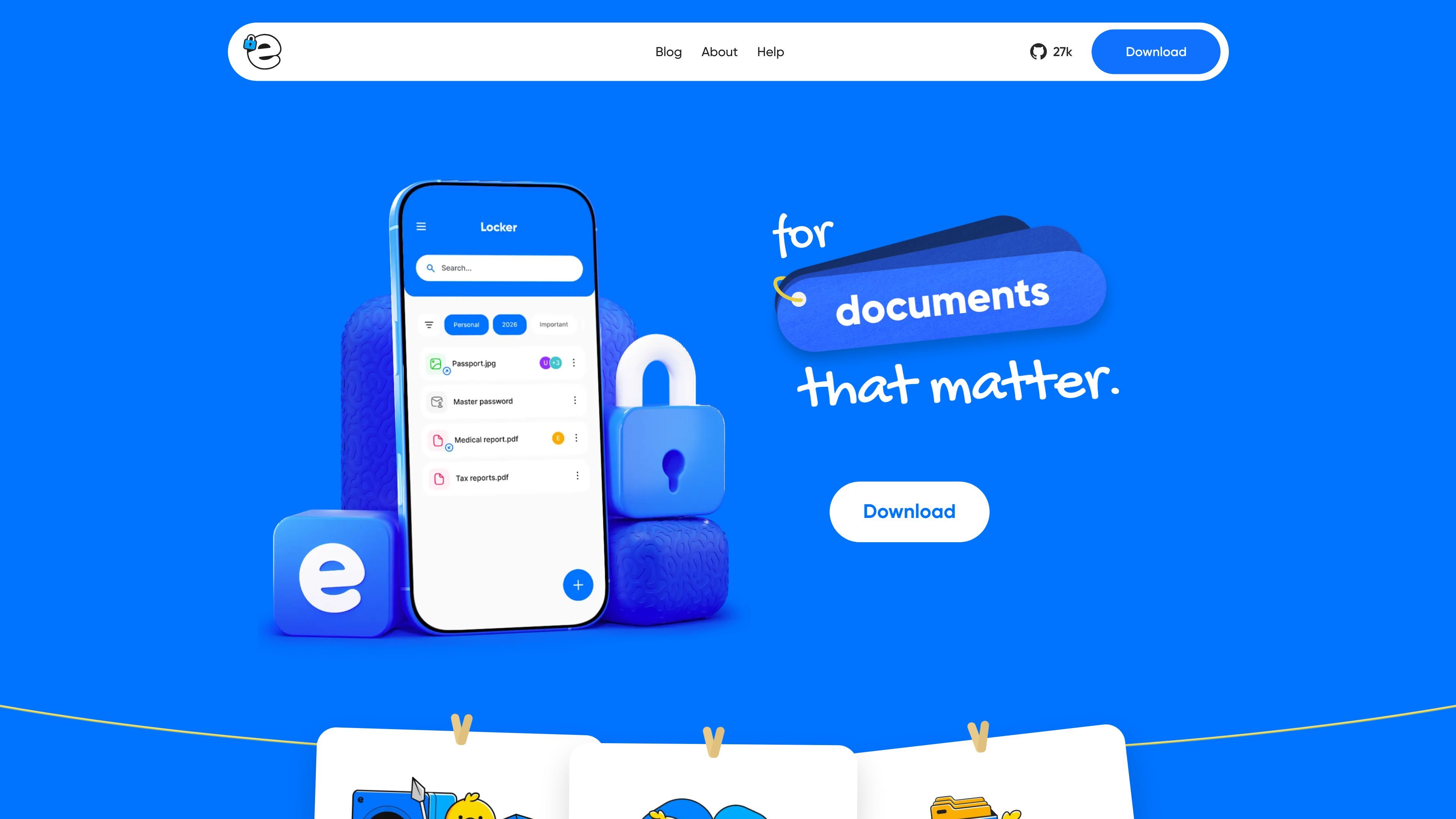
Ente Locker is a private space for storing important documents, passwords, recovery codes, and other sensitive information. It is designed for people who want to keep critical data accessible without relying on a cloud drive or a password manager for every use case.
The product is end-to-end encrypted, so content is encrypted before it leaves the device and Ente says it cannot see the data. Locker supports collections, secure sharing, and a Legacy feature for account recovery and digital inheritance, and it is available on iOS, Android, and the web.
Store documents, credentials, notes, and other sensitive information in an end-to-end encrypted vault so the service cannot read your data.
Organize items into collections, and place the same item in multiple collections when it needs to fit more than one category.
Share collections with other Ente users or create public links for individual items and collections that can be opened in a browser.
Use Legacy to let trusted contacts or Legacy Kits help recover access to your Ente account after a waiting period.
Work from iOS, Android, or the web at locker.ente.com, with Locker available across the Ente ecosystem.
Keep Locker items separate from Photos storage, with paid Locker limits included in an Ente Photos subscription.
Keep passports, IDs, insurance cards, tax returns, contracts, and other records in one encrypted place that is easier to search and organize than a paper folder.
Save account details, recovery codes, and other credentials that you may need to preserve even if you do not want them in an everyday password manager.
Share a collection of documents with a family member, or create a public browser link for a single item when the recipient does not use Ente.
Set up trusted contacts or Legacy Kits so someone can recover your Ente account after a waiting period if you lose access or are not able to respond.
Use Locker alongside Ente Photos, Ente Auth, a password manager, and cloud storage to keep only the most sensitive items in the encrypted vault.
Locker is set up through the Ente app on iOS or Android, or through the web at locker.ente.com. You sign in with a new or existing Ente account, then add documents, notes, or credentials to collections.
Locker is meant for important documents, passwords, recovery codes, and sensitive records that you want to keep private and available when needed. The help pages point users to password managers, cloud drives, Ente Photos, and Ente Auth for everyday or adjacent tasks.
Yes. Locker supports sharing collections with other Ente users, public links for items and collections, and Ente Paste for sensitive text. Shared content remains end-to-end encrypted, though public links expose the decryption key in the URL.
Locker's paid limits are included with any Ente Photos subscription, and Locker storage is separate from Photos storage. The help page also says Locker is free to use with generous limits on the free plan.
Locker is not a replacement for a password manager, photo app, cloud drive, or Ente Auth. The help documentation describes it as a secure place for your most important items, not for everyday logins or all files.

Lasso is an ecommerce product data platform for enriching catalog records, processing supplier files, generating product content, and monitoring competitors. It combines a web app with a REST API, SDK, and MCP server for teams and developers.

Codex Plugins bundle reusable skills, app integrations, and MCP servers into workflows you can install in the Codex app or use from Codex CLI. They help extend Codex with connected-service tasks, reusable instructions, and shared team workflows.

Struere is an AI-native platform for turning spreadsheet data into structured operational software with dashboards, alerts, and automations. It is aimed at teams that want to replace manual spreadsheet workflows without building custom tools from scratch.

Gemma AI is a phone call reminder app that calls you with scheduled reminders instead of push notifications. It helps people who want a more direct way to stay on schedule, with Google Calendar sync and conversational call interactions.

garden-md is an open-source Node.js CLI that turns meeting transcripts into a local company wiki, linking entities and preserving the original text.

Falconer is an AI-powered company brain that keeps internal documentation accurate, searchable, and up to date by syncing with tools like GitHub, Slack, and Linear. It helps engineering and cross-functional teams centralize knowledge and answer questions from a shared source of truth.