
Unified feed and filters
Bring prospects, customers, and market topics into one stream so engagement work lives in a single place. You can filter by campaign, ICP list, or topic to focus on the right conversations.

Extrovert helps teams track prospects and topics on LinkedIn, then drafts comments and DMs from a playbook for manual review. It is built for warm outreach, pipeline nurturing, and ongoing visibility on the platform.
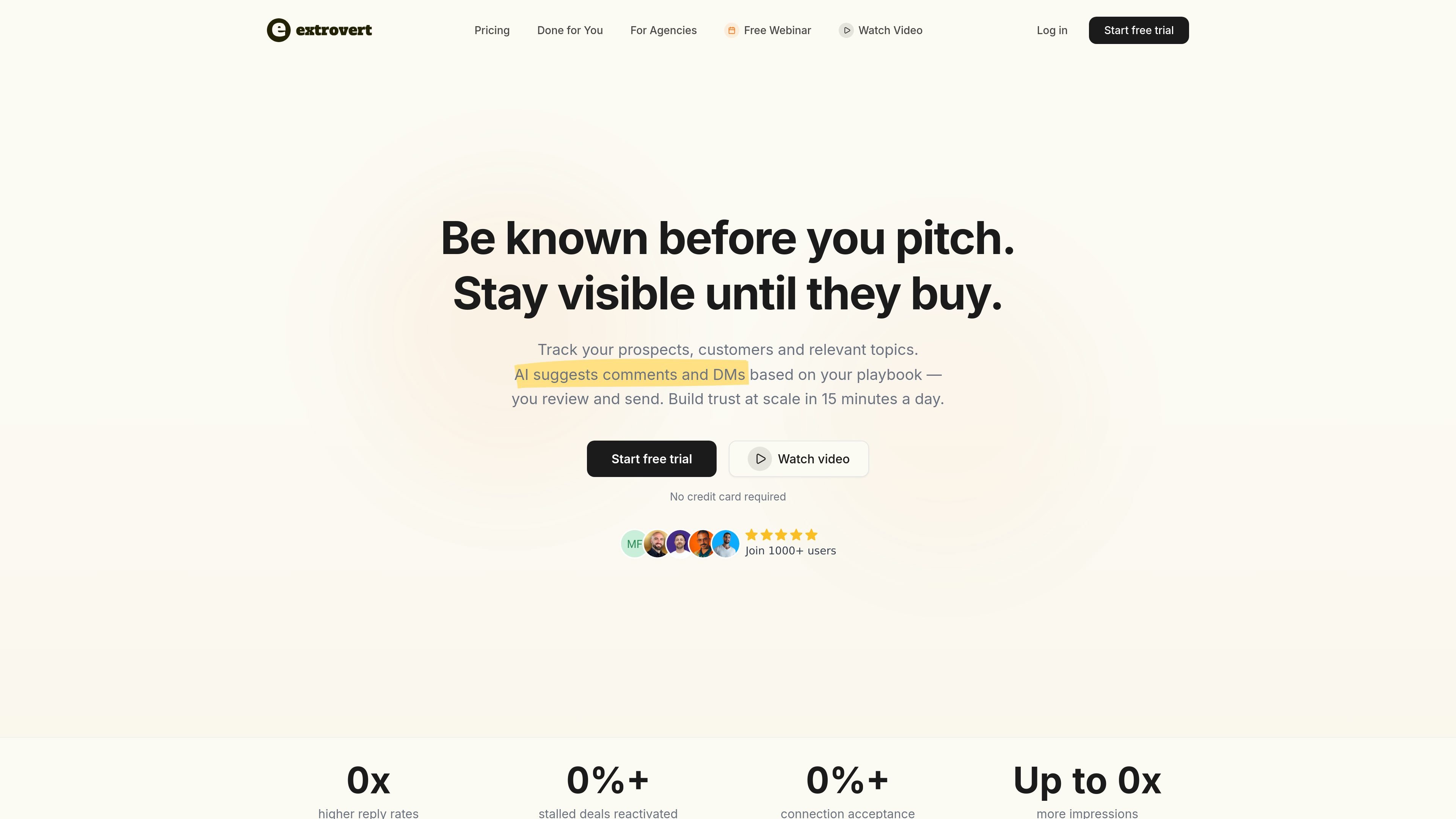
Extrovert is a LinkedIn engagement platform for tracking prospects, customers, and market topics, then using AI to suggest comments and direct messages based on a playbook you define. The product is centered on staying visible before and after outreach, so your activity on LinkedIn continues as prospects move through a longer buying process.
The workflow is designed to be lightweight: import prospects, define your context and engagement goals, review daily AI suggestions, and send only the messages or comments you approve. Extrovert positions this as a way to do more manual-quality engagement in less time, whether the goal is warm outreach, pipeline nurturing, or building personal brand visibility.
Bring prospects, customers, and market topics into one stream so engagement work lives in a single place. You can filter by campaign, ICP list, or topic to focus on the right conversations.
AI drafts comments and DMs from your playbook, then you review, edit, approve, or skip before anything is sent. That keeps the final decision with the user instead of fully automating outreach.
Add company context, expertise, tone, and DM playbooks so suggestions reflect how you actually communicate. The site says Extrovert uses a fine-tuned custom model for that context.
Instead of ending after a short sequence, Extrovert keeps suggesting next touches based on signals such as conferences, quiet periods, or new posts about a problem you solve.
Track topics that matter to your market, surface relevant discussions, and comment on posts from people inside or outside your target list. The goal is to stay visible where buyers already spend time.
Use the product with teammates or clients by posting on behalf of others, sharing campaigns and prospect lists, and syncing with CRM, Clay, Webhooks, Make, Zapier, or n8n.
Comment on prospects before sending the first DM so your name appears in their feed and the outreach feels less cold. The site frames this as a way to improve reply and connection acceptance rates.
Keep engaging after initial sequences stop, especially for deals that are stalled or have a longer buying window. Extrovert keeps surfacing timely touchpoints so follow-up can continue without relying on a fixed end date.
Track thought leaders and topics your audience already reads, then join the discussions with relevant comments. This helps a founder or sales team stay visible through regular participation rather than one-off messages.
Use shared campaigns, prospect lists, and posting on behalf of teammates or clients when multiple profiles need to be managed from one workflow. The agency page also describes done-for-you setup and coaching options.
Monitor posts from people who do not publish often but still read and engage with content. Extrovert suggests places to comment so you can stay in front of quieter prospects between direct messages.
Extrovert is a LinkedIn engagement tool. It tracks prospects, customers, and topics, then suggests comments and DMs based on your playbook so you can stay visible over time.
The site positions Extrovert around continuous LinkedIn engagement rather than fixed sequences. It keeps suggesting actions based on signals until a prospect is ready to buy.
Extrovert is built for individuals and teams that want to manage LinkedIn outreach, nurturing, or visibility in a repeatable workflow. The site also says teams can use it and that agencies have a partner program.
Yes. The agency page describes a partner program with discounted pricing, priority support, expert listings, affiliate commission options, and co-marketing opportunities.
The site says there is a 10-day free trial on the pricing page and a free onboarding webinar with weekly live sessions.

Liam is an AI copilot for managing inboxes, writing replies, prioritizing email, and scheduling meetings. It is offered free for individuals, with custom pricing for teams and enterprise.

An All-In-One AI Platform that combines tools for image, video, voice, writing, and chat to enhance creativity and collaboration.

Slidesgo is a presentation template platform for Google Slides, PowerPoint, and selected Canva workflows. It offers free and Premium templates, plus AI-assisted presentation creation and team-friendly access options.

Grok is a free AI assistant developed by xAI, engineered to prioritize truth and objectivity while offering advanced capabilities like real-time information access and image generation.

Creativly is a web-based AI creative studio for generating visual concepts, mockups, and stylized images from short inputs. It is aimed at designers, creators, and entrepreneurs who want fast visual ideation without writing long prompts.

AI Song Maker is a web-based AI music generator that creates songs from text or lyrics and includes related tools such as vocal removal, track extension, and section replacement. It offers free and paid plans with credits, downloads, and commercial-use terms described on the pricing page.