
Instant AI summaries
Fathom creates meeting summaries and AI action items as soon as a call ends, so the recap is available without manual write-up.

Fathom is an AI meeting notetaker that records, transcribes, and summarizes calls, then makes them searchable for follow-up and team collaboration. It supports individual use and team workflows with shared search, comments, folders, alerts, and CRM sync on paid plans.
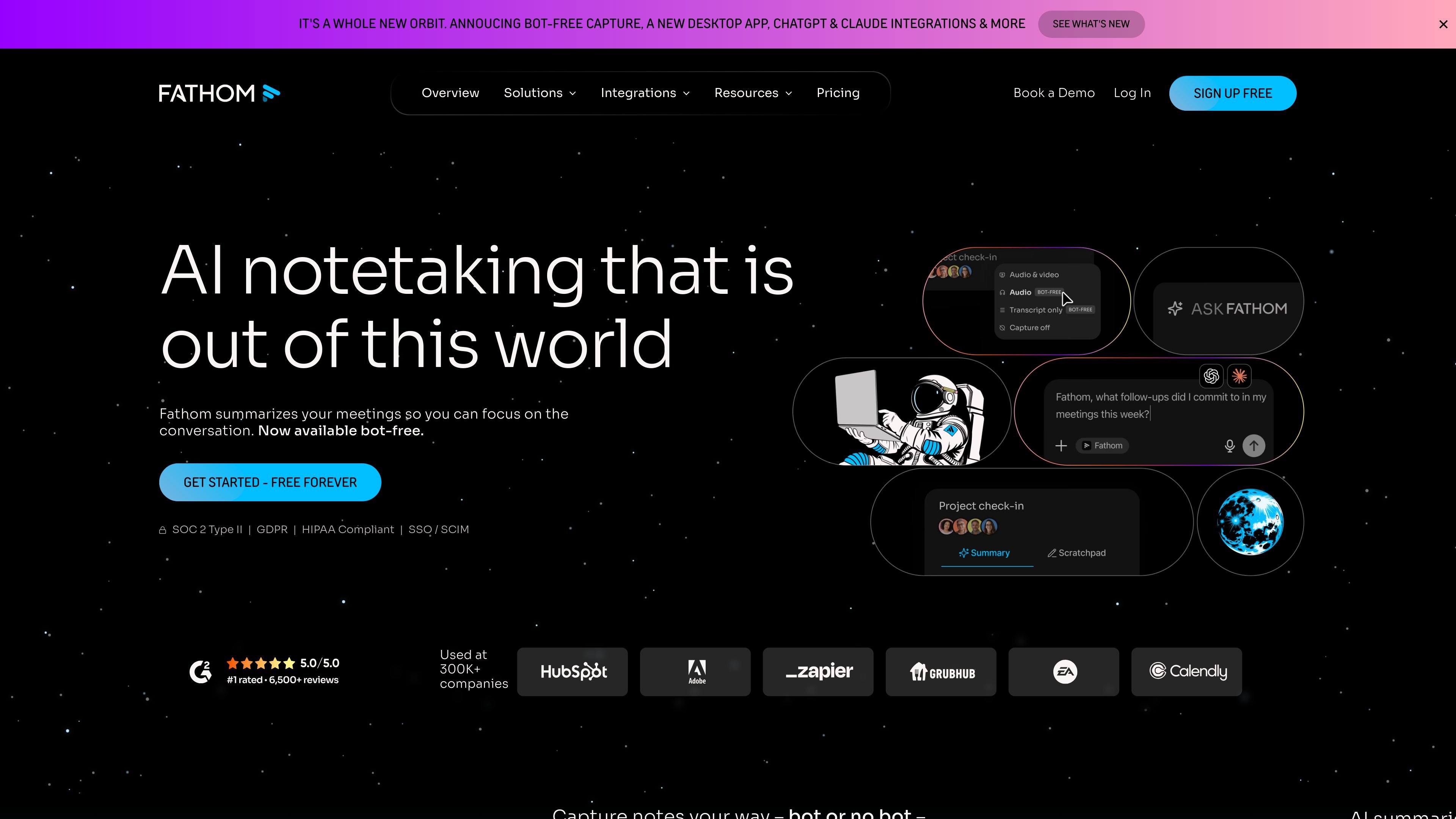
Fathom is an AI meeting notetaker that records, transcribes, summarizes, and organizes meetings so people can stay focused on the conversation instead of taking notes. The product is positioned for individuals and teams that want searchable meeting records, automatic follow-up material, and shared visibility across calls.
The source describes support for bot-free capture on Mac in beta as well as bot capture, with summaries, action items, searchable transcripts, and an Ask Fathom interface for querying past meetings. Team and business plans add collaboration, search across shared calls, CRM sync, and admin controls for larger workflows.
Fathom creates meeting summaries and AI action items as soon as a call ends, so the recap is available without manual write-up.
The product supports unlimited recordings and transcriptions, with handling for multiple speakers and accents and custom dictionaries for company-specific terms.
Users can search individual calls or, on team plans, search across shared meetings to find decisions, feedback, and other details later.
Ask Fathom provides a chat-style way to query meeting content and surface answers, insights, and actions from past conversations.
Team plans include collaboration tools such as comments, folders, mentions, playlists, and keyword alerts for shared follow-up.
Paid plans add workflow and admin features such as CRM sync, CRM field sync, SSO, custom retention policies, and integrations with tools like Slack, Salesforce, HubSpot, Notion, Asana, Zapier, Make, Claude, and ChatGPT.
Capture meeting notes automatically so sales reps can stay present during discovery, demo, and follow-up calls while still keeping a transcript and summary for later review.
Share summaries, comments, and highlights across customer conversations so success teams can track risks, opportunities, and next steps without losing context.
Search across team meetings to find prior decisions, customer feedback, or strategic discussions when people need a quick answer from old calls.
Use Ask Fathom to query past meetings for action items, objections, or themes and turn long call histories into a searchable work surface.
Apply custom dictionaries, summary templates, and coaching metrics to align notes with a team’s terminology and review process.
Fathom records and transcribes meetings, then generates summaries and action items after the call ends. The source also describes an Ask Fathom interface for searching past meetings and asking questions about them.
The source says Fathom works with teams and offers shared views, comments, folders, keyword alerts, global search across shared calls, and CRM syncs on paid plans.
The source shows a free plan with unlimited recordings and transcriptions, plus paid Individual, Team, and Business plans. It also mentions a free trial for paid plans and a sales contact path for larger needs.
The source says Fathom works with Google Meet, Zoom, Gmail, Slack, Microsoft Teams, and Asana, and also mentions Slack, Salesforce, HubSpot, Notion, Asana, and other tools.
The source says Fathom supports bot-free capture on Mac in beta and bot capture, so the recording experience can vary by platform and feature availability.

Tactiq is an AI note taker for Google Meet, Zoom, and Microsoft Teams that transcribes meetings live and turns them into summaries, action items, and follow-up outputs. It is built around a Chrome extension and supports team workflows through sharing and integrations.

Scripta is a privacy-first AI notetaker that records, transcribes, and summarizes meetings directly on your device. The public site currently shows a Mac beta download and a Windows waitlist.

Wendi AI is an AI workspace for people managers that captures meeting context, organizes it by person, and helps plan next steps for workplace conversations.

Voicenotes is an AI note-taking and meeting recording app that transcribes conversations, generates summaries and action items, and makes past recordings searchable with Ask AI. It also supports voice dictation, imported audio on Pro, and multilingual transcription.

Liam is an AI copilot for managing inboxes, writing replies, prioritizing email, and scheduling meetings. It is offered free for individuals, with custom pricing for teams and enterprise.

garden-md is an open-source Node.js CLI that turns meeting transcripts into a local company wiki, linking entities and preserving the original text.