
Long-to-short video conversion
Turns longer videos into short-form clips aimed at social platforms. The homepage says it can generate high-converting short videos in seconds from existing content.

HiClip is an AI video clipping app that turns long videos into short-form clips for Shorts, Reels, and TikTok without manual editing.
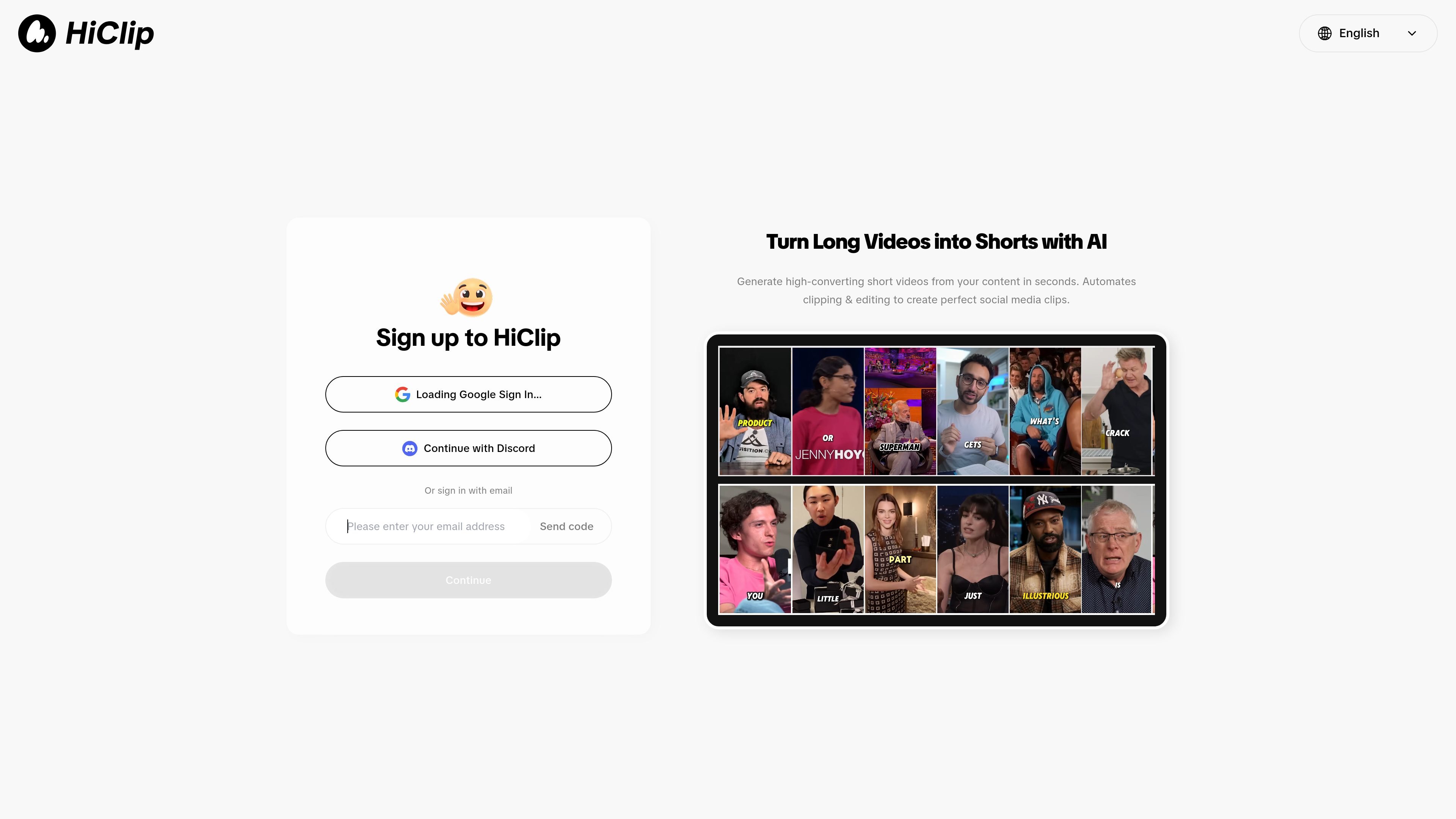
HiClip is an AI video clipping app that turns long-form videos into short-form social content. The homepage positions it as a tool for creating Shorts, Reels, and TikTok clips from existing videos.
According to the site text, HiClip automates the clipping and editing workflow by finding high-engagement moments, adding captions, and reframing the result for different platforms. The product is presented as a way to generate short videos quickly without requiring editing skills.
Turns longer videos into short-form clips aimed at social platforms. The homepage says it can generate high-converting short videos in seconds from existing content.
Identifies moments described as high-engagement and uses them as the basis for clips. This suggests the tool is meant to help select segments before editing.
Adds captions to generated clips. The homepage specifically mentions captions as part of the automated workflow.
Reframes clips for different platforms. The product description says it can reframe for all platforms, which points to aspect-ratio adaptation for social posting.
Automates both clipping and editing steps. The homepage frames HiClip as an AI agent that handles the short-video creation workflow automatically.
Supports sign-in with Google, Discord, or email. The site text shows these entry options on the homepage.
Convert recorded long-form content into short clips for social posting when the goal is to reuse existing material rather than edit from scratch.
Create platform-ready vertical clips from longer source videos by relying on automated captions and reframing instead of manual editing.
Select moments from a video that appear suitable for higher engagement, then turn them into concise clips for distribution.
Publish short-form clips even without editing experience, using the product’s automated workflow instead of a traditional editor.
HiClip is a web app that turns long videos into short-form clips for platforms like Shorts, Reels, and TikTok. The homepage also says it can add captions and reframe clips for different platforms.
The homepage describes a workflow where you sign up, connect with Google, Discord, or email, and then generate short videos from existing content. No separate setup guide or onboarding details were provided on the site text we reviewed.
The source text says HiClip finds high-engagement moments, adds captions, and reframes content for social platforms. It does not provide detailed export formats, editing controls, or output limits.
The homepage does not mention team features, shared workspaces, or collaboration controls. Based on the available source text, HiClip appears focused on individual clip generation rather than documented team workflows.

FlexClip is an AI-powered online video maker and editor for creating videos from templates or from scratch with browser-based editing, scripting, voiceover, subtitles, translation, and background removal.

Virvid is an AI shorts generator for faceless TikTok, Instagram Reels, and YouTube Shorts, with manual creation and automated daily posting.

Bansi is an AI video editor for long-form content that turns raw footage into a polished first draft with cuts, captions, zooms, and audio cleanup.

Dina is a macOS app for polished screen recordings with automatic zoom, cursor smoothing, captions, transcript editing, and presentation-ready layouts.

Merra AI is an AI video editor that turns raw clips into short-form videos with scripts, voiceover, captions, and music for creators and teams.

Clipo AI turns one video or podcast into clips, thumbnails, carousels, images and posts for creators who want one workflow.