

Hipocampus
Hipocampus automates real team workflows over time with compounding, queryable memory and provenance—scheduled and event triggers with review before shipping.
What is Hipocampus?
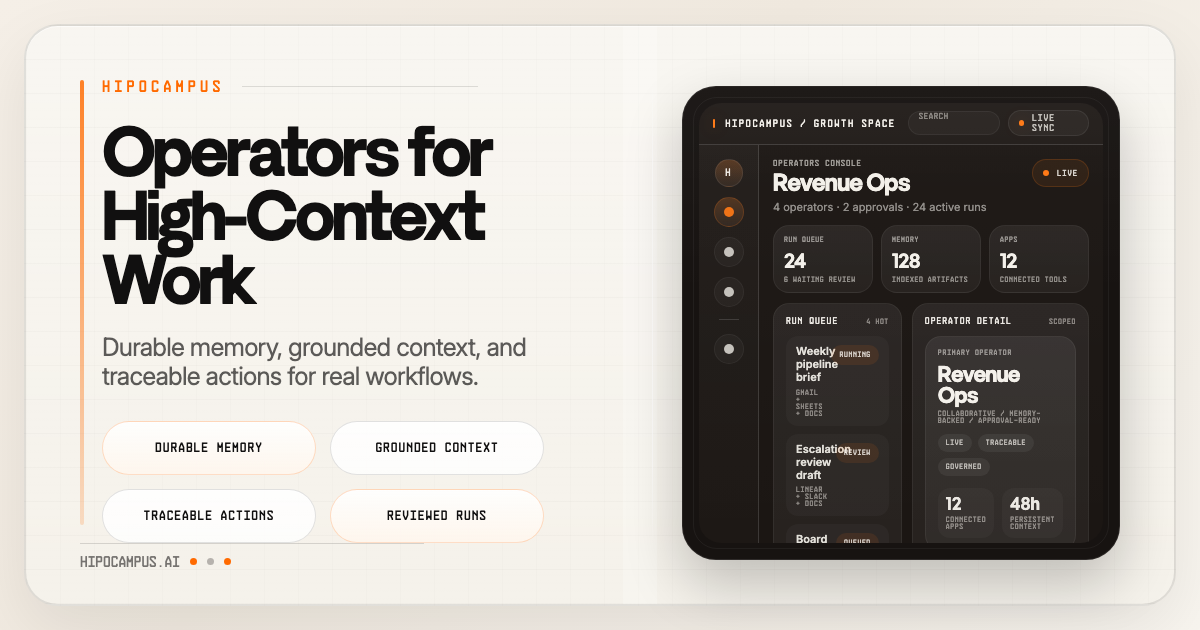
Hipocampus is a system for running “operators” that perform real team workflows over time. Instead of restarting from scratch each run, operators build a compounding memory of your company and can resume work, while keeping outputs traceable.
The core purpose is to automate repeating work and coordinate multi-step tasks with review: scheduled runs, event-driven triggers, and operator-to-operator chains produce results you can inspect before anything ships.
Key Features
- Operators that run for weeks: Workflow runs are designed to persist over time so operators can continue ongoing work rather than beginning anew.
- Compounding memory system: Operators retain information drawn from documents, emails, and decisions, and keep it queryable so later work can retrieve prior context.
- Vector search for workspace knowledge: Files, messages, and decisions are indexed for retrieval by any operator, supporting faster recall across teams and tools.
- Preference learning and response boundaries: Operators build memory from style, boundaries, and response patterns, which helps them behave consistently as they work.
- Provenance for recalls: Every recalled item includes a source, making it easier to verify what operators are using.
- Workspace materialization: Runtime memory can be compiled into working documents, turning stored context into actionable drafts and artifacts.
- Governed automations with approval flow: Repeating work becomes a governed recipe with operating limits, visible actions, and clear approvals before outputs are allowed to ship.
- Multiple automation trigger types: Supports scheduled (cron-backed, durable execution), event-driven triggers (Slack, email, webhooks), and agent chains (one operator’s output feeding another).
- Plugins via one OAuth connection: One OAuth connection enables access across tools including Gmail, Calendar, Drive, Sheets, Slack, GitHub, Notion, Linear, Figma, and X.
- Spaces for scoped collaboration: Multiple spaces allow shared operators with isolated context—each space can scope its own memory, plugins, and people.
- Task tracking with states and owners: Tasks include a state, owner, and blockers, and operators surface what needs attention rather than providing “status theater.”
How to Use Hipocampus
- Connect your tools: Use one OAuth connection so every operator can access the workspace tools you enable (e.g., Gmail, Slack, Drive, GitHub).
- Pick (or create) a space: Choose the relevant space to scope the operator’s memory, plugins, and people so context stays organized.
- Create or configure an operator workflow: Set up automation as either a scheduled run, an event-driven trigger, or an agent chain where outputs feed subsequent steps.
- Define the governed flow: Ensure the workflow is set up for review/approval, so operators prepare outputs and you review before anything “ships.”
- Run tasks and check provenance: As tasks progress through states (e.g., Backlog → Queued → In Progress → Review → Done), review the trail and inspect sources for any recalled information.
Use Cases
- Ongoing weekly or multi-week team operations: Run an operator that continues a long-running workflow, using compounding memory to keep track of decisions and prior artifacts.
- Inbox-to-work coordination: Trigger operator work from email or Slack signals so messages are turned into tracked tasks with clear owners and review steps.
- Automated reporting or workspace drafting: Have operators materialize runtime memory into working documents for review, using indexed files and messages to populate context.
- Cross-tool engineering workflows: Use operator chains where an operator reads from systems like GitHub and Linear, then produces outputs for subsequent review and action.
- Design-to-implementation handoff: For workflows that involve design assets, operators can use connected sources like Figma alongside project tracking tools, then produce artifacts for approval.
FAQ
-
What does “operators learn your company” mean? Hipocampus describes a memory system that retains information from documents, emails, and decisions, and builds queryable context over time.
-
Can operators resume work instead of restarting? Yes. The site explicitly states that operators can resume work instead of restarting it.
-
How is trust handled when operators recall information? The product includes provenance, meaning every recall comes with a source so users can verify what was used.
-
Are automations fully automatic? The automations are designed for review. The site notes clear approvals and visible actions, and that operators handle the work while you review before anything ships.
-
How do operators access company tools? Hipocampus supports plugins through one OAuth connection, enabling operators to connect to tools listed on the site (e.g., Gmail, Calendar, Drive, Sheets, Slack, GitHub, Notion, Linear, Figma, X).
Alternatives
- General-purpose RPA (robotic process automation): These tools automate repetitive tasks, but typically don’t focus on a compounding, queryable memory with provenance for operator recall.
- Workflow automation platforms (trigger/action builders): They can run scheduled and event-driven logic, but may not provide the same built-in approach to operator-run, multi-week context and review trails.
- Agent frameworks with your own orchestration: You can build multi-step agent workflows and connect tools, but you’d likely need to implement memory, provenance, and governed approval logic yourself.
- Knowledge-base + manual task management: Teams can index documents and track tasks, but the automation and review-governed operator execution described by Hipocampus would be more manual.
Alternatives

Struere
Struere is an AI-native operational system that replaces spreadsheet workflows with structured software—dashboards, alerts, and automations.

Studio CLI
Control WordPress Studio features from the terminal with Studio CLI—manage local sites, create/update/delete WordPress.com preview sites, and authenticate.

Codex Plugins
Use Codex Plugins to bundle skills, app integrations, and MCP servers into reusable workflows—extending Codex access to tools like Gmail, Drive, and Slack.

garden-md
Turn meeting transcripts into a structured, linked company wiki with local markdown and an HTML browser view. Sync from supported sources.

Falconer
Falconer is a self-updating knowledge platform for high-speed teams to write, share, and find reliable internal documentation and code context in one place.

OpenFlags
OpenFlags is an open source, self-hosted feature flag system with a control plane and typed SDKs for progressive delivery and safe rollouts.