
Real image files on disk
Generates actual image files on disk rather than returning SVG snippets or Base64 strings, which fits workflows that need assets saved into a repository.

imgcmd is a Node.js CLI for generating real image files on disk with Gemini AI, built for developers and AI-assisted coding workflows.
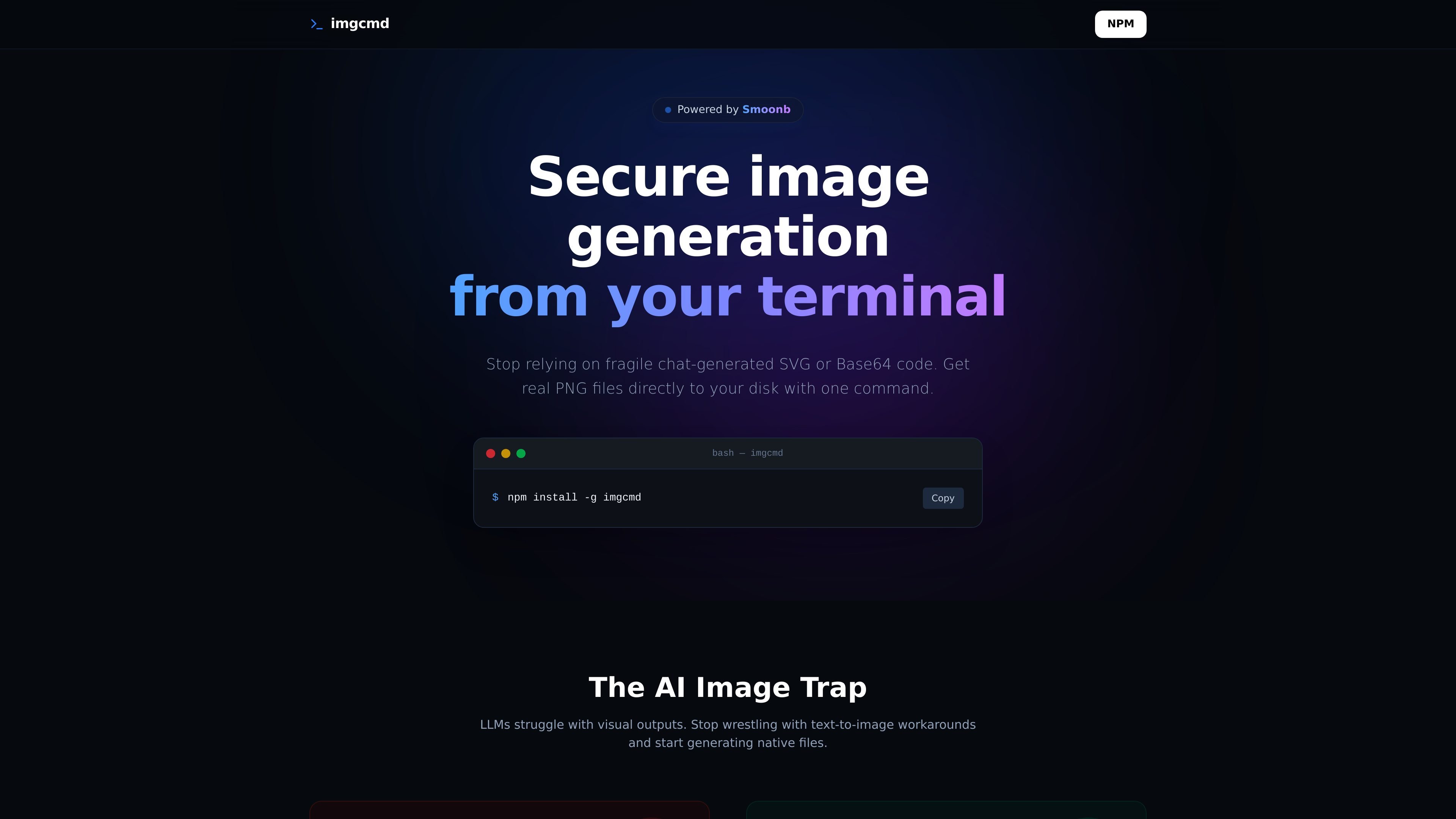
imgcmd is a Node.js command-line tool that generates real image files on disk using Gemini AI. The site presents it as an alternative to chat-based image workarounds such as fragile SVG output or Base64-encoded image data.
The product is built for terminal-first and agentic coding workflows. It is positioned to help developers and AI editors create image assets directly into a project directory, with examples that show files being written locally and kept organized in the codebase.
Generates actual image files on disk rather than returning SVG snippets or Base64 strings, which fits workflows that need assets saved into a repository.
Runs from the terminal as a Node.js CLI, with an install command shown on the site and a workflow centered on local execution.
Integrates with agentic editors such as Cursor and VS Code so an AI assistant can create image assets during the coding flow.
Keeps API keys on the local machine and performs execution in the user’s terminal instead of through an intermediary service.
Supports Gemini 2.5 and 3.1 Flash out of the box, with the `IMGCMD_FORCE_MODEL` flag for enforcing a preferred model.
Automatically detects EN/PT and organizes prompts with directory-aware behavior, according to the homepage copy.
A developer can generate a background, logo, or other asset directly inside a repository instead of copying SVG code or decoding Base64 output by hand.
An AI-assisted coding session can produce an image file as part of the normal editing flow, which suits teams using Cursor or VS Code for agentic tasks.
A user who wants the model choice standardized across a team can set the `IMGCMD_FORCE_MODEL` flag so the same Gemini model is used consistently.
A multilingual team working in English or Portuguese can use the tool’s automatic language detection and still keep prompts organized in local project folders.
A security-conscious developer can keep the image-generation step on their own machine while retaining local control over API keys and execution.
imgcmd is a Node.js CLI that generates real image files on disk using Gemini AI. The homepage positions it as a way to avoid chat-generated SVG or Base64 workarounds.
The site says it integrates with modern agentic IDEs like Cursor and VS Code, and it can create AI rules with a command such as `imgcmd --create-rule cursor`. The public page does not provide deeper setup steps.
The homepage says generated images are saved directly to disk in the project directory, with an example that writes a file such as `/assets/dashboard-bg.png`.
The site states that imgcmd supports Gemini 2.5 and 3.1 Flash out of the box and that the `IMGCMD_FORCE_MODEL` flag can be used to enforce a preferred model.
The page emphasizes that API keys stay on the user's machine and that execution happens locally in the terminal. The site does not publish additional security or privacy details.

An All-In-One AI Platform that combines tools for image, video, voice, writing, and chat to enhance creativity and collaboration.

PixelDrive is a bulk image generation API for on-brand images from one template via browser editor, REST API, CSV batch, or MCP.

PicCopilot is an AI content platform for e-commerce that turns product photos into marketing visuals, model shots, videos, and social content with free and paid plans.

UNI-1 by Luma is a multimodal model for text-to-image, image editing, reference-guided creation, and API-based visual workflows.

Clipia.ai is an AI image and video generation platform for presentations, agent workflows, and developer integrations, with shared credits.

GPTIMG2 AI is a web-based image generator built on OpenAI’s GPT Image 2 model, with prompt-driven creation, reference edits, readable text, and higher-res outputs.