
Company and individual watchlists
Build a watchlist from companies or individual people. Inkling can auto-import a company’s roster, and the site says you can also paste up to fifty people directly into the system.

Inkling tracks public professional profiles to reveal hires, departures, promotions and workforce changes. Get weekly briefings and alerts.
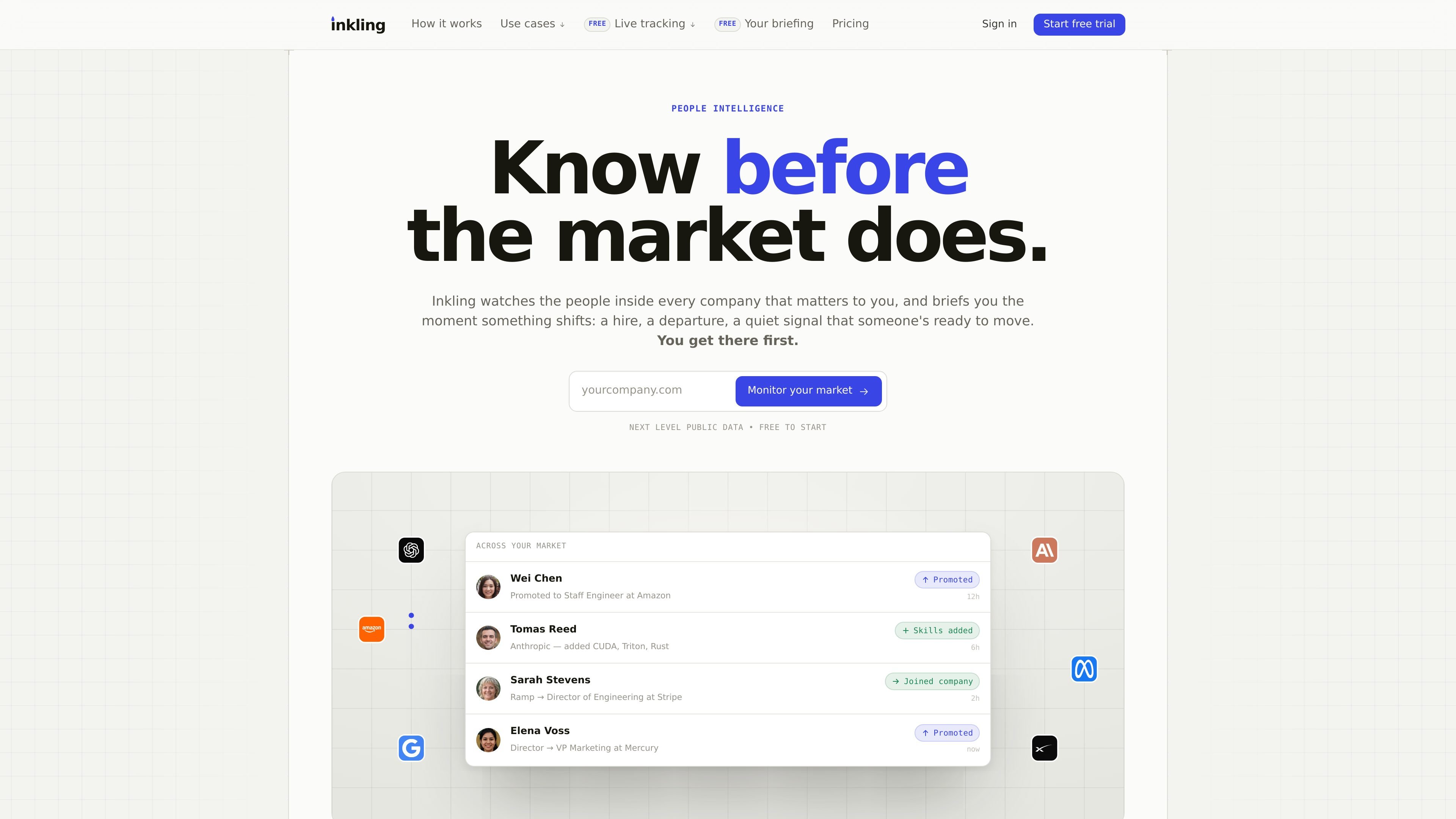
Inkling is a people-intelligence product that tracks public professional profiles to show hires, departures, promotions, and other personnel signals across a market. It is designed for teams that want a regular briefing on companies they follow, plus alerts when significant changes land.
The workflow starts with a watchlist of companies or individuals. Inkling auto-imports company rosters, re-checks profiles on a rolling cadence, and turns the resulting changes into a weekly briefing, live feed, and optional alerts through email, Slack, webhooks, or API access on selected plans.
Build a watchlist from companies or individual people. Inkling can auto-import a company’s roster, and the site says you can also paste up to fifty people directly into the system.
Re-check tracked profiles on a rolling cadence so changes are captured as they happen. The product says most senior profiles are checked weekly, with company-wide re-sweeps to catch departures and other updates.
Turn profile changes into dated events rather than guesses. Inkling tracks hires, departures, promotions, role rewrites, open-to-work flips, headline changes, and skills updates from public profile data.
Receive a weekly briefing that summarizes the most important moves across your watchlist. The briefing can be emailed and forwarded, with the biggest changes surfaced first.
Route major moves to team channels and internal systems. Inkling supports immediate email and Slack alerts, plus HMAC-signed webhooks and a JSON API for companies, profiles, and changes.
Use company pages to review hiring pace, org shape, flight-risk signals, and move history in one place. The site describes these pages as always on and continuously updated.
Track rivals and see hiring shifts, exits, and role changes before they appear in press releases. Useful for teams that need a weekly read on competitors’ org changes.
Monitor portfolio companies or a thesis cohort to catch senior departures, hiring freezes, and build-outs between board updates. The weekly briefing is meant to summarize meaningful personnel movement across a group.
Use the briefing and alerts to read your market without building a manual research process. The product positions this as a way for founders and operators to keep up with rivals and targets.
Watch targeted people at companies you care about and act when open-to-work or departure signals appear. The site specifically mentions using the product to catch people the week they become movable.
Point Inkling at your own company to surface profile-polishing, open-to-work, and departure signals before a resignation lands. The product describes this as a retention workflow.
Inkling reads publicly visible professional profiles and related public signals, then turns tracked changes into a weekly briefing plus alerts for major moves. It also exposes a live signal feed and API/webhooks for teams that want the data in their own tools.
You can track companies in your market or specific individuals. The site says you can add companies and have their rosters auto-imported, or paste up to fifty people you want to watch.
Major changes can trigger immediate email and Slack alerts, while the weekly briefing rolls up the rest. The API and webhooks are available on higher plans, with the Pro and Enterprise tiers showing API access on the pricing page.
The company says tracking is private and people are never notified. Inkling uses public data only and does not message people on your behalf.
Plans start with a 14-day free trial and include unlimited team members. Pricing scales with the number of companies and profiles you track, not per seat.

Blinked is a free Chrome extension for LinkedIn outreach to research leads, draft personalized messages, and manage follow-ups locally in your browser.

Sumora is an autonomous outreach agent for LinkedIn and Instagram that finds, qualifies, warms, and books leads, with replies managed in one inbox and final sends under review.

Nova Recruiter is an AI-assisted talent sourcing platform to search 800M+ public profiles, rank candidates by merit, and automate outreach with ATS integration.

topple.lol is a public pay-to-rank leaderboard where listings start at $1 and bid balance decays over time and clicks for short-term visibility.

HiringPartner.ai is an autonomous AI recruiting platform for sourcing, screening, and interviewing candidates 24/7 with ATS-connected workflows and bulk resume uploads.

Podium is an AI lead generation and lead management platform for local businesses. Centralize conversations, follow-up, reviews, payments, and booking with a 24/7 AI Employee add-on.