
Prompt-based carousel generation
Generate a full carousel from a short prompt, a pasted blog, or a YouTube link. The tool handles writing, layout, and brand application in one workflow.

Insta Posts is an AI carousel generator for Instagram and LinkedIn that turns prompts, blog posts, outlines, or YouTube links into editable multi-slide posts. It includes AI Mode, Build Mode, templates, brand presets, and export options for social publishing.
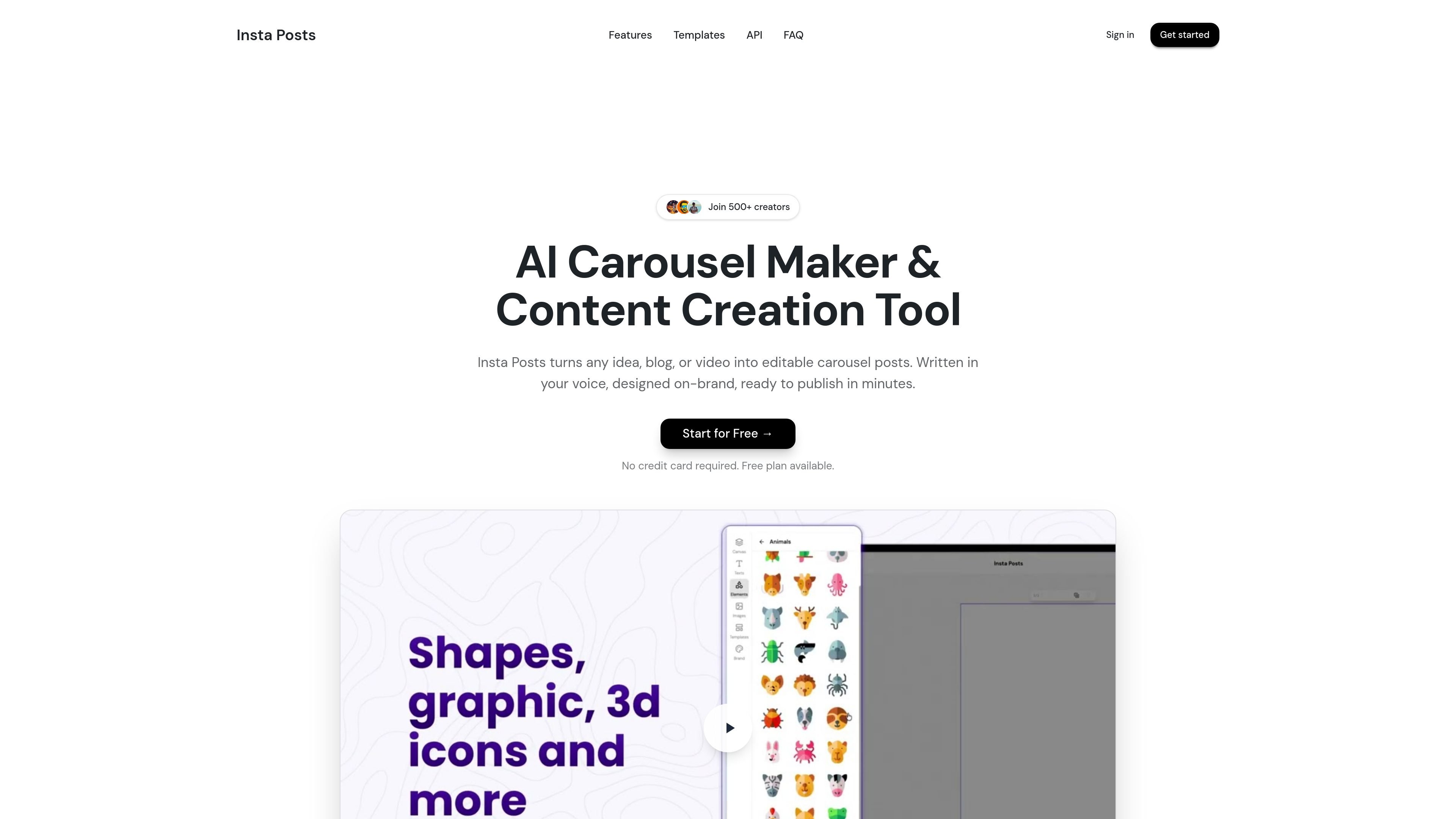
Insta Posts is an AI carousel generator for LinkedIn and Instagram that turns prompts, blog posts, outlines, or YouTube links into multi-slide social content. It combines generation, layout, and brand styling in a single workflow so users can move from source material to a finished carousel without starting from a blank canvas.
The product offers two main creation paths: AI Mode for fast, mostly automated generation, and Build Mode for hands-on editing with a canvas-style interface. It is aimed at creators, marketers, founders, agencies, and other teams that publish educational or thought-leadership content regularly.
Generate a full carousel from a short prompt, a pasted blog, or a YouTube link. The tool handles writing, layout, and brand application in one workflow.
Choose AI Mode for fast, end-to-end generation or Build Mode for more manual control over the design. The product describes Build Mode as similar to working in Canva or Figma.
Use more than 100 templates across common content niches, including marketing, education, technology, business, and personal branding.
Edit copy, images, and slide order after generation, and regenerate individual sections with AI when needed. The product also describes versioned editing and iterative refinement.
Save branding presets with your logo, colors, fonts, website, and brand voice so future carousels follow the same styling.
Export finished carousels as images or PDF for use on Instagram, LinkedIn, and other social channels.
Turn a blog post, outline, or rough idea into a finished carousel without designing each slide manually. This suits creators and marketers who repurpose long-form content into social posts.
Create thought-leadership carousels for LinkedIn or Instagram using templates, brand presets, and editable slide layouts. This fits founders, consultants, and executives who publish regularly.
Produce client carousels in volume while keeping layouts and styling consistent. The template system and brand presets are useful for agencies managing repeat work.
Build property, product, lesson, or framework carousels from source material and images you already have. The tool supports custom uploads and iterative editing for more tailored posts.
Start with AI Mode for a fast draft, then switch to Build Mode when you need tighter control over the layout or specific slide elements. This is useful when speed matters but some refinement is still required.
Insta Posts supports both AI Mode and Build Mode. AI Mode generates a complete carousel from a prompt, while Build Mode gives you more manual control over layout and editing with AI assistance.
Yes. The source says Insta Posts offers 5 free generations when you sign up, with no credit card required.
You can create carousels by entering a topic, pasting a blog post or outline, or dropping in a YouTube link. The AI then writes, lays out, and applies your brand in one pass.
The product says it supports Instagram and LinkedIn, and that carousels can be downloaded as images or PDF for posting.
The pricing page at the provided URL returns a 404, so the available sources do not confirm plan names or paid pricing details.

An All-In-One AI Platform that combines tools for image, video, voice, writing, and chat to enhance creativity and collaboration.

Slidesgo is a presentation template platform for Google Slides, PowerPoint, and selected Canva workflows. It offers free and Premium templates, plus AI-assisted presentation creation and team-friendly access options.

Grok is a free AI assistant developed by xAI, engineered to prioritize truth and objectivity while offering advanced capabilities like real-time information access and image generation.

Creativly is a web-based AI creative studio for generating visual concepts, mockups, and stylized images from short inputs. It is aimed at designers, creators, and entrepreneurs who want fast visual ideation without writing long prompts.

AI Song Maker is a web-based AI music generator that creates songs from text or lyrics and includes related tools such as vocal removal, track extension, and section replacement. It offers free and paid plans with credits, downloads, and commercial-use terms described on the pricing page.

PaperBetterAI is an intelligent writing tool that generates academic papers and various writing materials in both Chinese and English using advanced AI technology.