
Multi-layer writing checks
Checks spelling, grammar, punctuation, casing, and style, with examples on the site showing issues such as word order, tense, commas, apostrophes, and agreement.

LanguageTool is an AI grammar checker and writing assistant for spelling, grammar, punctuation, style, and casing across web, desktop, and office workflows.
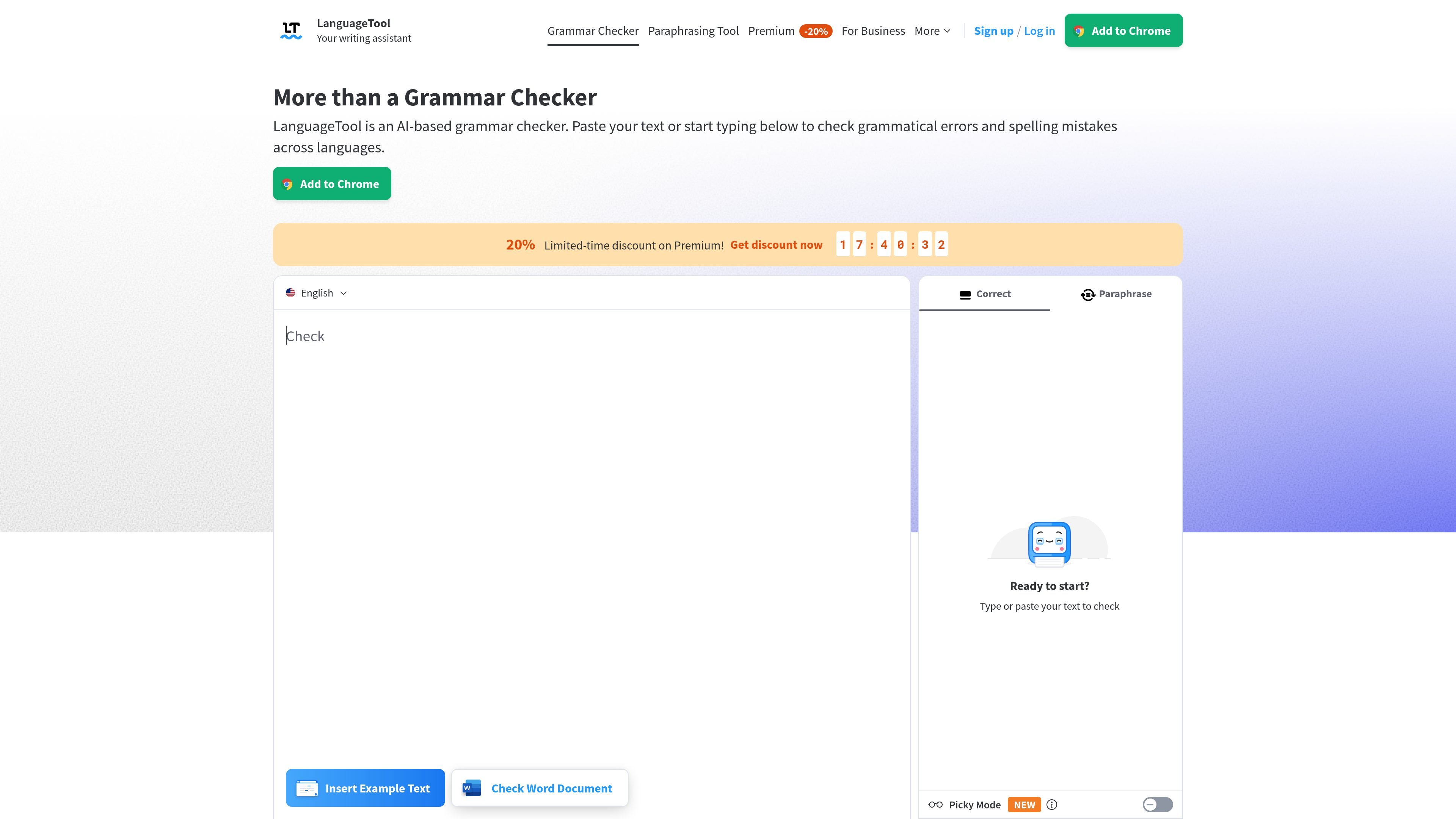
LanguageTool is an AI-based grammar checker and writing assistant that helps users find and correct spelling, grammar, punctuation, casing, and style issues. It can be used in a web editor, through browser add-ons, and in desktop and office apps, so suggestions follow the writing workflow rather than staying in one place.
The product supports more than 30 languages and dialects and automatically detects language in many contexts. Its core purpose is to help individuals and teams produce clearer, more consistent text, whether they are drafting an email, editing a document, or refining a longer piece of writing.
Checks spelling, grammar, punctuation, casing, and style, with examples on the site showing issues such as word order, tense, commas, apostrophes, and agreement.
Supports more than 30 languages and dialects, including English, German, Portuguese, Spanish, French, and Dutch, and offers multiple English variants.
Provides suggestions while you type in the browser and in supported apps, with inline underlining and one-click application of fixes.
Includes a paraphrasing tool for rewriting sentences in a more formal, fluent, simple, or concise way, and Premium adds unlimited sentence paraphrasing.
Offers writing statistics in the editor so users can review languages used, errors made, suggestions applied, and overall productivity.
Supports desktop and office workflows through browser add-ons, an editor, Windows and macOS apps, and integrations for Google Docs, Microsoft Word, and LibreOffice.
Draft emails, blog posts, or other web text and get suggestions directly while typing in the browser, without switching away from the page.
Edit documents in Microsoft Word, Google Docs, or LibreOffice while keeping grammar, spelling, and punctuation suggestions available inside the document workflow.
Write in multiple languages or variants, with automatic language detection and support for several major languages plus English regional varieties.
Review longer or more formal texts such as dissertations, essays, books, or professional correspondence, where style consistency and punctuation accuracy matter.
Use the team plan to share a style guide and dictionary so multiple users can follow the same wording and terminology.
LanguageTool is available in two versions. The free version corrects spelling as well as simple punctuation and some style mistakes, while Premium shows all errors and adds the fullest set of suggestions.
LanguageTool supports more than 30 languages and dialects, with main languages including English, Spanish, German, French, Dutch, and Portuguese. For English, it offers several standard varieties such as US, UK, Canada, Australia, New Zealand, and South Africa.
Suggestions and error cards appear automatically while you type, and you can click a suggestion to apply it. The browser add-on can work across web services, and the desktop apps integrate with supported writing programs.
Yes. The pricing page lists team accounts, including user management, a shared style guide, and a team dictionary for companies and small teams.
LanguageTool works across browsers, an online editor, desktop apps for Windows and macOS, and add-ins for office workflows such as Google Docs, Microsoft Word, and LibreOffice.

ProWritingAid is a writing assistant for storytellers with grammar checking, style editing, paraphrasing, and story analysis in popular writing apps.

Dictro is a private AI dictation app for Mac that turns speech into polished text in any editable app. Runs locally on Apple Silicon Mac by default, with optional Fast Mode.

Rubriq is an AI tool for academic paper editing and translation, with personal subscriptions, institutional plans, and plagiarism-check services.

Goldfish is an AI memory app for macOS that helps you reply, write, summarize, and continue with context already on your Mac. It stores memory locally and writes in your tone.

LangPanda is a browser extension for learning languages from streaming video with instant subtitle lookup, flashcards, vocabulary tracking, and SRS for 36 languages.

SpeakoFlow is a free, open-source desktop voice-to-text app for Windows, macOS, and Linux. Dictate into any app, use Flow, cleanup, translation, and a screen-aware assistant.