
Native Launchpad-style organizer
LaunchOS recreates the classic Launchpad layout and interaction model on macOS so users can browse installed apps in a familiar full-screen view.

LaunchOS is a Mac app launcher that recreates the classic Launchpad workflow on macOS 26 Tahoe with a native interface, folder management, and customizable app organization. It offers a free Basic plan, a PRO trial, and multiple ways to open apps.
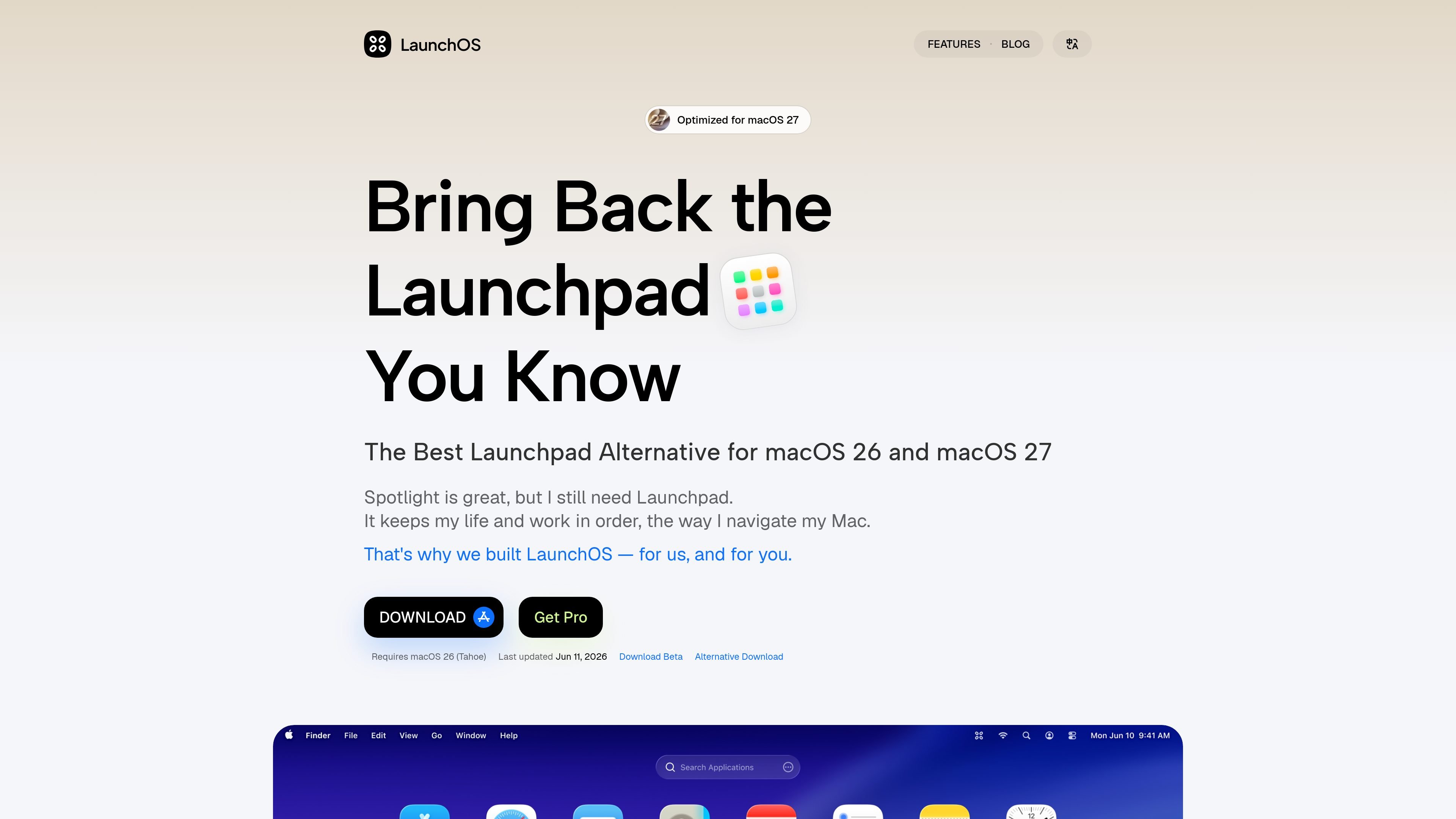
LaunchOS is a macOS app launcher and full-screen Launchpad alternative built for users who want the classic app-grid workflow on macOS 26 Tahoe. It recreates the Launchpad experience with a native app interface, folder management, customizable grid layouts, and multiple ways to open and navigate apps.
The product page positions LaunchOS as a replacement for the removed Launchpad experience, with support for importing a native Launchpad layout and organizing apps through gestures, hot corners, a keyboard shortcut, or a right-click menu. The site also notes that the app is built natively, supports 120Hz displays, and is actively being updated with release changes for newer macOS versions.
LaunchOS recreates the classic Launchpad layout and interaction model on macOS so users can browse installed apps in a familiar full-screen view.
The app supports a customizable grid layout, vertical scrolling, folder management, and custom app renaming for more personal organization.
Users can launch apps from a right-click menu, global hotkey, trackpad gesture, Hot Corners, or the F4 key, depending on the plan and setting.
LaunchOS can import the native Launchpad layout and includes options to hide unwanted apps, choose custom app sources, and uninstall apps from the interface.
The app is built natively for macOS and advertises 120Hz refresh rate support, with release notes citing performance, animation, and memory-use improvements.
Recent release notes add support for mouse scrolling, mouse side buttons, app uninstall actions, and better folder and search behavior.
Use LaunchOS when you want a Launchpad-like full-screen app grid instead of relying only on Spotlight for app discovery and launching.
Use the built-in folders, grid controls, renaming, and hidden-app settings to shape a launcher around the way you prefer to scan and group apps.
Launch apps with the method that fits your setup, whether that is a global hotkey, trackpad gesture, Hot Corners, the F4 key, or the right-click menu.
Import your existing Launchpad arrangement and keep a similar organization style when moving to macOS 26 Tahoe.
Use the app if you prefer a native-feeling launcher with active release updates and support for newer display and interaction behaviors.
LaunchOS offers a Basic plan that is free and a PRO plan with a 7-day free trial. After the trial, you can continue on the Basic plan or activate PRO.
The site says LaunchOS requires macOS 26 (Tahoe). The release notes also mention support work for macOS 27.
LaunchOS provides a license email after payment. If activation fails, the site recommends checking your internet connection, temporarily disabling VPNs or firewalls, and trying another network if needed.
You do not need to repurchase. The FAQ says you can remove the old device during activation and manage devices in Settings > About > Device Management.
The site says LaunchOS is not on the App Store because it closely restores the classic Launchpad experience, which does not fit App Store distribution rules for a replica of a native system app.

Biji is a versatile platform designed to enhance productivity through innovative tools and features.

MacSpoof is a macOS MAC address changer that lets you change or randomize your Wi‑Fi MAC to reconnect and limit device logging on public Wi‑Fi.

NomNak is a free iPhone app for discovering restaurants through friends’ recommendations, with saved spots, a food passport and city search.

Carbon Voice is an asynchronous voice messaging app for teams and individuals, with transcripts, AI catch-up, and cross-device access. It helps people and agents communicate without needing a live call.
MealTime is your personal, offline-first recipe companion designed to help you save, organize, plan meals, and generate smart grocery lists, all while keeping your data private.

ClawCard gives AI agents a dedicated identity stack: email, US phone number, virtual cards, wallet, on-chain identity, and access to paid APIs. It is built for automated signups, checkouts, credential storage, and machine payments through CLI and REST workflows.