
Reflected-light meter
Reads reflected light through the iPhone camera and provides exposure combinations for the ISO you set. Metering can be center-weighted across the frame or spot-based by tapping a point.
Lightmeter is an iPhone app with a reflected-light meter for film cameras and film-inspired photography, plus offline shooting and RAW features via Lightmeter Plus.
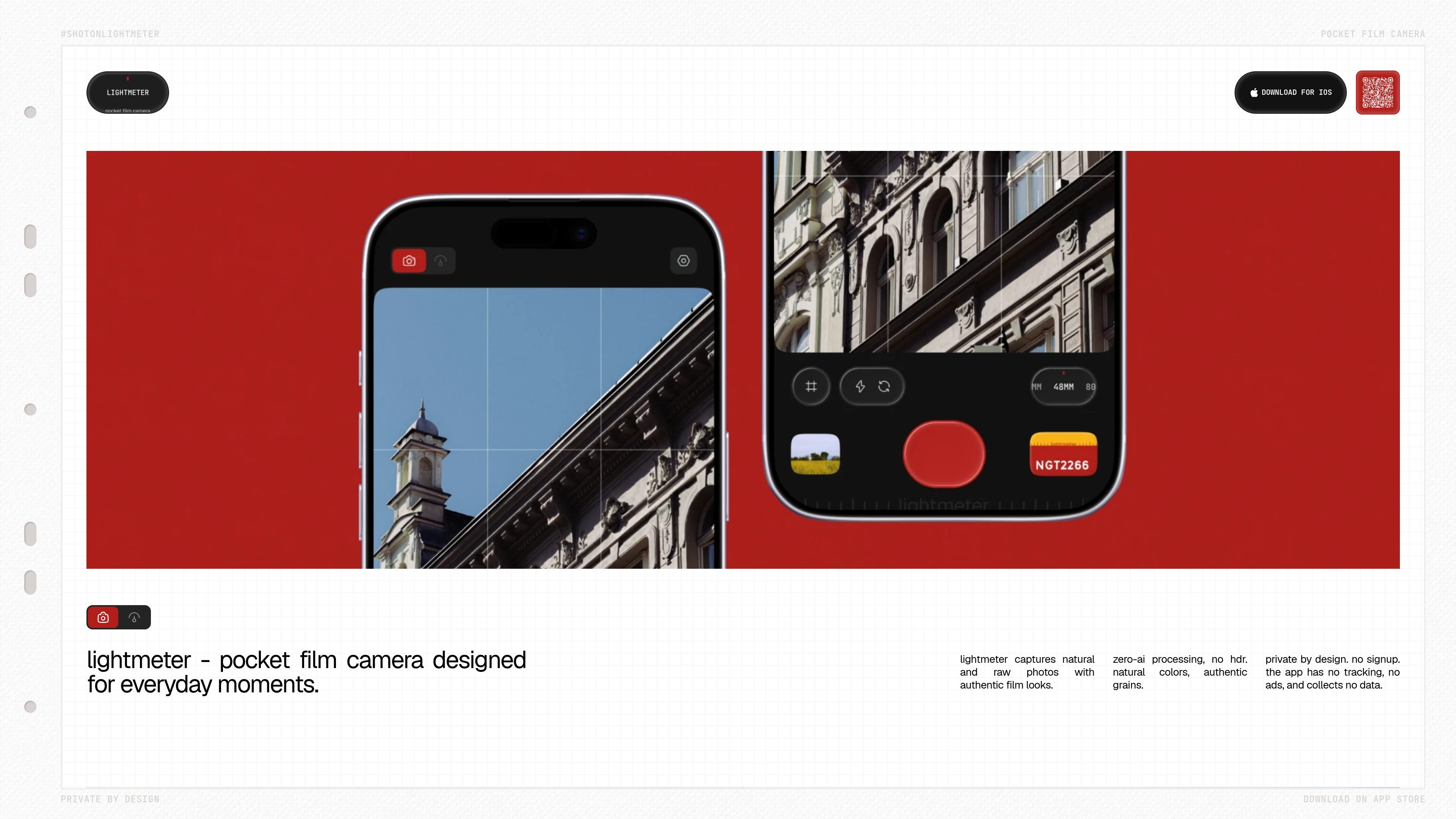
Lightmeter is an iOS app that combines a reflected-light meter for film photography with a camera for everyday iPhone shooting. It reads light through the iPhone camera and provides shutter and aperture pairs for the ISO you choose, with center-weighted or tap-based spot metering.
When you are not carrying a film camera, Lightmeter can capture photos with film-inspired looks rather than HDR-heavy processing. Photos are saved to your Photos library, while ungraded negatives remain available in the app for later restyling. The app works without an account or ongoing internet connection; optional Plus features are handled through Apple.
title
Reads reflected light through the iPhone camera and provides exposure combinations for the ISO you set. Metering can be center-weighted across the frame or spot-based by tapping a point.
Uses the iPhone camera to make photos with film-inspired looks, natural colors, and grain. The recipes are designed around analog film behavior, including grain, halation, and color.
Captures and develops photos from real sensor data rather than a flattened image. RAW capture is available on supported iPhones with Lightmeter Plus.
Lets you keep ungraded negatives in the app’s private storage and restyle them later. Finished photos are saved to the iPhone Photos library, including a Lightmeter album.
Includes a film library, darkroom borders and Polaroid treatments, and alternate app icons in Lightmeter Plus. Plus is available as a monthly or yearly subscription or a one-time purchase through Apple.
Has no account, login, advertising, behavioral analytics, or third-party tracking. The app sends nothing you shoot, and core metering and shooting work offline.
Set the ISO of the film in your camera, use center-weighted or spot metering to read the scene, and choose a shutter and aperture combination that your camera can use.
Leave the dedicated film camera at home and use the iPhone as a camera with film-inspired looks, natural colors, and grain for everyday moments.
Capture a photo, keep its ungraded negative in Lightmeter’s private storage, and return to it later to try a different look before saving the finished result to Photos.
Use RAW capture and the extended film and darkroom features when you want more source data and additional finishing options on a supported iPhone with Lightmeter Plus.
No. Lightmeter works as both a reflected-light meter for a film camera and an iPhone camera with film looks, so you can use it without carrying a film camera.
No. The app has no sign-up, login, or cloud service. Metering, shooting, and the darkroom work offline; Apple handles communication needed to buy or restore Lightmeter Plus.
Photos are saved to your iPhone Photos library, including a Lightmeter album. The app also stores ungraded negatives in private app storage so you can restyle them later; those negatives are removed when the app is deleted.
Yes, on iPhones that support RAW capture. RAW capture is included with Lightmeter Plus, and the film look is developed from sensor data rather than a flattened photo.
Lightmeter runs on any iPhone using iOS 17 or later. Camera permission is required for metering and shooting, Photos permission is required to save frames and open the gallery, and location permission is optional for geotags.

Pixelcut is an AI photo editor for product images, social content and video assets. Free and paid plans; mobile app and browser access for individuals and teams.

Petalica Paint is a web service for automatic line-art coloring and tracing drawings from photos, with commercial use allowed under stated terms.

Wearvue AI generates personalized outfit previews from a photo, refines styles for any occasion, and shows similar real products to shop.

Upscale.media is an AI image upscaling and enhancement tool by Pixelbin that sharpens low-resolution images in the browser, with bulk processing and API support.

Free browser-based AI image enlarger by PhotoAid for upscaling JPEG, WEBP, and PNG photos, especially portraits, without heavy blur.

Magic Eraser is an AI-powered tool that allows users to quickly remove unwanted objects, people, text, and blemishes from photos with ease.