
GitHub-synced pull request reviews
Open pull requests in Linear to see file changes, activity, CI checks, and associated comments without leaving the product. The review state syncs bidirectionally with GitHub.

Linear Diffs lets teams review GitHub pull requests inside Linear, with synced comments, checks, and review state. It is built for issue-linked reviews, guided PR reading, and agent-assisted code iteration.
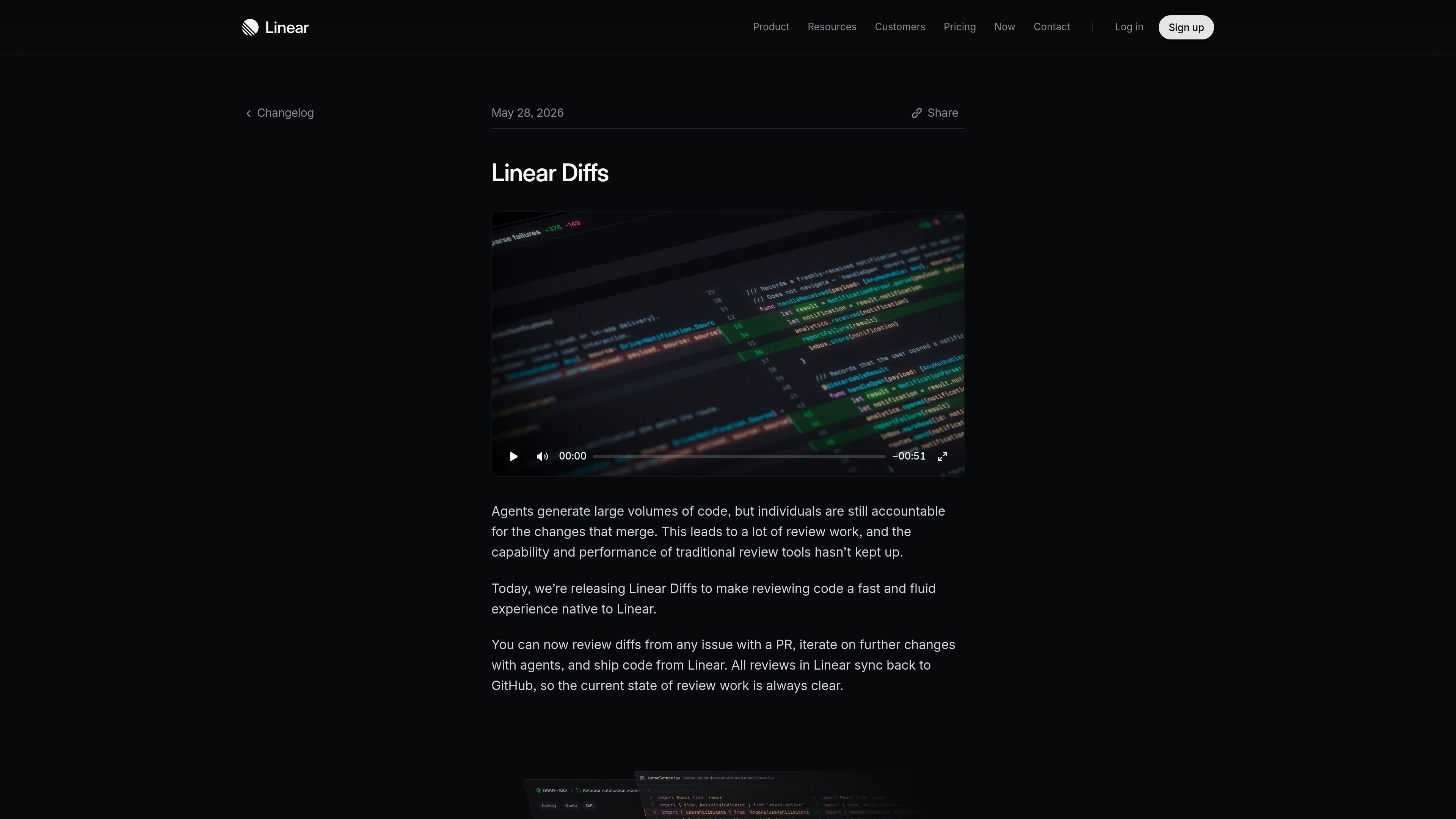
Linear Diffs brings pull request review into Linear so teams can read diffs, follow discussion, and complete review work alongside issues and other planning work. It connects to GitHub, shows pull request details and code changes inside Linear, and keeps review state synchronized back to GitHub.
The feature is designed for teams using agents and coding workflows that produce frequent changes. Linear describes a flow where you can review diffs from an issue with a PR, iterate with a background coding agent, and ship from Linear, while review notifications and a dedicated Reviews tab help keep the work visible.
Open pull requests in Linear to see file changes, activity, CI checks, and associated comments without leaving the product. The review state syncs bidirectionally with GitHub.
Review diffs in a structured format that surfaces the core change first, separates supporting changes, and explains sections before the code details. This is aimed at making large PRs easier to scan.
Switch between Unified and Split layouts, enable line wrapping and structural highlighting, and choose custom code themes. These controls help adapt the diff view to different codebases and screen sizes.
Keep review work in the same place as the rest of your work through Inbox and a dedicated Reviews tab. You can also receive desktop, Slack, email, or mobile notifications for review activity.
Iterate on code from the diff surface with a background coding agent. Agent changes update the diff in real time, so you can keep refining a branch without checking it out locally for every tweak.
Set up code access through the GitHub integration, keep existing pull request links and history, and adjust personal review preferences such as notifications, auto-convert draft PRs, and code theme settings.
Use Linear Diffs when a PR is attached to an issue and you want to review code without leaving the issue tracker. The review surface keeps comments, checks, and file changes connected to the surrounding work.
Use guided reviews for larger pull requests where you need a clearer entry point and a summary of what changed before reading the implementation details. The structured sections reduce the need to inspect every file in sequence.
Use the Reviews tab and Inbox when your team handles many concurrent reviews and you need a single place for requests, mentions, and authored PRs. This helps separate review work from general notifications.
Use the diff surface with a background coding agent when you need to keep iterating on a branch after feedback. Agent updates appear in the diff in real time, which supports small follow-up changes without repeated local checkouts.
Use the display controls, notification preferences, and code theme settings to match how different teammates prefer to review. Linear supports personal review settings rather than forcing one fixed workflow.
Linear Diffs is enabled through Linear’s GitHub integration with code access. Workspace admins can turn it on by upgrading the integration for the repositories they want to review, and individual users can then choose to review diffs in Linear.
Yes. Linear shows pull request details, changed files, checks, comments, and review activity in sync with GitHub. Approvals, change requests, and review comments update the review state in GitHub automatically.
Linear Diffs supports Unified and Split diff views, inline comments, reactions, review requests, and merging when you have permission. Guided reviews add a structured way to read larger pull requests.
Guided reviews are free during beta and available to Linear customers on Business and Enterprise plans. Linear Diffs itself is available on all plans.
Linear can notify you in Inbox, desktop, Slack, email, or mobile for review requests, mentions, approved PRs, and comments, with more control available in Code & reviews settings.

Ghost is a terminal-based AI assistant for chatting, code generation, and CLI tasks. Includes free models, supports Linux, macOS, Windows, and is open source.

Devin is an AI coding agent and software engineer that helps developers and engineering teams plan and execute complex software tasks. It is available through desktop, cloud, JetBrains, and CLI surfaces, with plans for individuals, teams, and enterprises.

imgcook is a design-to-code tool that converts design drafts into front-end code. It supports plugin-based and developer workflows for Sketch, Photoshop, VS Code, and CLI usage.

Pi Coding Agent is a terminal-based coding agent for developers who want a minimal, extensible harness for interactive work and automation. It supports model switching, session branching, and multiple run modes including TUI, print/JSON, RPC, and SDK.

Biji is a versatile platform designed to enhance productivity through innovative tools and features.

Ably Chat is a chat API platform for building custom realtime chat applications. It supports room-based messaging, typing indicators, presence, reactions, and message updates, with usage-based pricing options for different deployment stages.