
Explainer video generation
Create visual explainers from uploaded source files. The explainer flow supports infographic and storytelling modes, plus multiple aspect ratios and language options.

ListenHub is an AI tool for turning source material into explainers, slides, podcasts, and text-to-speech output. It includes a free plan, paid subscriptions, and an explainer workflow that accepts common document and image uploads.
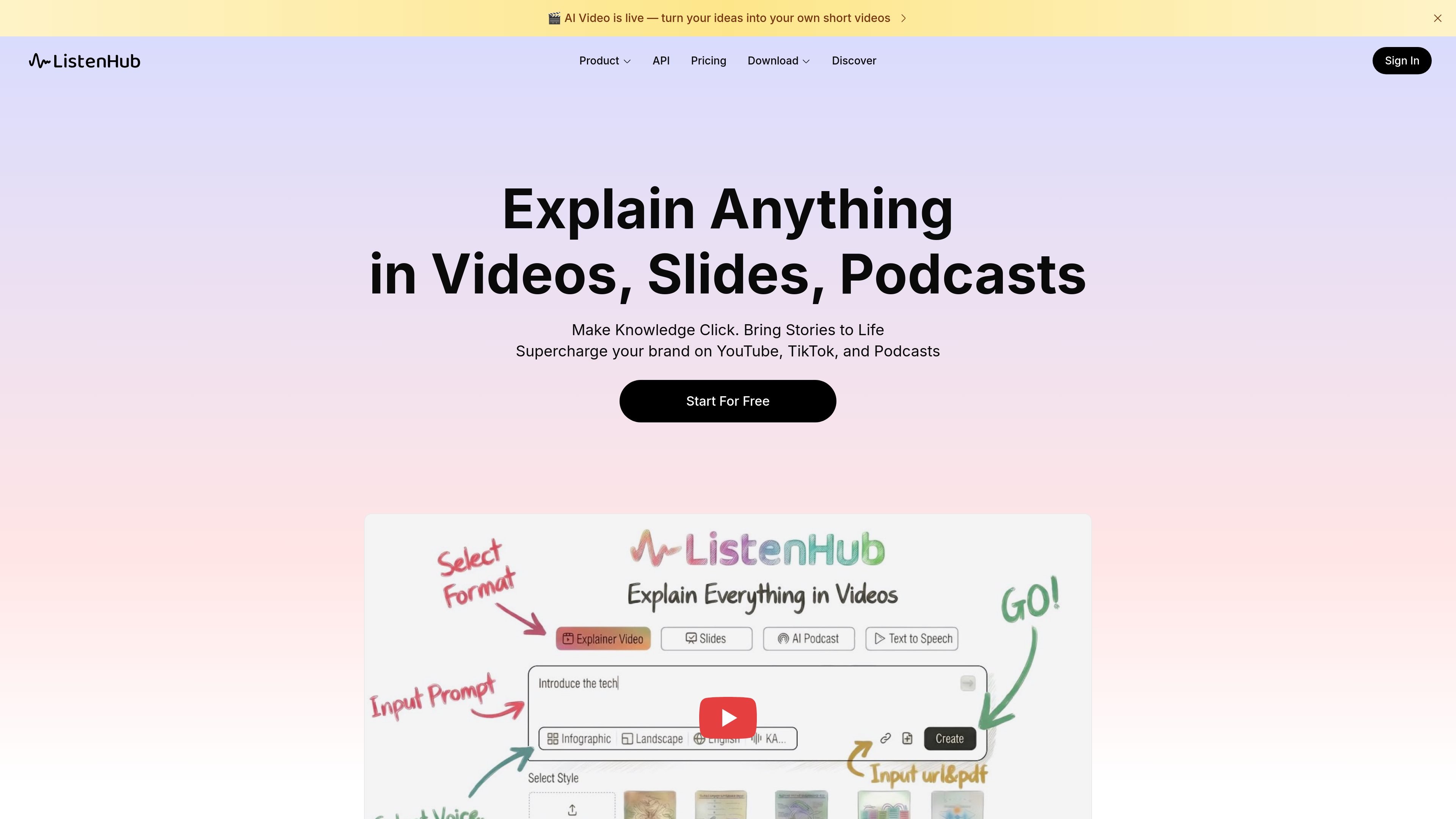
ListenHub is an AI content creation tool for turning complex source material into explainers across video, slide, podcast, and voice formats. Its homepage frames the product around helping people make knowledge easier to understand through stories, visuals, and spoken audio.
The product combines several workflows in one interface. The explainer experience accepts uploaded files and offers visual styles, aspect ratios, language options, and narration-related controls, while the home page also highlights podcast generation and text to speech. The pricing page shows a free tier alongside paid plans and an enterprise option.
Create visual explainers from uploaded source files. The explainer flow supports infographic and storytelling modes, plus multiple aspect ratios and language options.
Build slide-based explainers with a choice of visual styles. The home page describes styles ranging from clean and minimal to bold and expressive for presentations and online talks.
Turn source material into podcast episodes with a structured format. The home page says it can turn videos, PDFs, or documents into professional podcast episodes for creators, educators, and thought leaders.
Generate natural-sounding speech from text. The product text says it can read copy as written or rewrite it for smoother delivery, which makes it useful for voice-overs, dubbing, and multilingual content.
Clone voices on paid plans. The pricing page lists voice clone allowances by plan, indicating voice cloning is part of the workflow rather than a standalone product.
Turn a dense topic into an explainer video with visuals, analogies, and a chosen aspect ratio. The app text suggests the workflow is intended for clear educational storytelling.
Create slide decks for talks, classes, or online presentations. Users can choose between cleaner or more expressive visual styles depending on the audience and context.
Convert source documents into a podcast episode when the goal is a spoken summary instead of a visual asset. The home page explicitly mentions videos, PDFs, and documents as inputs for podcast generation.
Produce narration, dubbing, or multilingual voice tracks from written copy. The text-to-speech description says ListenHub can read text naturally or rewrite it for smoother delivery.
Experiment with voice cloning on paid plans when a consistent speaker identity is needed. The pricing page includes voice clone allowances as part of higher-tier subscriptions.
ListenHub generates explainers in formats such as videos, slides, and podcasts, and the pricing page also references text to speech. The source does not show a full supported-input matrix beyond the explainer workflow.
The pricing page shows a Free plan and paid Basic, Pro, Max, and Enterprise options. Paid plans are available as monthly or yearly subscriptions, with yearly billing discounted on the pricing page.
The pricing page lists API and Agent Skills access on the Free plan, and the app navigation includes API Keys and Skills. The source does not provide public documentation for specific integrations or export destinations.
The pricing page says you can cancel anytime, and its FAQ includes questions about payment methods, voice cloning, languages, credits, rollover, tax invoices, and commercial use. The source does not provide the answers in the collected text.
The app accepts file uploads for the explainer workflow and the collected interface text says it supports PDF, TXT, DOCX, EPUB, MD, JPG, JPEG, PNG, and WEBP files. The source does not show every workflow or output format in one place.

An All-In-One AI Platform that combines tools for image, video, voice, writing, and chat to enhance creativity and collaboration.

Slidesgo is a presentation template platform for Google Slides, PowerPoint, and selected Canva workflows. It offers free and Premium templates, plus AI-assisted presentation creation and team-friendly access options.

VIDEOAI.ME is an AI video generator for making spokesperson-style videos, ads, explainers, and social content from a script. It is aimed at founders, marketers, agencies, and creators who want to produce videos without filming.

Grok is a free AI assistant developed by xAI, engineered to prioritize truth and objectivity while offering advanced capabilities like real-time information access and image generation.

Creativly is a web-based AI creative studio for generating visual concepts, mockups, and stylized images from short inputs. It is aimed at designers, creators, and entrepreneurs who want fast visual ideation without writing long prompts.

AI Song Maker is a web-based AI music generator that creates songs from text or lyrics and includes related tools such as vocal removal, track extension, and section replacement. It offers free and paid plans with credits, downloads, and commercial-use terms described on the pricing page.