

LogiCoal
LogiCoal is a free, private multi-agent AI coding assistant for your terminal with smart model routing and deep code analysis.
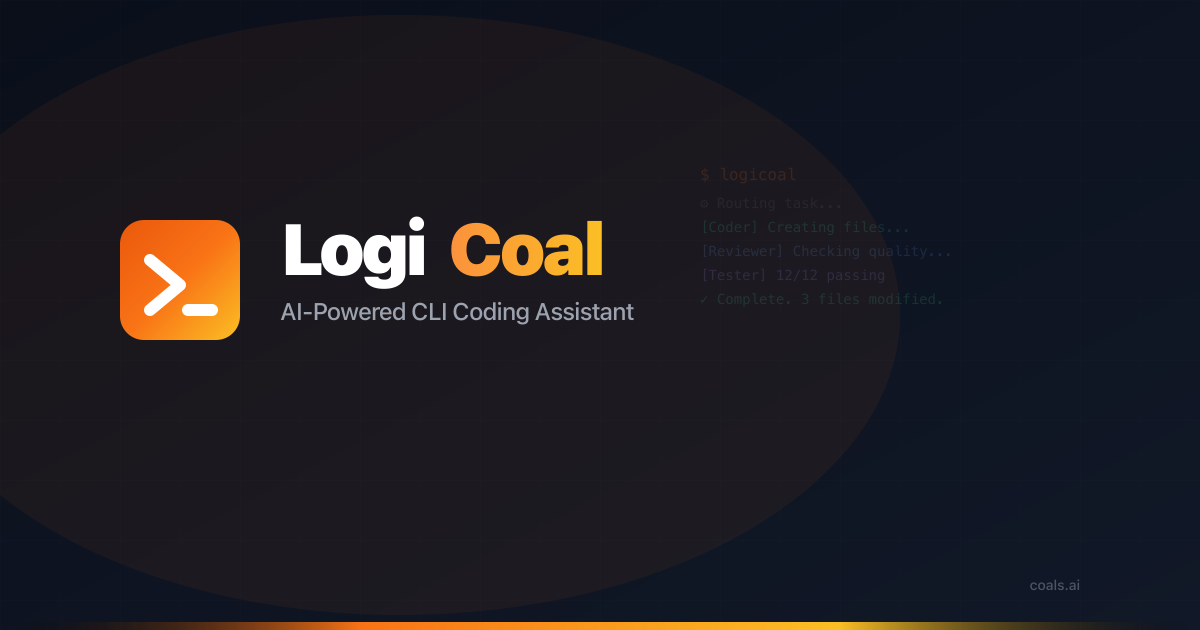
What is LogiCoal?
LogiCoal is a free AI-powered CLI coding assistant that runs in your terminal. It’s designed to help developers complete coding and development tasks by coordinating multiple specialized agents to plan, write, review, test, and handle deployment-related steps.
Instead of a single chat model, LogiCoal uses a multi-agent workflow (described in the site as a plan-then-execute approach) and includes smart model routing to choose an appropriate model for each request. The assistant also supports semantic code search so you can ask questions in natural language and find relevant code across your repository.
Key Features
- Multi-agent system (7 agents) for end-to-end tasks: LogiCoal deploys specialized agents—Coder, Researcher, Planner, Reviewer, Tester, DevOps, and an Orchestrator (Odyssey)—to delegate work as a request moves from planning to validation.
- Smart model routing: A lightweight classifier selects the model for the task, ranging from smaller models for quick work to larger models for complex code generation.
- Deep code analysis and semantic search: Uses vector embeddings to understand your codebase structurally, enabling natural-language questions and code retrieval across large file sets.
- Terminal-first interface: Provides a terminal experience with syntax-highlighted code, live agent status, progress indicators, and markdown rendering.
- Built-in tool suite for workflows: Can read/write/edit files, execute bash commands, search the web, and analyze code with tools like grep and glob.
- Session persistence: Conversation context persists across sessions, with history and checkpoint management to resume multi-agent tasks.
- Agent invocation via @mentions: You can trigger specific agents instantly by using
@agent_namein your prompt. - MCP extension support: Integrates third-party tool extensions using the Model Context Protocol (MCP).
How to Use LogiCoal
- Install LogiCoal for your platform (macOS, Windows 10+, or Linux). The site lists standalone installers; it also notes that no Node.js or other dependencies are required.
- Authenticate with a free COALS account (required for access).
- Start a terminal session and run LogiCoal using the installation method you chose (examples on the site include a global npm install, Homebrew command, or platform-specific installers).
- Write prompts and delegate work: Use natural-language requests, and optionally invoke agents directly with
@Coder,@Researcher,@Planner,@Reviewer,@Tester,@DevOps, or the Orchestrator/@Odyssey. - Resume work when needed: Use the session history/checkpoints to continue multi-agent tasks across terminal sessions.
Use Cases
- Implementing a feature with review and tests: Ask the Orchestrator to plan changes, then have the Coder apply edits while the Reviewer and Tester validate quality and behavior before you continue.
- Answering repository questions in natural language: Query your codebase (e.g., “Where is this logic implemented?”) and use semantic code search to locate relevant files and sections across thousands of lines.
- Debugging and validating changes: Delegate to the Tester to validate modifications and to the Reviewer to catch issues before you run further commands.
- Architecture planning for a change: Use the Planner agent to design an approach, then follow up with coding and implementation steps based on that plan.
- Deployment-related tasks: Use the DevOps agent as part of a broader workflow when your request includes deployment steps.
FAQ
Is LogiCoal free?
Yes. The site states LogiCoal is free to download and use, and that a free COALS account is required for authentication.
Which platforms are supported?
LogiCoal supports macOS (Intel and Apple Silicon), Windows 10+, and Linux (x64 and ARM64). The page also notes that installers are standalone and do not require Node.js or other dependencies.
How do the multi-agent agents work?
The site describes an Orchestrator workflow that analyzes your request using a plan-then-execute approach and delegates to specialized agents (Coder, Researcher, Planner, Reviewer, Tester, DevOps). It also mentions safety checkpoints where you can approve or deny delegations.
What is smart model routing?
Smart model routing automatically selects the model best suited to the task, using a classifier to route quick tasks to smaller models and more complex code generation to larger models.
Can LogiCoal connect to third-party tools?
Yes. The site states it supports the Model Context Protocol (MCP) to integrate third-party tool extensions.
Alternatives
- Single-model CLI code assistants: Tools that provide one chat model in the terminal without a multi-agent plan-and-delegate workflow. Compared to LogiCoal, these may be simpler but typically don’t coordinate specialized steps like planning, reviewing, and testing through separate agents.
- General-purpose IDE AI assistants: Browser or IDE-integrated coding assistants that operate within a GUI environment rather than directly in the terminal. These can be convenient for interactive editing, but may not support the same terminal-first workflow and agent status/progress experience.
- Semantic search tools for codebases: Solutions focused on indexing and semantic retrieval over repository files. They can help with “where is this code?” questions, but usually won’t provide the same multi-step coding, testing, and (where supported) deployment workflow.
- MCP-capable AI developer tools: If you want extensibility, look for AI coding tools that also support MCP so you can attach external tools. This differs from LogiCoal mainly in the specific built-in workflow and agent structure.
Alternatives

Devin
Devin is an AI coding agent that helps software teams complete code migrations and large refactoring by running subtasks in parallel.

Codex Plugins
Use Codex Plugins to bundle skills, app integrations, and MCP servers into reusable workflows—extending Codex access to tools like Gmail, Drive, and Slack.

Wallie
Wallie is an open-source AI streamer framework with real-time vision, persona profiles, chat, TTS, and avatar output for VTuber-style streams.

ClawTick
ClawTick is a CLI-first AI agent automation platform for scheduling webhook tasks on cron with monitoring, alerts, retries, and execution logs.

Falconer
Falconer is a self-updating knowledge platform for high-speed teams to write, share, and find reliable internal documentation and code context in one place.

OpenFlags
OpenFlags is an open source, self-hosted feature flag system with a control plane and typed SDKs for progressive delivery and safe rollouts.