
AI-assisted logo creation and editing
Start from AI-generated proposals, then refine the logo by adjusting colors, fonts, shapes, icons, and other visual elements.

Logomaster.ai is a web-based logo maker to create and edit logos with no design experience. Free to use, with paid one-time download.
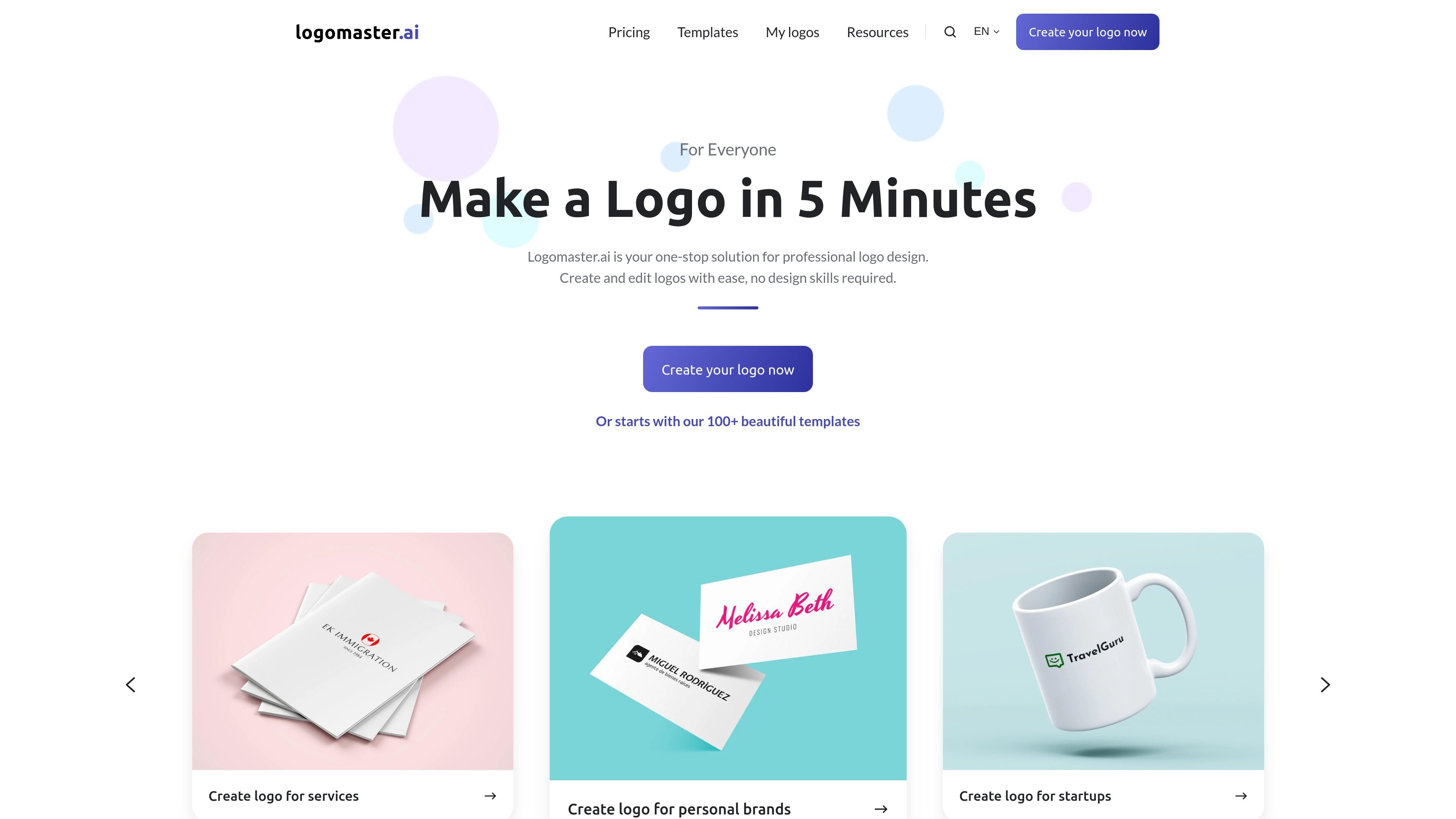
Logomaster.ai is an online logo maker that helps users create and edit logos without design experience. The site positions the product as a fast way to build a professional logo by selecting an industry and style, entering a company name, reviewing AI-generated proposals, and customizing a chosen design.
The service is free to use for logo creation, while downloading the finished package requires a one-time purchase. Its paid plans focus on practical output for business use, including high-resolution files, web-ready transparent PNGs, and print-ready vector files, with higher tiers adding unlimited changes and additional brand assets.
Start from AI-generated proposals, then refine the logo by adjusting colors, fonts, shapes, icons, and other visual elements.
The site offers more than 100 templates and also a separate logo ideas area with 1000+ logo examples for inspiration.
Paid downloads include high-resolution logo files, web-ready transparent PNG files, and print-ready vector files.
The Premium and Enterprise plans support unlimited changes and re-downloads after purchase, so you can keep iterating on a design.
Enterprise includes extra brand assets such as logo variations, social media assets, watermark files, mockup images, font names, and a color palette.
The site supports multiple logo variations, including dark, white, and colored-background versions on higher plans.
Create a simple brand mark for a new company by entering the business name, choosing industry and style preferences, and refining AI-generated proposals.
Use the inspiration gallery and templates to explore directions before committing to a final design for a rebrand or refresh.
Download high-resolution and print-ready files for use on websites, social media, business cards, banners, and posters.
Buy a higher plan when you need editable variations, unlimited changes, or extra assets such as mockups and social media files.
You can create a logo for free, but downloading the logo package requires a paid one-time purchase. The pricing page says logo creation is free and payment is due when you are satisfied and ready to download.
The source shows a guided workflow: choose your industry and style preferences, enter your company name, review AI-generated proposals, customize a selected logo, and then download the files.
The pricing page lists high-resolution logo files, web-ready transparent PNG files, and print-ready vector files on paid plans. The Enterprise plan also includes social media assets, watermark, mockup images, font names, and a color palette.
Yes. The site says you can modify colors, fonts, shapes, icons, and other design elements. The Premium and Enterprise plans also say you can make unlimited changes and re-download.
The source describes Logomaster.ai as a logo maker for personal brands, startups, businesses, enterprises, and services. It is positioned for users who want to create a logo without design skills.

Pixso is a next-generation AI-native UI design tool that allows users to generate design drafts and code with a single click, serving as a domestic alternative to Figma.

Vibegrowing is an AI-native App Store launch panel for competitor research, ASO metadata, icons, screenshots, landing pages, and legal docs, synced with App Store Connect.

Make Real is a Next.js app that turns hand-drawn wireframes into HTML prototypes with the tldraw SDK and AI models, with canvas sketching and embedded preview.

PixelDrive is a bulk image generation API for on-brand images from one template via browser editor, REST API, CSV batch, or MCP.

Cherry Blossom is a browser-based PCB editor that turns plain-English prompts into editable schematics, PCB layouts, and fabrication files with AI checks and open exports.

图像大厨imgcook 是一款设计转代码工具,可将设计稿转换为前端代码,支持 Sketch、Photoshop、VS Code 和 CLI 工作流。