
Resume checker
Review a resume for ATS and recruiter filters, with suggestions aimed at making the document clearer and easier to improve.

Mockin is an AI career toolkit for UX/UI and Product Designers with resume checking, portfolio review, LinkedIn checking, job matching, and mock interview practice.
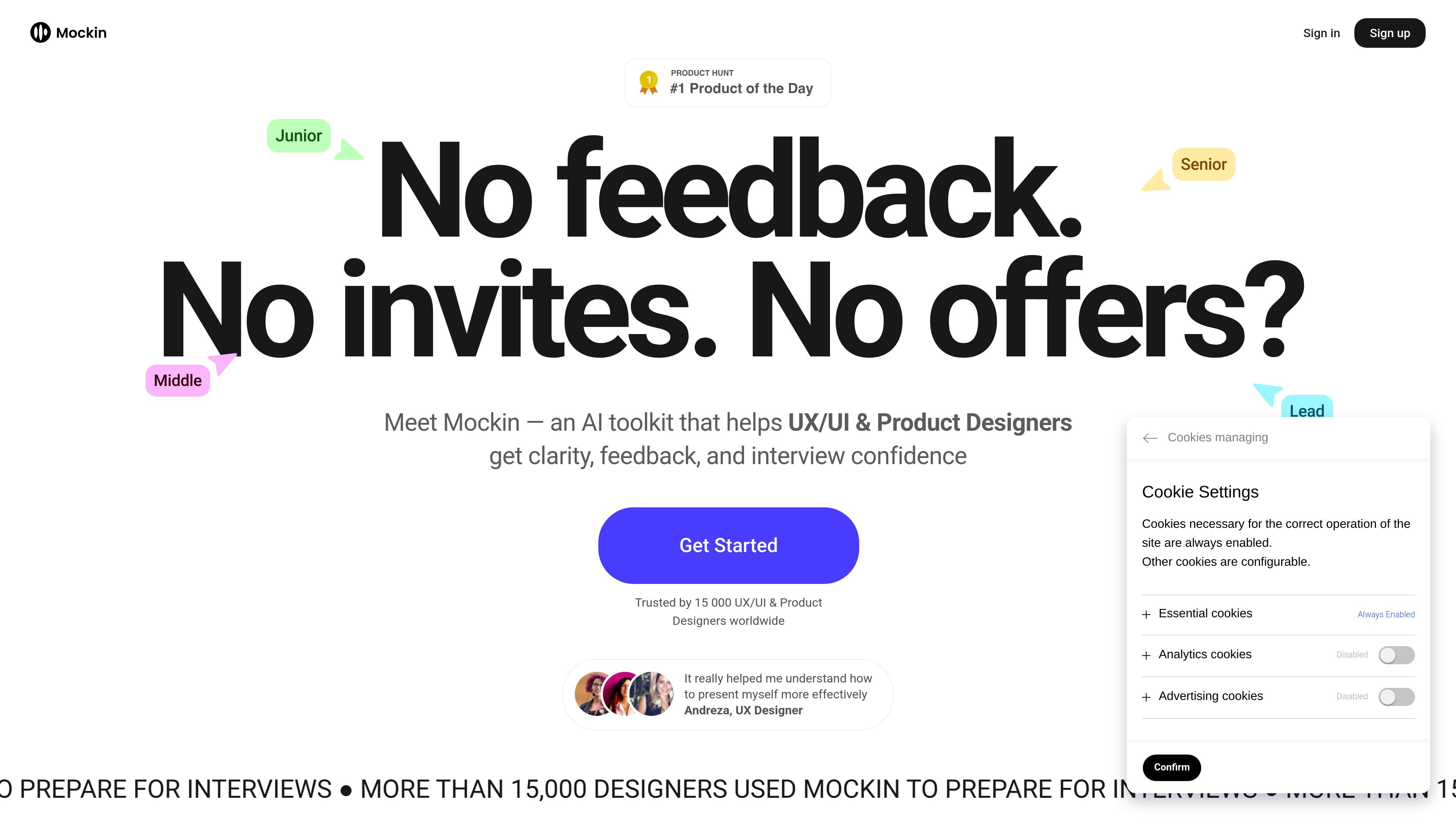
Mockin is an AI career toolkit for UX/UI and Product Designers that helps users prepare for job applications and interviews. It brings together resume checking, portfolio review, LinkedIn checking, job matching, and mock interview practice in one product.
The toolkit is built around the parts of the design hiring process that the site highlights most often: telling your story clearly, improving the materials recruiters see first, and practicing structured answers with the STAR method. The pricing page shows a free resume-from-scratch option, plus paid access for the full set of tools through one-time, monthly, or three-month plans.
Review a resume for ATS and recruiter filters, with suggestions aimed at making the document clearer and easier to improve.
Paste portfolio links and receive personalized feedback on structure, presentation, evidence, and measurable impact.
Practice one question or a full interview using STAR-based feedback and real design interview prompts.
Compare a resume to a specific job description to surface fit and gaps before applying.
Check a LinkedIn profile to improve professional visibility and presentation for recruiters.
Build a resume from scratch with an ATS-friendly resume builder.
Use the resume checker to improve clarity and ATS fit before submitting applications to design roles.
Paste portfolio links to see whether your case studies show clear rationale, evidence, and measurable outcomes.
Practice a single interview question or a full screening session to build structured answers with the STAR method.
Compare your resume with a specific job description to understand where your experience aligns or leaves gaps.
Use the LinkedIn checker and resume builder together when you want a more complete application package.
Mockin is an AI career toolkit for UX/UI and Product Designers. It combines resume, portfolio, LinkedIn, and mock interview tools to help users improve how they present their experience and prepare for interviews.
No. The pricing page says you can create a resume from scratch for free without a credit card, but other features such as portfolio review, resume checking, LinkedIn checking, job matching, and mock interviews are on paid plans.
A PRO subscription includes full access to the toolkit, with options for a 1-day pass, a monthly plan, or a 3-month plan. The pricing page says all features are included in one subscription.
The source describes mock interviews as text-based practice with STAR-based feedback. It also says Mockin does not record video or audio during mock interviews.
The portfolio review flow asks you to create an account, paste links to your portfolio, and then receive tailored feedback. The resume checker is positioned to help improve ATS and recruiter visibility.

HireKey is a recruiter-informed job search platform with role-fit analysis, resume tailoring, AI voice interview practice, company research, cover letters, and application tracking.

TalentAid is an AI job matching platform that filters job board listings and recommends roles aligned to your skills, experience, and goals.

ResumizeAI helps you tailor resumes, check ATS quality, write cover letters, build portfolios and practice interviews via web app and browser extension.

HiringPartner.ai is an autonomous AI recruiting platform for sourcing, screening, and interviewing candidates 24/7 with ATS-connected workflows and bulk resume uploads.

SelectPrism is an agentic AI hiring platform for high-volume recruiting teams. Automates screening, scheduling, first-round interviews, and structured evaluation.

Blinked is a free Chrome extension for LinkedIn outreach to research leads, draft personalized messages, and manage follow-ups locally in your browser.