
Live onboarding calls
Nimbia joins a new user in a real-time screen-sharing session and guides them by voice instead of sending them to help docs or a chatbot.

Nimbia is an AI onboarding agent for SaaS and web products that joins live screen-sharing calls, controls the browser, and guides first workflows.
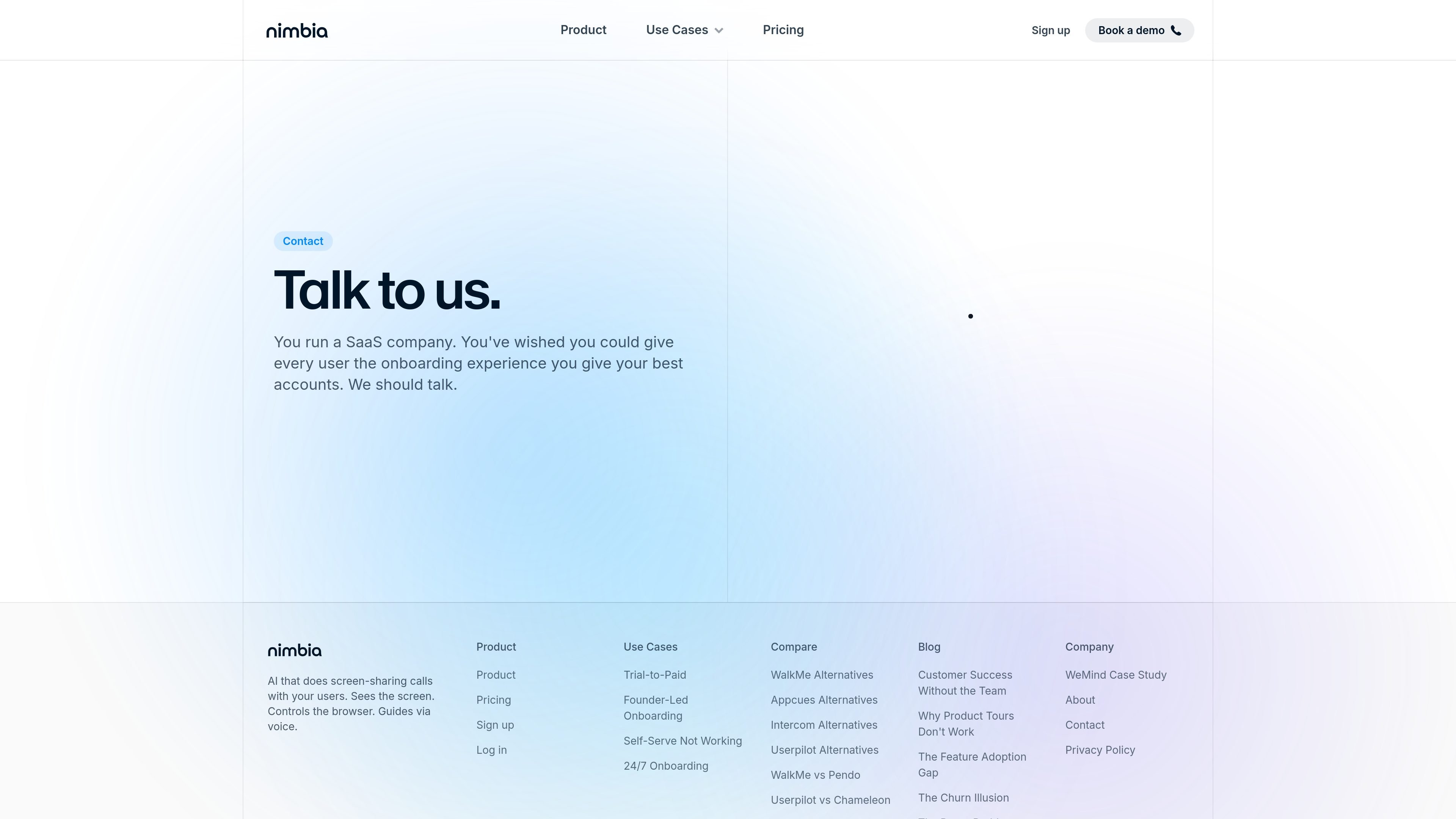
Nimbia is an AI onboarding agent for SaaS and web products that runs live screen-sharing calls with new users. Instead of routing people to help articles, tours, or generic chat, it talks them through the first workflow while controlling the browser.
The product is positioned for teams that want the conversion benefits of a human onboarding call without staffing every session. Source pages highlight trial-to-paid conversion, founder-led onboarding, self-serve onboarding, and 24/7 coverage as the main jobs it serves.
Nimbia joins a new user in a real-time screen-sharing session and guides them by voice instead of sending them to help docs or a chatbot.
The agent can click through the product, fill fields, and move between screens while the user watches the workflow on their own browser.
Teams can provide call recordings, documentation, or a test account so Nimbia can learn the product before going live.
The site says the product is built to work in web apps, SaaS products, and dashboards, with support for any language and any time zone.
Setup is shown as a single snippet or script tag added to the app, with the page describing it as lightweight and similar to installing an analytics or chat widget.
For products with a trial that stalls before activation, Nimbia can walk each new signup to the first meaningful result while the user is still in the trial window.
Founders who currently run onboarding manually can use Nimbia to handle live first calls for every signup, rather than only for a few high-touch accounts.
When help articles, tours, and chat are not enough, Nimbia can step in with a live session that controls the browser and completes the first workflow with the user.
For teams that receive signups at night or across multiple regions, Nimbia can take calls continuously instead of waiting for business hours.
Nimbia is an AI onboarding agent that joins a new user in a live screen-sharing call, talks with them by voice, and helps them complete the first workflow on their own screen.
The source describes setup as sharing call recordings, docs, or a test account, then adding one snippet to the app. Nimbia learns the product and then starts handling user calls.
The site says Nimbia works for web, SaaS, dashboards, and more, and that it can support any language and any time zone.
The product pages focus on live onboarding, trial-to-paid conversion, founder-led onboarding, self-serve onboarding that is not working, and 24/7 onboarding. They do not describe a broad integration catalog or native third-party app list.
Pricing is customized to rollout details. The pricing page says cost depends on call volume, products covered, and integrations, and asks teams to book a call for a quote.

AGINE Academy — a gamified online academy for learning Claude in work, creative tasks, and automation. Start with a free lesson and real missions, no dev experience needed.

Teloframe is an AI-powered football coaching platform for tactics, drills, session planning, and player development in one workspace. Free, Pro, and Club plans.

Spotit is a macOS app that reads your screen and highlights exactly where to click, using voice questions and on-screen guidance.

LeanUp is an AI calorie tracker and meal-planning app for logging meals, tracking macros, and getting personalized nutrition guidance with scan, snap, search, and recipe reuse.
TrakMac is a voice-first macro tracking app for iOS that estimates calories and macros from spoken meal descriptions to help you log food and stay on track.

IntellAgents is an AI voice and chat agent service for customer calls, outbound outreach, and messaging on WhatsApp, Instagram, Facebook, Telegram, and websites.