
In-app voice dictation
Press Option-Space to record, then have the result inserted into the focused text field. If insertion is unavailable, Openbroca offers a copy fallback.

Openbroca is a native AI dictation app for Mac that turns speech into refined text, with multilingual dictation, translation, and personal vocabulary.
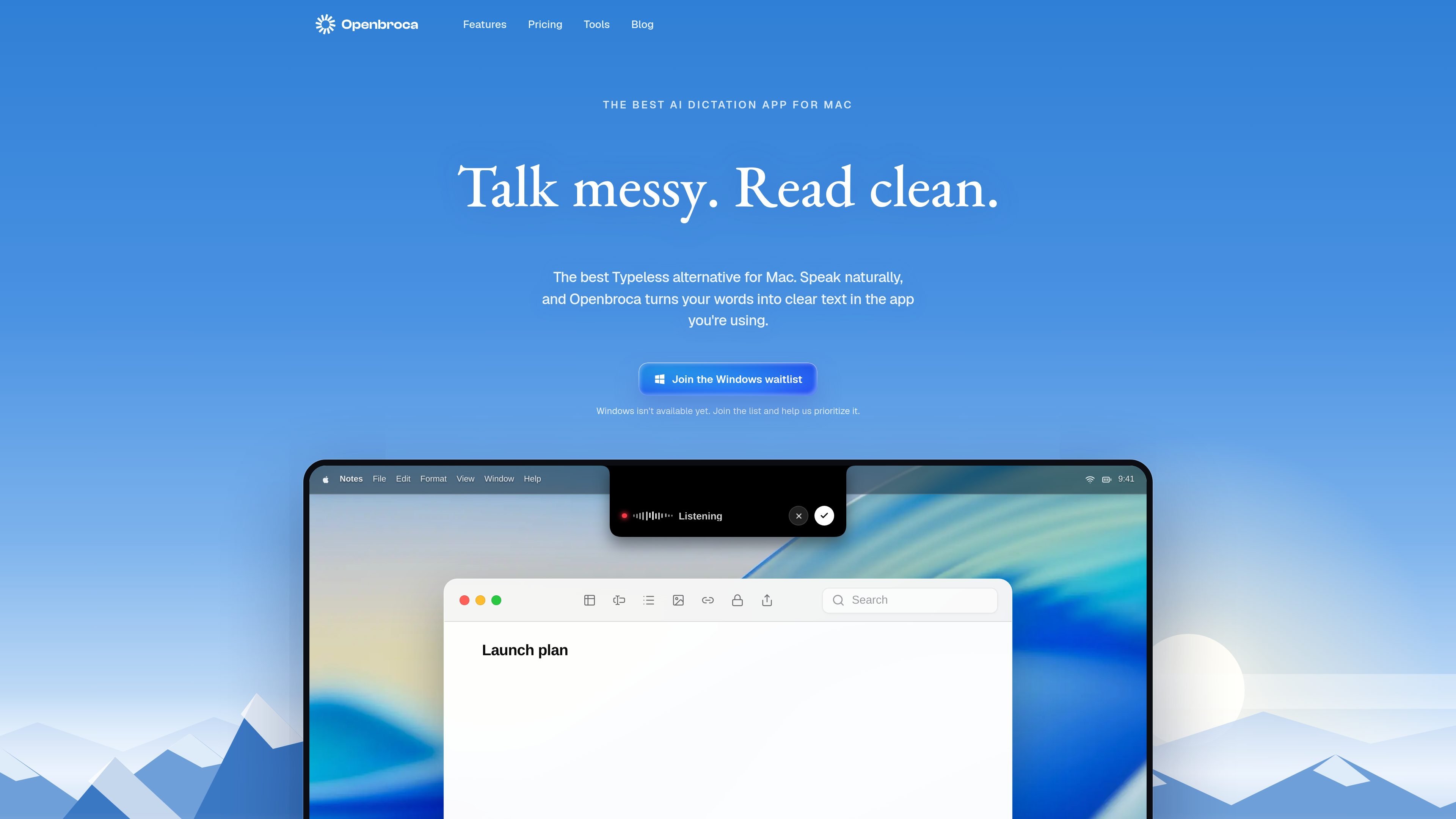
Openbroca is a native AI voice dictation app for Mac. It listens when you start it with a keyboard shortcut, turns natural speech into cleaned-up text, and places the result in the focused field of the email, note, document, chat, or editor you are already using.
The app is designed for people who want to draft by speaking without changing applications. It supports multilingual dictation, translation, a personal dictionary, optional on-screen context for names and terms, and transcript recovery. Openbroca requires macOS 15 or later and an internet connection because speech recognition and text cleanup are cloud-powered.
Press Option-Space to record, then have the result inserted into the focused text field. If insertion is unavailable, Openbroca offers a copy fallback.
Convert natural speech into clearer text with useful structure while preserving the speaker’s intended meaning and voice.
Dictate in 30 languages with automatic language detection, then translate the result into one of 28 output languages.
Add preferred spellings, names, and terminology to a personal dictionary. Openbroca can learn corrections made immediately after dictation and can import terms from Typeless.
Optionally use visible names and terms as spelling hints through Screen Context. Choose a microphone, configure shortcuts, launch at login, and select a compact status-area placement from Mac preferences.
Speak a quick reply directly into the message composer, then edit the inserted text without leaving the conversation or switching to a separate transcription window.
Talk through a longer idea in a document or notes app. Text refinement adds structure so a rough spoken draft is easier to review and revise.
Choose an output language when composing across languages. Openbroca translates the dictation and places the result at the cursor in the active app.
Dictate names, product terms, or specialized vocabulary using a personal dictionary and optional visible on-screen context to improve spelling hints.
Openbroca is a native AI voice dictation app for macOS. Press a shortcut, speak naturally, and it converts your speech into clear text in the focused field of the app you are using.
The current app requires macOS 15 or later and supports both Apple silicon and Intel Macs. Setup requires microphone access and Accessibility permission for text insertion. An internet connection is required because speech recognition and text cleanup are cloud-powered. Screen Recording is only needed if you enable optional Screen Context.
Press Option-Space to start or stop dictation, or hold the shortcut while speaking. Openbroca inserts the result at the cursor; if direct insertion is unavailable, it provides a copy fallback. You can also recall your previous transcript or retry a recording.
Openbroca supports dictation in 30 languages with automatic language detection. It can translate dictation into 28 output languages and place the translated result at the cursor.
Yes. Openbroca uses cloud speech recognition and text cleanup, so an internet connection is required. The current app is available for macOS 15 or later; a native Windows app is planned, with a waitlist available for updates.

SpeakoFlow is a free, open-source desktop voice-to-text app for Windows, macOS, and Linux. Dictate into any app, use Flow, cleanup, translation, and a screen-aware assistant.

Sanota turns spoken memories and interviews into clear written stories for personal storytelling, family history and shared memories, with guided prompts and subscriptions.

Carbon Voice is an async voice messaging app for teams and individuals, with transcripts, AI catch-up, and cross-device access.

QuickQuill is a local-first macOS dictation and transcription app to record meetings, summarize audio, and export notes without the cloud.

Zen Whisper is a local-first dictation and transcription app for Apple Silicon Macs on macOS 14+. Dictate into most Mac text fields and transcribe media or supported public links across 110 languages.

Speech to Text Converter is a browser-based transcription tool for live dictation and uploaded audio or video files. Free for short tasks, Pro offers unlimited transcription, AI summaries, translation, speaker ID, and advanced exports.