
Terminal, desktop, and IDE access
Use OpenCode from a terminal-based interface, desktop app, or IDE extension, depending on how you prefer to work.

OpenCode is an open source AI coding agent for understanding codebases, planning and implementing changes, and iterating on projects via terminal, desktop app, or IDE extension.
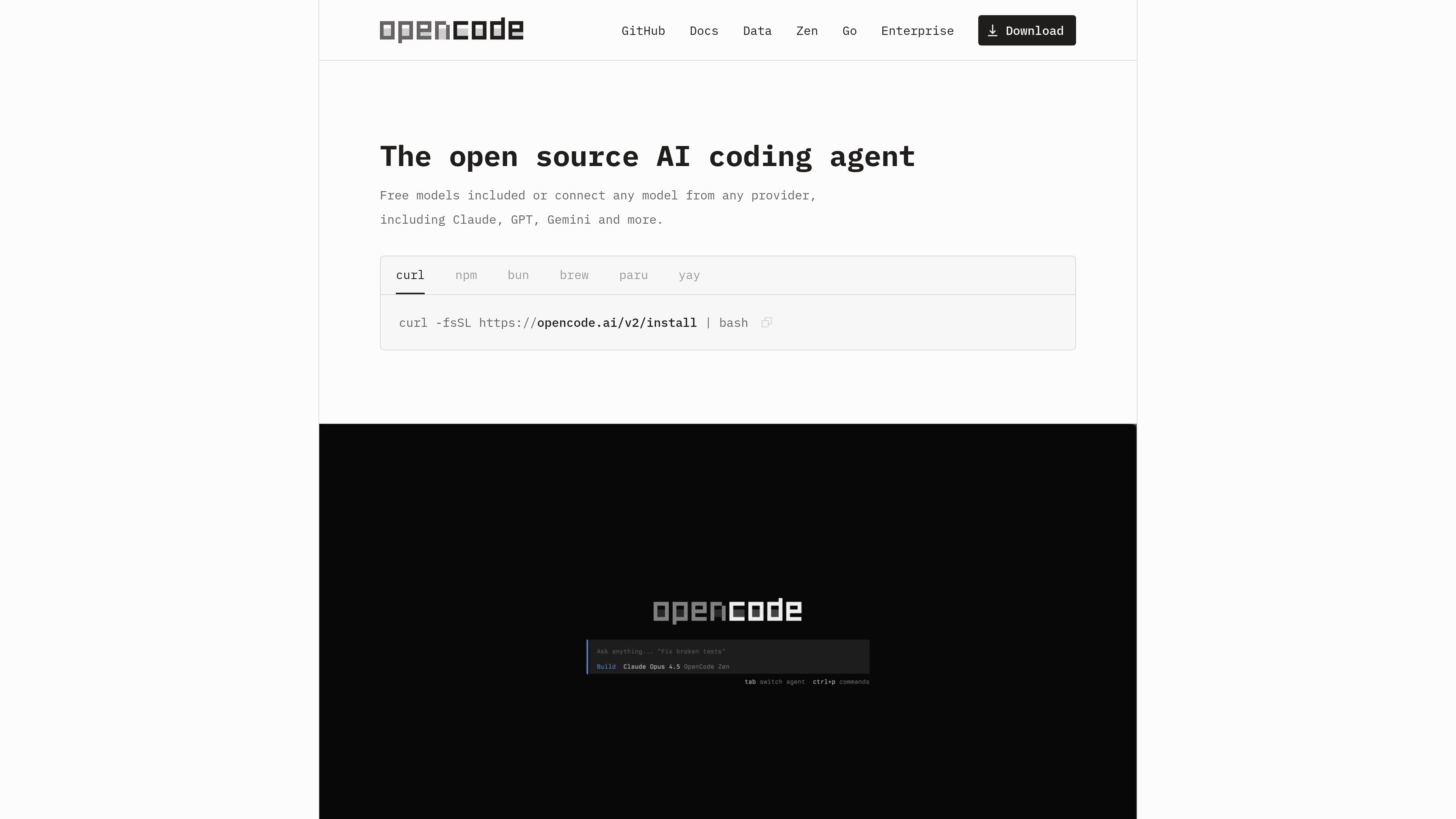
OpenCode is an open source AI coding agent for working with software projects from a terminal, desktop app, or IDE extension. It connects to the language-model provider or local model you configure and can help explain code, plan changes, and implement requested work in a project.
The documented workflow starts by installing the `opencode` command, configuring a provider, opening a project, and running `/init` so OpenCode can create an `AGENTS.md` file with project structure and coding-pattern context. Users can review plans before implementation, iterate on changes, and share selected conversations when collaboration or debugging requires a reference.
Use OpenCode from a terminal-based interface, desktop app, or IDE extension, depending on how you prefer to work.
Configure API keys for supported providers, use local models, or connect accounts such as GitHub Copilot and ChatGPT Plus or Pro.
OpenCode automatically loads the appropriate Language Server Protocol servers for the language model, supporting more context-aware coding work.
Run multiple agent sessions in parallel on the same project when separate tasks or investigations need to proceed at once.
Use Plan mode to review an implementation approach before changes are made, then switch to Build mode when ready.
Create an `AGENTS.md` project file with `/init`, reference files with fuzzy search, attach images to prompts, and undo or redo changes when needed.
Ask OpenCode to explain unfamiliar files or authentication flows, using file references to focus the discussion on the relevant implementation.
Describe a feature, review the proposed steps in Plan mode, provide feedback, and then switch to Build mode to implement the approved approach.
Give a direct, well-scoped request for a change such as applying an existing route’s authentication logic to another route, then inspect or revise the result.
Use image attachments and project context to communicate a visual reference or expected behavior when planning an interface change.
Run separate sessions on the same project, or share a specific conversation link with teammates for debugging and review.
OpenCode is available as a terminal-based interface, desktop app, and IDE extension. In the terminal, install it using the documented script or package-manager methods, configure an LLM provider, navigate to a project, run `opencode`, and use `/init` to create an `AGENTS.md` file describing the project structure and coding patterns.
No single extra subscription is required by OpenCode itself. You need API access for the LLM provider you choose, and OpenCode supports provider accounts, local models, GitHub Copilot, ChatGPT Plus or Pro, and OpenCode Zen.
OpenCode supports planning before implementation. Plan mode disables changes while it suggests an implementation approach; you can then switch back to Build mode to apply the changes. The agent can also explain a codebase, accept file references and images in prompts, and undo or redo changes.
OpenCode's home page states that it does not store your code or context data. For Zen, the site says models are hosted in the United States and providers follow a zero-retention policy and do not use data for model training, with stated exceptions.
OpenCode can create a shareable link to a conversation with `/share`; conversations are not shared by default. This allows a session to be referenced or reviewed by a team without making every conversation public.

ByteAsk is a terminal-first AI coding agent for C and C++ that edits repos and verifies changes with compilers, debuggers, sanitizers, and tests.

GitBot is a local browser workspace for reusable coding bots powered by Claude Code, Codex, or OpenCode, with persistent threads and configurable permissions.

Ghost is a terminal-based AI assistant for chatting, code generation, and CLI tasks. Includes free models, supports Linux, macOS, Windows, and is open source.

Vi3ecode is a maintained development environment for AI coding agents, keeping project context, terminal, Git, memory, flows and review connected.

CreateOS Sandbox is an isolated compute environment for running code and agent workloads in Firecracker micro-VMs with private networking and SDK, CLI, or MCP control.

hob is an independent workspace for coding agents, with local control over sessions, terminals, history, routing, and follow-up work.