
Voice capture from existing posts
Capture your voice by pasting posts you have already written or importing recent posts from X. Outloud then uses that writing to learn how you actually sound.

Outloud is an AI writing copilot that drafts posts and replies in your own voice, helping creators write social content that sounds like them.
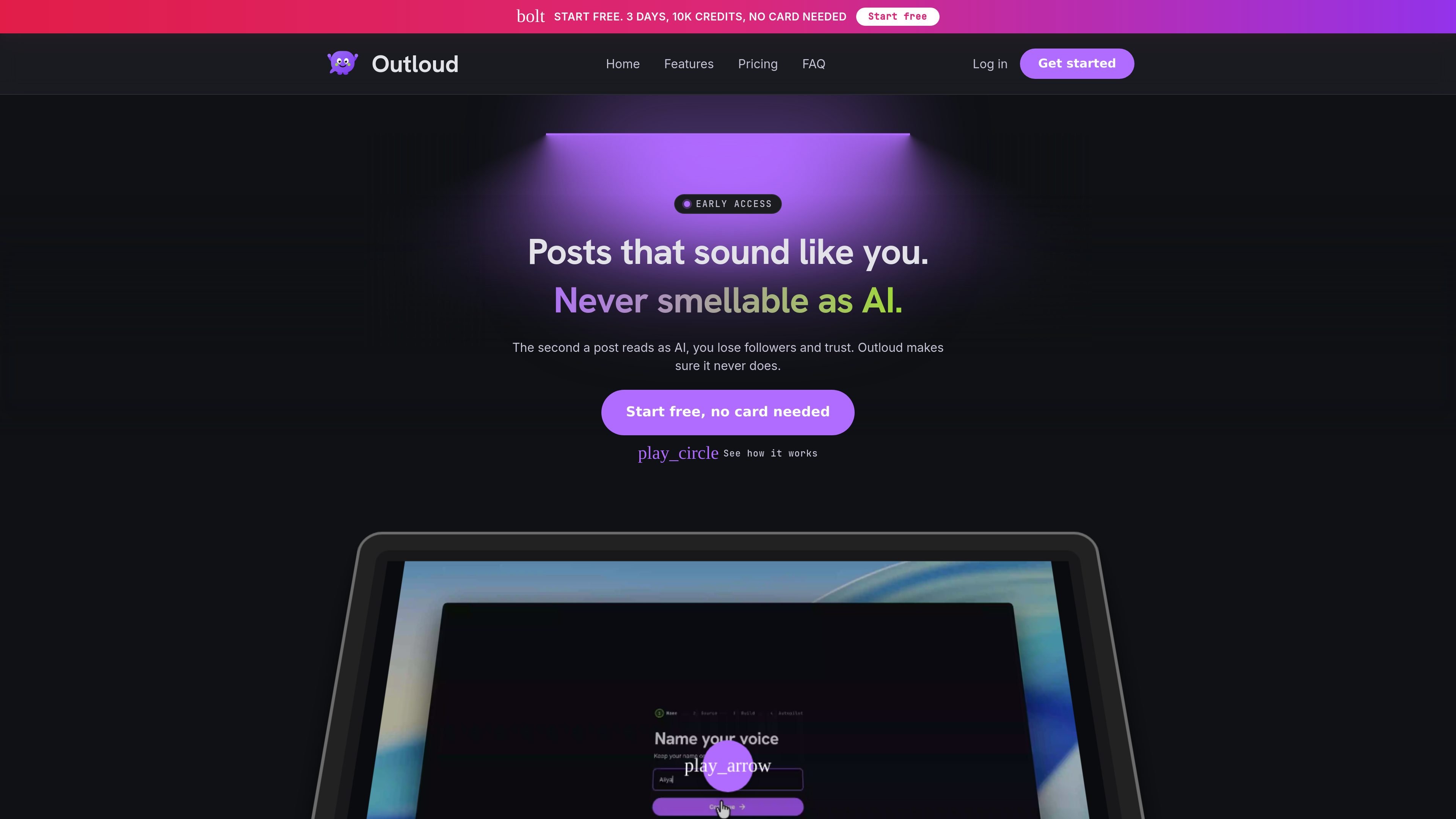
Outloud is an AI copilot for writing posts and replies in your own voice. The site positions it as a tool for people who want to avoid posts that read like generic AI and instead publish content that sounds like them.
The product starts by learning from posts you have already written or imported from X, then builds a style guide from your cadence, phrasing, and quirks. From there, it can draft posts from rough ideas, suggest replies to other posts, and support publishing across X, LinkedIn, Threads, and, in examples on the homepage, Telegram.
Capture your voice by pasting posts you have already written or importing recent posts from X. Outloud then uses that writing to learn how you actually sound.
Generate drafts from a rough idea and turn them into posts that match your cadence, phrasing, and quirks rather than generic AI copy.
Find posts worth replying to and draft replies in your voice, with X reply generation included in the plans shown on the pricing page.
Use Autopilot on Pro for zero-touch scheduling and auto-publish on your calendar, or stay in review mode and publish each draft yourself.
Publish to X, LinkedIn, and Threads from the product flow, with Telegram also shown in the homepage examples.
Choose style presets and adjust hook intensity on the Pro plan to control how the generated post sounds and opens.
Draft a post from a rough thought, then edit it before publishing. This fits solo builders who want to share updates without turning every post into a prompt-writing exercise.
Use the reply finder and reply engine to respond to posts that fit your topic or “build in public” angle, while keeping the reply in the same writing style as your own posts.
Capture a few existing posts and let Outloud build a voice profile for a repeatable workflow when you want consistent tone across future drafts.
On Pro, let the calendar-based autopilot handle zero-touch scheduling and auto-publishing when you want a more hands-off posting routine.
Choose creator voices when you want to generate content in a style other than your own, based on the library mentioned in the FAQ.
No. Outloud drafts posts in your voice, but you review each draft and publish it yourself. The pricing and FAQ content say it does not auto-post without your action unless you are using the Pro autopilot workflow, which is described as zero-touch scheduling and auto-publish on your calendar.
Outloud uses a few posts you have already written, or recent posts imported from X, to build a style guide from your cadence, phrasing, and quirks. That profile is then used to keep new drafts on-voice.
The source says Outloud supports posts in your voice across X, LinkedIn, and Threads, and the homepage also shows reply and posting flows for X and Telegram. The signup page says you can pick creators you want to write like after creating an account.
The source says you can continue with Google or create an account with name, email, and password.
The free trial is 3 days and does not require a card. The FAQ says you get 10,000 credits to set up your writing style and start posting, and you can choose a paid plan when the trial ends or credits run out.

topple.lol is a public pay-to-rank leaderboard where listings start at $1 and bid balance decays over time and clicks for short-term visibility.

PaperBetterAI is an intelligent writing tool that generates academic papers and various writing materials in both Chinese and English using advanced AI technology.

心流AI助手 for real-time Q&A, long-form summaries and writing support, covering everyday knowledge, life info and academic paper topics.

Goldfish is an AI memory app for macOS that helps you reply, write, summarize, and continue with context already on your Mac. It stores memory locally and writes in your tone.

An All-In-One AI Platform that combines tools for image, video, voice, writing, and chat to enhance creativity and collaboration.

Slidesgo is a presentation template platform for Google Slides, PowerPoint and Canva workflows, with free and Premium templates plus AI-assisted creation.