
Text-shaped photo mosaics
Type a short word and select a font; uploaded photos are tiled inside the letter shapes to create mosaic typography or photo word art.

PicText is a free browser-based editor for creating text-shaped photo mosaics and placing mosaic lettering behind image subjects. Create customizable PNGs without uploading photos.
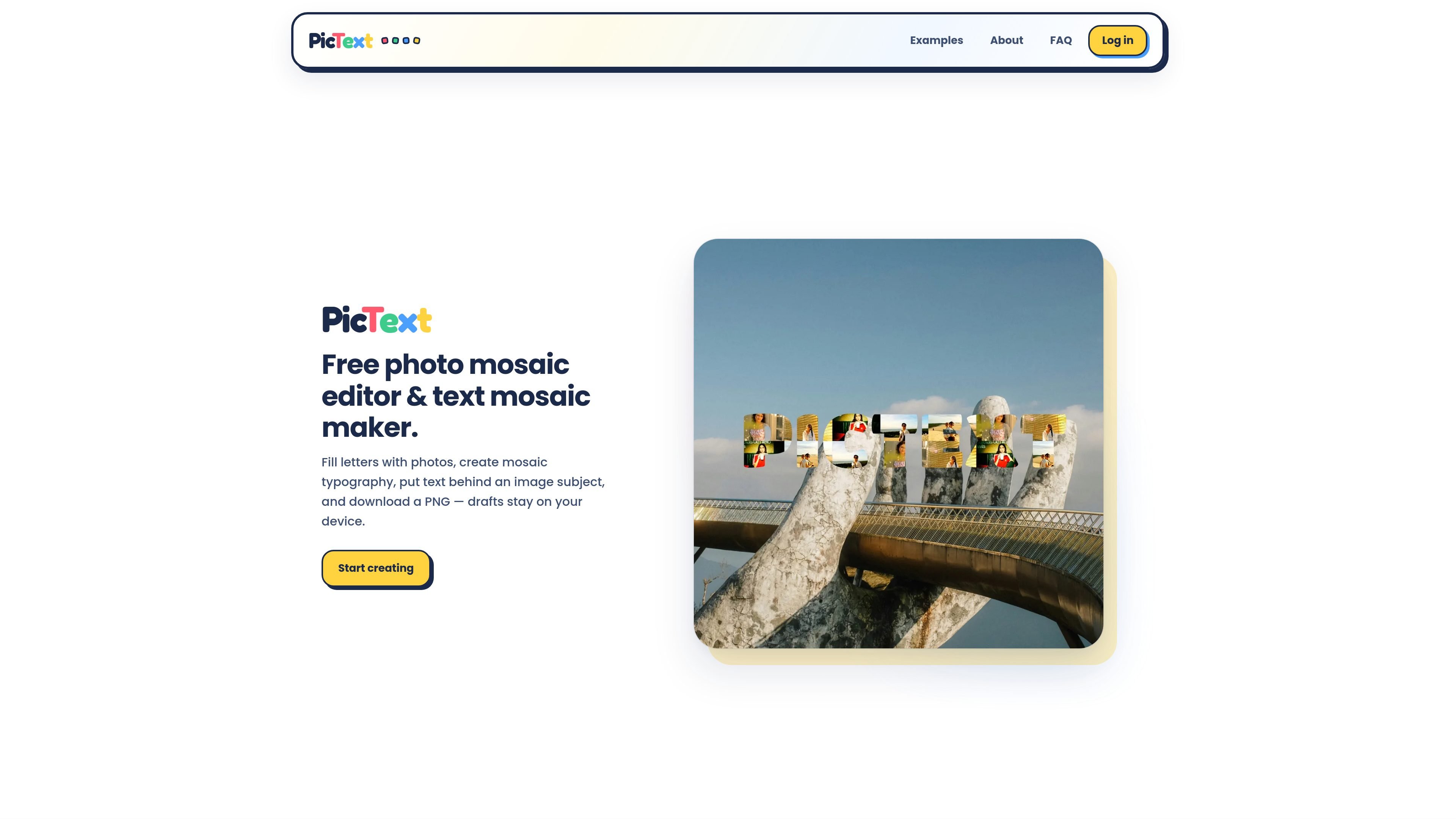
PicText is a free, browser-based photo mosaic editor and text mosaic maker. It turns a short word into letter-shaped masks and fills those letters with uploaded photos, creating mosaic typography or photo word art.
The editor also supports a text-behind-image composition: a background photo can be used to position the mosaic lettering behind a person or object. Users can refine the design with visual controls and download the result as a PNG, including transparent and common canvas orientations.
Type a short word and select a font; uploaded photos are tiled inside the letter shapes to create mosaic typography or photo word art.
Add a background image and enable Text behind to place the mosaic lettering behind a detected person or object.
Adjust the visual treatment with font, grain, filters, background, canvas shape, and tile shuffle controls.
Download finished designs as PNG files, including transparent, landscape, portrait, and square canvas options.
The editor performs mosaic and cutout processing in the browser, while drafts remain on the user’s device rather than being uploaded for processing.
Combine photos from a trip inside a location, destination, or date word for a compact travel recap or keepsake.
Build a personalized gift or greeting by filling a recipient’s name or a short occasion word with shared photos.
Create a social graphic using a short event title or date, with a transparent PNG for placement on another background.
Use a brand word or short campaign phrase as the letter mask, then apply filters and tile shuffling to develop a photo-led visual.
Place mosaic lettering behind a person or object in a background photo to create a layered portrait or subject-focused composition.
PicText is a free browser-based editor for making photo mosaics from text. Type a short word, upload one or more photos, and the photos are tiled inside each letter. It also supports placing mosaic text behind an image subject.
Type a short word, choose a font, upload photos, then adjust options such as filters, canvas shape, and tile shuffle. Download the finished design as a PNG.
Yes. Add a background photo, enable Text behind, and PicText cuts out the subject so the mosaic letters appear behind the person or object.
Yes. PicText is free to use in the browser. The source says users sign in with Google to open the editor.
You can download PNG photo mosaics with transparent, landscape, portrait, or square canvas options. The source does not specify additional export formats or resolution limits.

Pixelcut is an AI photo editor for product images, social content and video assets. Free and paid plans; mobile app and browser access for individuals and teams.

Petalica Paint is a web service for automatic line-art coloring and tracing drawings from photos, with commercial use allowed under stated terms.

PixelDrive is a bulk image generation API for on-brand images from one template via browser editor, REST API, CSV batch, or MCP.

Wearvue AI generates personalized outfit previews from a photo, refines styles for any occasion, and shows similar real products to shop.

Upscale.media is an AI image upscaling and enhancement tool by Pixelbin that sharpens low-resolution images in the browser, with bulk processing and API support.

Napkin AI turns text into editable visuals for presentations, documents, and shareable content. Text-first generation, collaboration, and export to PPT, PNG, SVG, or PDF.