
Text-to-SVG icon generation
Describe an icon in plain English and the generator produces a stroke-based SVG icon. The homepage says the result is production-ready and consistent in line weight.

Pictographic is a web-based library and generator for SVG icons and illustrations, with text-to-SVG creation, ready-made assets, and Figma use.
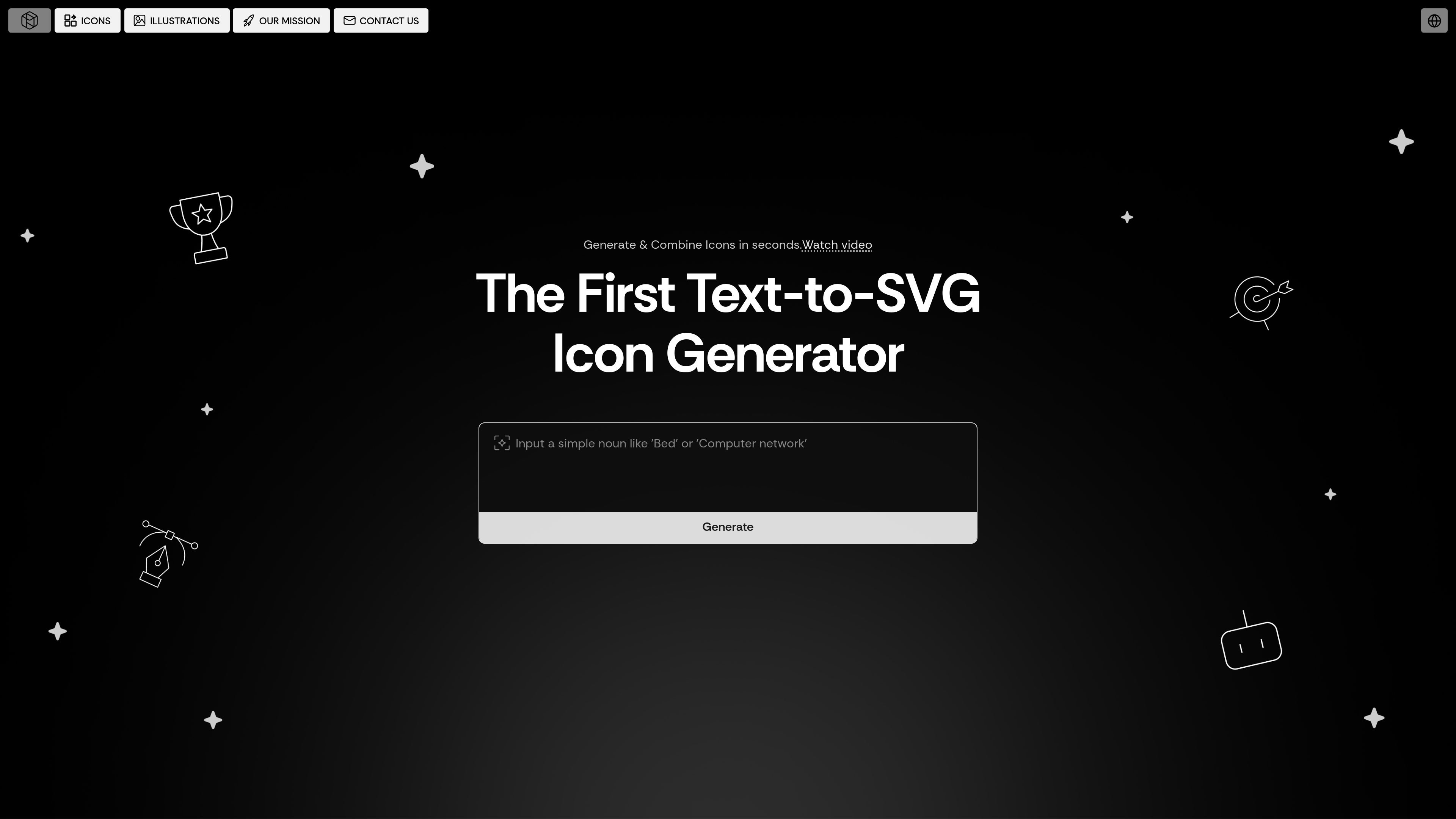
Pictographic is a library and generation tool for icons and illustrations. Its homepage describes it as a text-to-SVG icon generator, while also offering a large catalog of ready-made icons and illustrations for design and content work.
The product is aimed at people who need visual assets quickly and want them to match an existing style. Users can browse 20,000+ stroke-based SVG icons, access 200,000+ illustrations, generate custom icons from text, and use a Figma plugin to bring graphics into a design file without downloading them first.
Describe an icon in plain English and the generator produces a stroke-based SVG icon. The homepage says the result is production-ready and consistent in line weight.
Fine-tune line thickness so icons fit an existing visual system. The site says generated icons export as fully editable vectors.
Combine icons and subicons to create more specific visuals for interfaces or brand assets.
Browse the built-in library of 20,000+ stroke-based SVG icons when you do not need to generate a new one.
Use 200,000+ illustrations in multiple styles for websites, apps, and marketing content.
Recolor icons and illustrations to match a brand palette, including directly inside Figma through the plugin.
Generate a stroke icon from a text prompt when the icon you need is not already in the library.
Pull icons or illustrations into a Figma file without switching tools or downloading files first.
Use the built-in icon and illustration libraries to add visual assets to landing pages, presentations, and app screens.
Adjust stroke weight or recolor assets so they fit a brand system more closely.
Combine icons and subicons when a standard asset is too generic for a specific interface or concept.
Yes. The site’s mission page says free users can download 10 free images per month, and the homepage also presents a Figma plugin and web app as access points for graphics.
The homepage says the library includes 20,000+ stroke-based SVG icons and 200,000+ illustrations, and the generator page offers text-to-SVG icon creation when you need a custom result.
The homepage says icons can be generated from plain English, combined with subicons, and recolored to match a brand palette; illustrations can also be recolored.
Yes. The homepage explicitly mentions a Figma plugin that lets you access graphics inside Figma without downloading them first.
The pricing page was not available in the provided evidence, so plan details, paid tiers, and limits beyond the free-image note are not confirmed here.

PixelDrive is a bulk image generation API for on-brand images from one template via browser editor, REST API, CSV batch, or MCP.

Napkin AI turns text into editable visuals for presentations, documents, and shareable content. Text-first generation, collaboration, and export to PPT, PNG, SVG, or PDF.

Refero MCP for AI agents connects an MCP-compatible agent to Refero’s curated library of web and iOS product interfaces and user flows. It helps agents research real design patterns before generating UI, with access included in the Refero Pro plan.

Frames helps you create launch posters and social media marketing graphics fast with premium device frames and templates for Instagram, Twitter, and Product Hunt. Free to start.

GPTIMG2 AI is a web-based image generator built on OpenAI’s GPT Image 2 model, with prompt-driven creation, reference edits, readable text, and higher-res outputs.

TapNow is a web-based AI visual creation platform for businesses, creators, and teams with image and video generation, editing, planning, and collaboration tools.