
Meeting capture
ProdShort can join Google Meet, Zoom, or Teams calls and record the meeting so the material is ready for clipping later.

ProdShort joins Google Meet, Zoom, or Teams calls, records them, and turns conversations into branded short clips with animated captions.
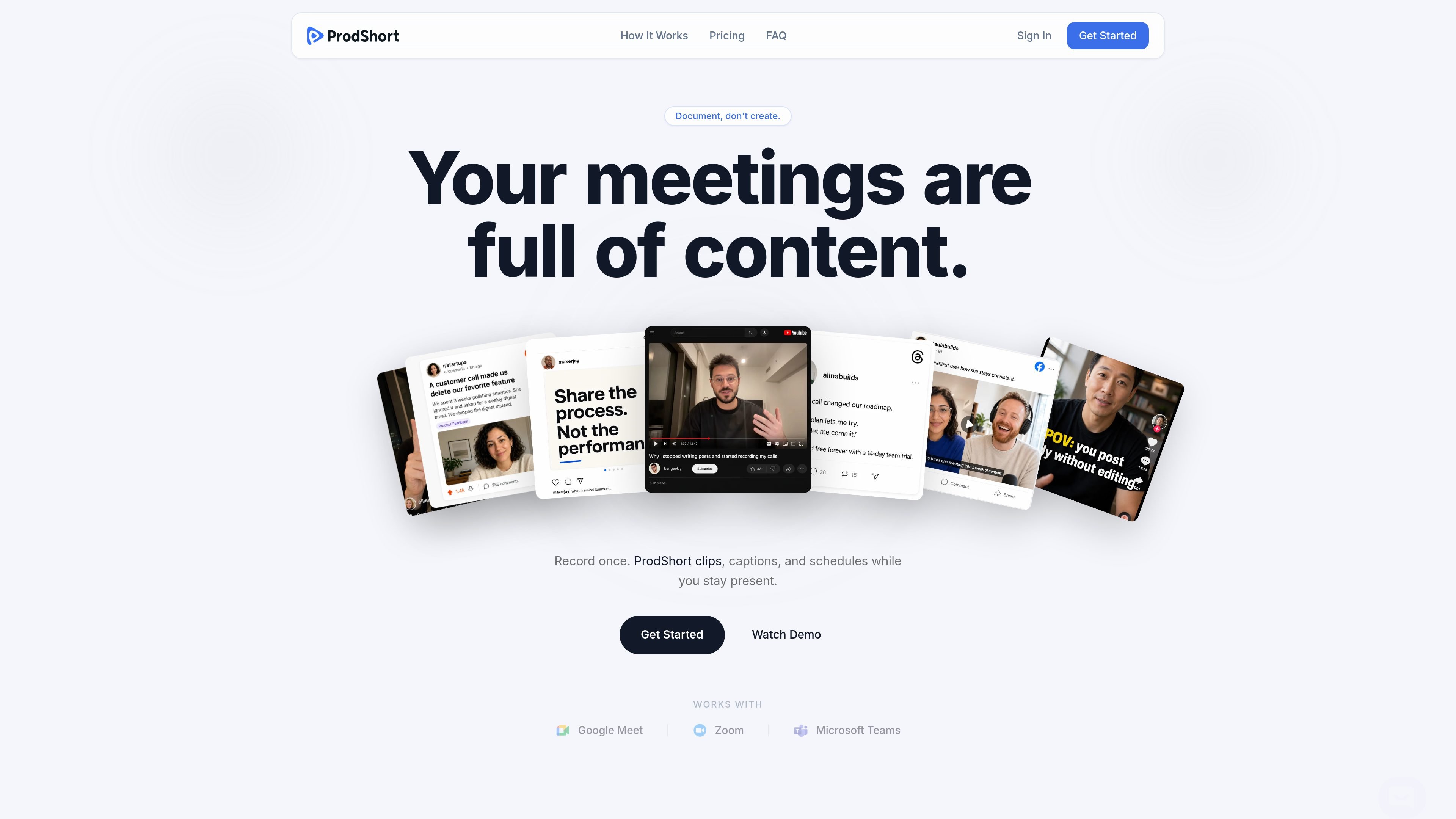
ProdShort is a meeting-to-short-form-video tool that joins Google Meet, Zoom, or Teams calls, records them, and helps turn the material into branded clips with animated captions.
It is positioned for people whose best ideas happen on calls rather than in documents: founders, coaches and consultants, and operators or experts who want to reuse conversations as content for LinkedIn, TikTok, and Instagram. The homepage also says the product is designed to reduce manual video editing and save time on content creation.
ProdShort can join Google Meet, Zoom, or Teams calls and record the meeting so the material is ready for clipping later.
The product helps turn recorded calls into short-form clips, reducing the manual editing step after a meeting ends.
Animated captions are included as a highlighted output format for short clips.
Eligible plans include AI captions written per platform, so clips can be adapted for different posting destinations.
Paid plans advertise custom logo and branding options, which lets clips carry a brand identity instead of only default styling.
The site says clips can be prepared for LinkedIn, TikTok, and Instagram publishing.
Founders can turn strong moments from product, sales, or strategy calls into short clips that are easier to share than full meetings.
Coaches and consultants can reuse teaching moments from client sessions as short-form educational content.
Operators and subject-matter experts can capture explanations made live on a call and repurpose them for future prospects or followers.
Teams that publish on social platforms can prepare meeting-derived clips for LinkedIn, TikTok, or Instagram with branded presentation.
ProdShort joins Google Meet, Zoom, or Teams calls, records them, and helps turn the content into short clips with animated captions.
The homepage says ProdShort is built for founders, coaches and consultants, and operators or experts who want to turn spoken ideas from calls into shareable content.
The homepage mentions publishing for LinkedIn, TikTok, and Instagram, with AI captions written per platform on eligible plans.
The site offers a 14-day money-back guarantee on every plan. The homepage also says you can cancel anytime.
The public pricing details available on the homepage show Indie, Founder, and Studio plans, but the pricing page itself was not available.

Dina is a macOS app for polished screen recordings with automatic zoom, cursor smoothing, captions, transcript editing, and presentation-ready layouts.

CAMB.AI Streams dubs live audio in real time for YouTube, Twitch, X and other platforms, using existing live workflows and no post-production.

Tavus is an AI video platform for real-time face-to-face agents, digital twins, and AI companions, with APIs and multilingual workflows for developers.

HiringPartner.ai is an autonomous AI recruiting platform for sourcing, screening, and interviewing candidates 24/7 with ATS-connected workflows and bulk resume uploads.

Bezel is a macOS app for mirroring and recording Apple devices on a Mac. Supports wireless AirPlay and USB mirroring for demos, walkthroughs, and screen recordings.

Capso is a native macOS screenshot and screen recording app for capturing, annotating, recording, and extracting text from screen content. Free forever, open source, and an alternative to CleanShot X.