
AI-assisted inpainting and generation
Select an area or draw boxes on an image or empty canvas, describe what should be added, retained, moved or removed, and receive the result as a new layer.

Scumble is a free GPL-3.0 open-source desktop image editor for AI-assisted inpainting, editing, upscaling and generation with editable layers via ComfyUI, Comfy Cloud or APIs.
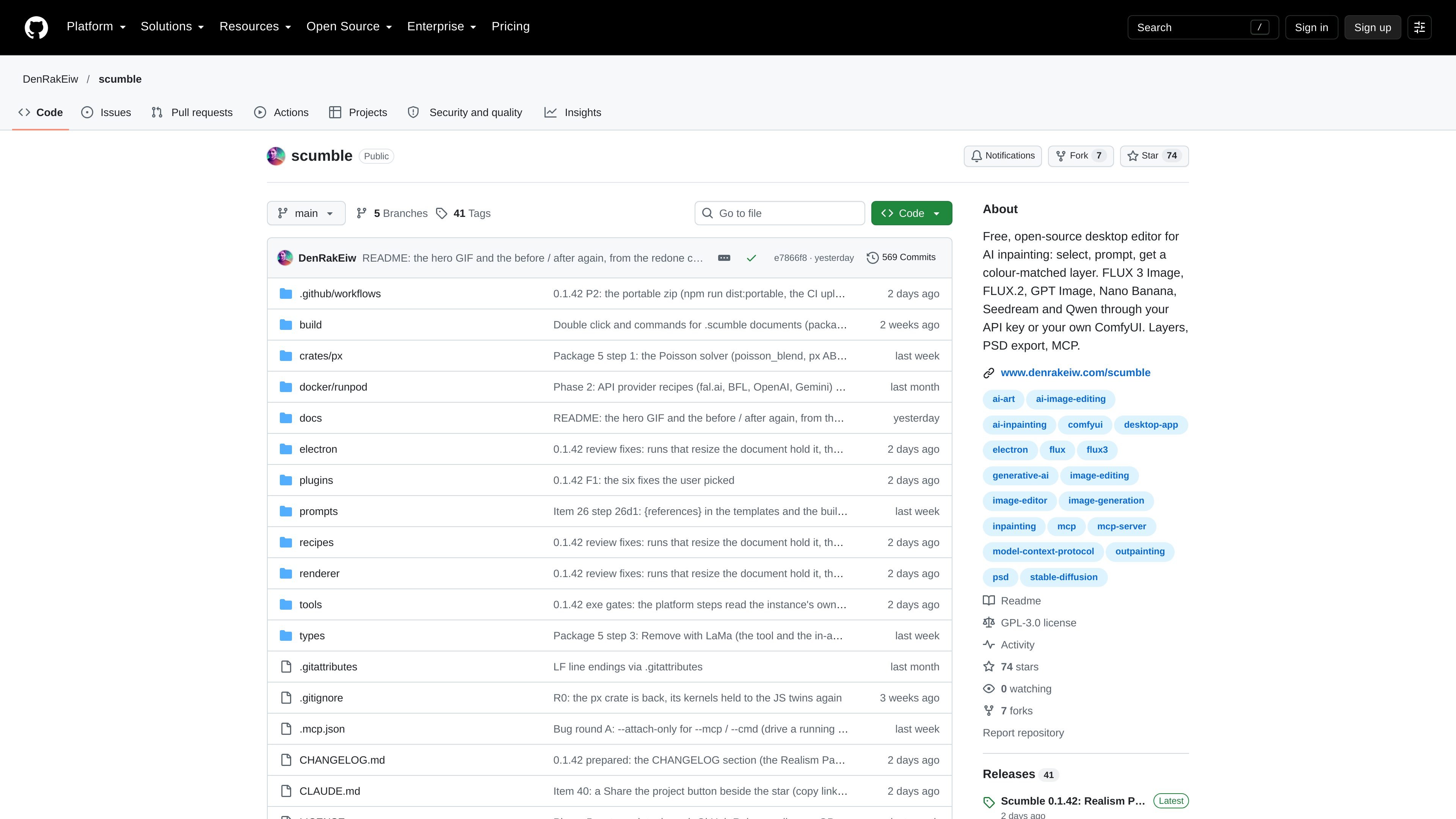
Scumble is a free, open-source desktop image editor built around AI models and ComfyUI. It is designed for inpainting, editing, upscaling and generation: users select part of an image or draw boxes on an empty canvas, describe the intended result, and receive the output as a separate layer. The layer can be masked, blended, filtered and adjusted before the document is flattened.
The application can render through a local or remote ComfyUI, Comfy Cloud, or supported provider APIs using the user's own keys. It also remains useful without an AI rendering connection for conventional editing, selection, painting, filters, saving and export. The project is currently in the 0.1.x stage, so the documentation advises users to expect rough edges and keep backups of their images.
Select an area or draw boxes on an image or empty canvas, describe what should be added, retained, moved or removed, and receive the result as a new layer.
Generated layers are colour-matched around their edges and can be adjusted later with a Match slider. Layers can also be masked, erased, blended and filtered before the document is flattened.
Run recipes through a local or remote ComfyUI, use Comfy Cloud, or connect directly to provider APIs with keys for services including Black Forest Labs, OpenAI, Google, fal.ai, Replicate and OpenRouter.
On ComfyUI, workflows containing the Inpaint Canvas node can be used as recipes. The editor can open ComfyUI beside the workspace so users can modify and save a recipe graph.
The editor includes GPU filters such as film looks, grain, curves and LUTs, along with in-app object selection, background removal and Remove tools that can run locally after their helper models are downloaded.
Commands are exposed through an MCP server, allowing compatible clients to operate the editor. PSD and OpenRaster preserve layers, and a tile engine supports work on large documents without freezing the window as readily as a fully in-memory workflow.
Open a photo, mark an unwanted object or an area that needs changing, describe the replacement, and keep the generated patch separate so it can be masked or blended before export.
Start with a blank canvas, draw boxes to define where elements belong, and use a supported image model to create a composition whose generated parts arrive as editable layers.
Place reference images as named layers and use model-specific references such as @img1 and @img2 when combining visual material or directing an edit.
Use a local workstation or rented remote machine running ComfyUI, select a recipe, and edit the recipe's graph when a controlled custom workflow is more suitable than a direct API call.
Connect an MCP client to Scumble to open documents, make selections, generate edits, apply matching and export while retaining the editor's window and undo context.
Scumble is a free, GPL-3.0 desktop image editor for AI-assisted inpainting, editing, upscaling and generation. It returns generated results as editable layers rather than immediately flattening them into the image.
No account or Scumble-hosted server is required. You can connect a local or remote ComfyUI, use Comfy Cloud, or enter an API key for supported providers. The editor can also open, paint, select, layer, filter, save and export without a rendering service, although AI generation requires a configured rendering destination.
On Windows, the project provides a Microsoft Store version, a GitHub installer and a portable ZIP for 64-bit Windows 10 and 11. Releases also include Linux AppImage and .deb packages, but the project notes that these builds have not been run by the author. macOS is planned but not released.
Generated content can be exported in PSD with layers and masks or in OpenRaster with layers. Both formats can be opened again with their layers, while PNG is also supported for opening and saving.
Yes. Scumble exposes its features as commands through an MCP server. Its documentation says MCP clients such as Claude Code and Claude Desktop can use 105 tools to open, select, generate, match and export in the same window and undo context.

Pixelcut is an AI photo editor for product images, social content and video assets. Free and paid plans; mobile app and browser access for individuals and teams.

Upscale.media is an AI image upscaling and enhancement tool by Pixelbin that sharpens low-resolution images in the browser, with bulk processing and API support.

Free browser-based AI image enlarger by PhotoAid for upscaling JPEG, WEBP, and PNG photos, especially portraits, without heavy blur.

An All-In-One AI Platform that combines tools for image, video, voice, writing, and chat to enhance creativity and collaboration.

Petalica Paint is a web service for automatic line-art coloring and tracing drawings from photos, with commercial use allowed under stated terms.

PixelDrive is a bulk image generation API for on-brand images from one template via browser editor, REST API, CSV batch, or MCP.