
Skipped-passage detection
Detects fast scroll gestures and estimates the skipped range instead of summarizing the whole page, so the recap stays tied to the passage you moved past.

Skim Recap is a Chrome extension that summarizes skipped text beside your cursor, helping you keep your place in long articles, docs, and research writing.
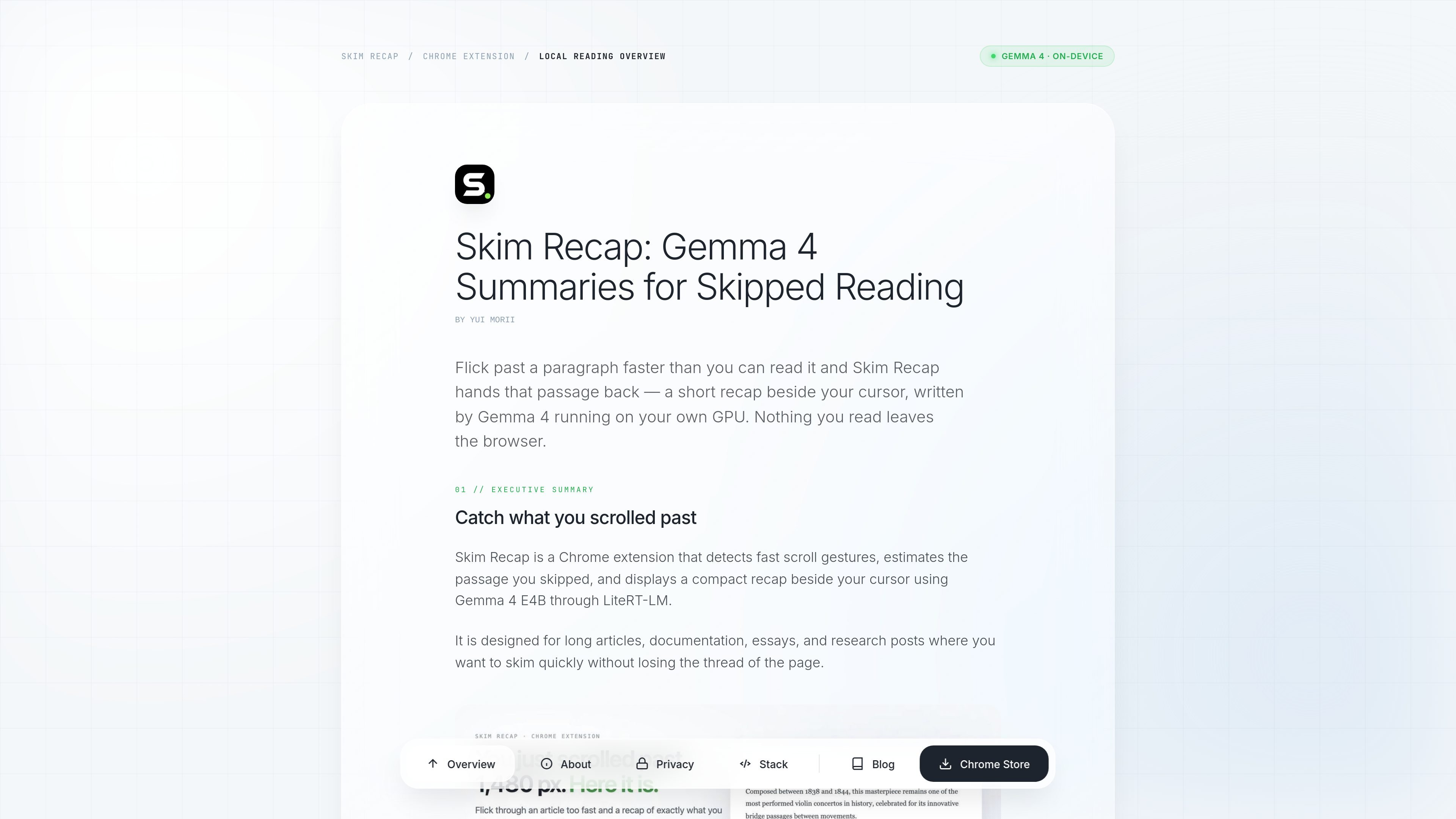
Skim Recap is a Chrome extension that catches passages you scrolled past and returns a short recap beside your cursor. It is built for readers who want to skim long articles, documentation, essays, and research posts without losing the thread of what they skipped.
The product uses Gemma 4 E4B through LiteRT-LM in a Chrome offscreen document with WebGPU, and the source pages say the skipped text is summarized on-device rather than sent to a hosted LLM API. A fast scroll triggers the capture, the skipped range is extracted, and the recap panel appears near the cursor so the reader can stay in place.
Skim Recap exposes a small popup for enabling the extension, setting the flick threshold, and preloading the model. It also offers two recap views from one generation, plus on-device translation and a later release path for selecting a term and asking for a Feynman-style explanation when a recap alone is not enough.
Detects fast scroll gestures and estimates the skipped range instead of summarizing the whole page, so the recap stays tied to the passage you moved past.
Displays the recap beside the cursor in a compact panel, keeping attention in place while the text is returned.
Runs from a popup with an enabled toggle, adjustable flick threshold, and a model preload action for starting and tuning the workflow.
Uses one local generation for two display modes: Focus shows one paragraph, while Smart formats the same output as numbered points without re-running the model.
Supports on-device translation and can also generate the recap directly in a selected language in a single pass.
Caches the model locally after download so the same browser session can reuse it across tabs, with the model remaining available until Chrome restarts.
Use it when you move through a long-form article quickly and want the omitted paragraph returned without leaving the page or opening a separate summary view.
Use it while reading technical docs or essays where missing one passage can break the thread of the argument or the procedure.
Use it for research posts and analytical writing when you want a brief recap of the exact section you passed over, not a summary of the whole page.
Use the translation action or direct language generation when you need the recap in another language while staying in the same reading flow.
Use the Feynman selection flow introduced in v0.4 when a recap names an unfamiliar term and you want an explanation on a specific word or phrase.
Skim Recap is activated from a small popup with an enabled toggle, an adjustable flick threshold, and a model preload action. Once active, it watches for fast scroll gestures and shows a recap beside the cursor after scrolling settles.
It is built as a Chrome extension and runs Gemma 4 E4B locally through LiteRT-LM in a Chrome offscreen document using WebGPU. The product pages say the skipped text is summarized on-device and not sent to a hosted LLM API.
The generated recap appears in two layouts: Focus, which presents the recap as one paragraph, and Smart, which formats the same generated text as numbered points. Switching between them does not regenerate the model output.
Yes. The panel includes a translation action, and the product page says translation runs on-device as well. The recap can also be generated directly in a chosen language in one pass.
The product is designed for long articles, documentation, essays, and research posts. The about page also notes a limitation of bounded recaps: if the page used a term without defining it, the recap cannot explain that outside context until the v0.4 Feynman selection flow is used.

Notewarp is an AI note-taking tool that turns voice notes, uploads, or pasted text into cleaner notes, transcripts, summaries, and action items.

QuickQuill is a local-first macOS dictation and transcription app to record meetings, summarize audio, and export notes without the cloud.
VoiceCap is an AI meeting notetaker for in-person and online meetings, creating searchable transcripts, summaries, decisions, and action items in 100+ languages with EU data storage.

MeetStream is a meeting bot API for Zoom, Google Meet, Microsoft Teams, and Webex. Record, stream, and analyze meetings with usage-based pricing and $5 free credit.

An AI-powered tool that summarizes PDF documents quickly and efficiently, providing clear insights and allowing users to interact with the content.

Tactiq is an AI note taker for Google Meet, Zoom, and Microsoft Teams that transcribes meetings live into summaries, action items, and follow-up outputs.