
Prompt-based generation with prompt help
Describe the scene in plain English, then use the built-in AI prompt assistant to refine the input before rendering begins.

Sora 2 AI Video Generator is a web-based tool for turning text prompts into short videos, with optional reference images and format controls. It supports watermark-free export and sits inside a broader AI creative studio on removesorawatermark.online.
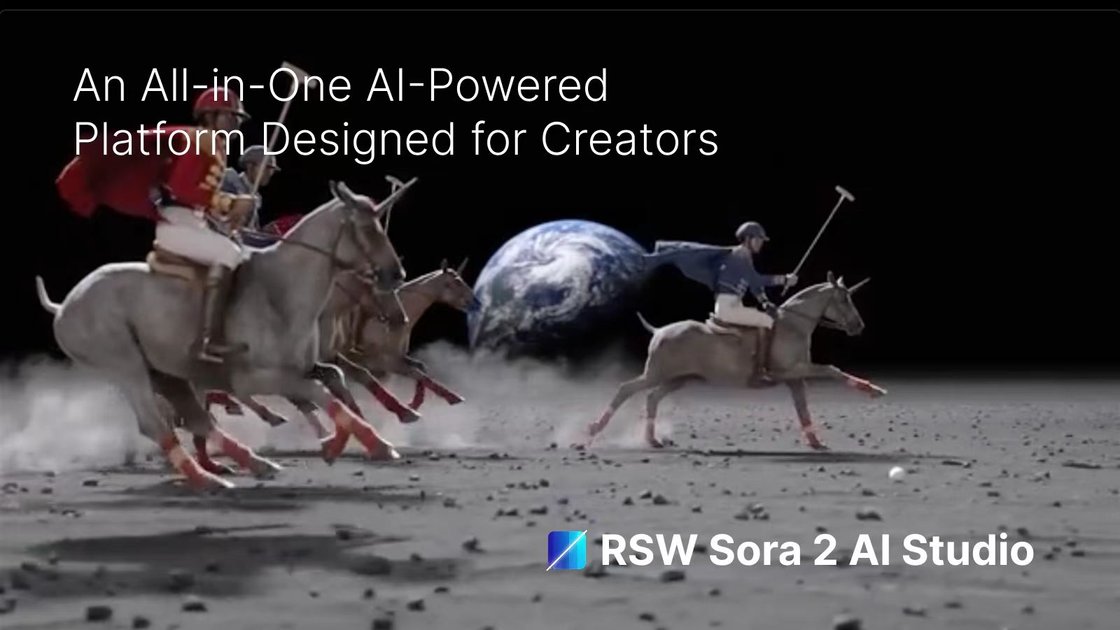
Sora 2 AI Video Generator is a web-based tool on removesorawatermark.online for creating videos from text prompts. The page presents it as part of an AI studio built around OpenAI’s Sora models, with a workflow for writing a prompt, choosing output settings, generating a clip, and downloading the result.
The product page emphasizes watermark-free export, optional reference images, and format controls for landscape, portrait, and square video. It also states that the generator supports 4–20 second clips in the workspace flow, and that Sora 2 Pro is positioned for higher-resolution output than standard Sora 2 in the model comparison.
Describe the scene in plain English, then use the built-in AI prompt assistant to refine the input before rendering begins.
Choose landscape, portrait, or square output, and set duration and resolution from the generator workspace options shown on the page.
Upload an optional reference image to guide style and composition, while keeping the prompt as the main input.
The page says Sora 2 videos include synchronized audio, dialogue, and sound effects that align with the visuals.
The site claims generated clips are watermark-free on export and can be previewed before download.
The product is part of a unified studio that also offers AI image, audio, and music workflows under one workspace.
Draft short video concepts quickly from a written description, then adjust wording and settings to compare different creative directions.
Create clips for social platforms where vertical, square, or widescreen formatting matters more than a single fixed export size.
Use an optional reference image when you want the output to follow a visual style, composition, or subject cue more closely.
Preview and export watermark-free clips for presentations, campaign drafts, or internal approvals after checking the generated result.
Work inside one studio when you need video alongside images, audio, or music rather than moving between separate tools.
It is a web-based video generator that turns written prompts into Sora 2 videos. The page also says you can optionally upload a reference image and choose output settings before generating.
The page describes support for landscape, portrait, and square formats, with durations from 4 to 20 seconds on the generator workflow. The homepage also highlights 1080p output for Sora 2 Pro videos and 720p for standard Sora 2 in the model comparison.
The site says completed videos can be downloaded as watermark-free files after previewing the result. It also states that the workflow is designed for quick generation, with many clips finishing in under 2 minutes.
The product page says you can start with plain-language prompts and refine them with the built-in prompt assistant. The workflow also supports optional reference images for style guidance.
The page positions Sora 2 as one model inside a larger AI creative studio that also includes image, audio, and music tools. The pricing page shows paid subscription tiers and one-time credit packs in addition to free usage claims on the site.

艺映AI is a free AI video creation tool for generating video from text, images, or existing footage. It is positioned for short-form social content, promotional clips, and stylized AI video projects.

Coursebox AI Training Video Generator creates training videos from scripts, slides, or avatar-based setups. It is aimed at course authors and teams that want to produce training content without filming equipment or manual editing.

VIDEOAI.ME is an AI video generator for making spokesperson-style videos, ads, explainers, and social content from a script. It is aimed at founders, marketers, agencies, and creators who want to produce videos without filming.

Official HeyGen API documentation for building AI avatar videos, translations, lipsync, and interactive video-agent sessions. It supports direct API use plus MCP and CLI-style workflows for developers and AI agents.

TapNow is a web-based AI visual creation platform for businesses, creators, and teams with image and video generation, editing, planning, and collaboration tools.

讯飞绘镜 (iFlytek Huijing) is an AI video creation platform that transforms creative ideas into scripts, storyboard images, and dynamic videos quickly and efficiently.