
AI transcription with uncertainty flags
Generate subtitles with AI, then work through the transcript with low-confidence words already marked for review.

SubtitleGenerator is a browser-based AI subtitle tool for generating, reviewing, styling, and exporting subtitles from local video files.
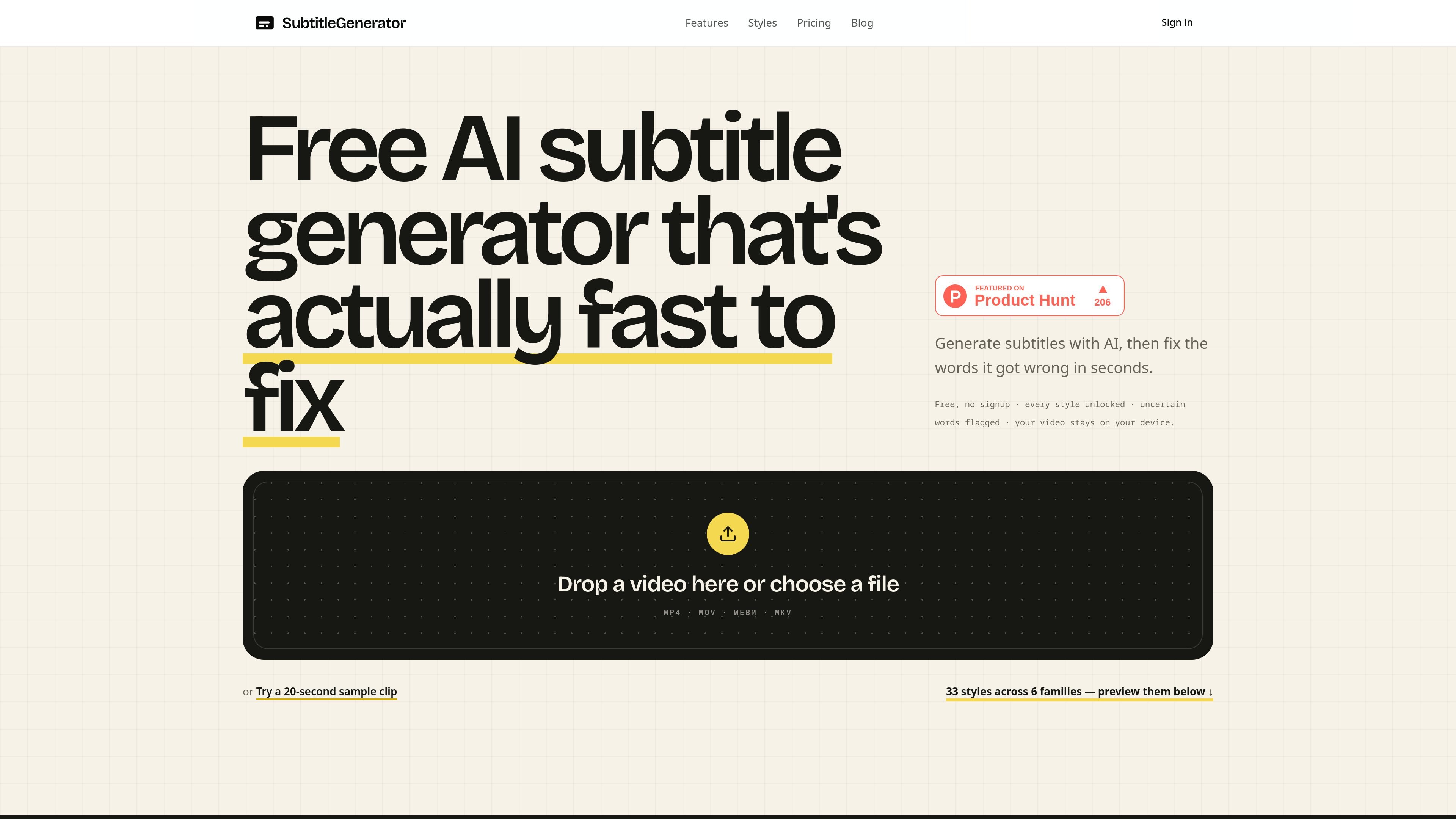
SubtitleGenerator is a browser-based AI subtitle tool for generating, reviewing, styling, and exporting subtitles from local video files. It is built around a fast correction workflow: the system flags uncertain words, then lets you fix, keep, or re-transcribe the parts that need attention before export.
The product supports a wide range of caption looks, including 33 styles across six families, and it offers subtitle workflows that can fit both social video and editing timelines. The site highlights no signup to start, common video format support, and a local-first approach where the uploaded video stays on your device.
Generate subtitles with AI, then work through the transcript with low-confidence words already marked for review.
Edit subtitles in the browser by correcting words, keeping a cue, or re-transcribing only the part that is wrong.
Choose from 33 caption styles across six families, with typography, framing, highlighting, and motion changing together.
Preview styles on your own video and use curated open-licence fonts that are shown before you commit.
Export subtitles in the browser, with reviewed SRT available on Pro or Max and burned-in video mentioned as an output option.
Translate full tracks in the same editor on Pro and Max, while keeping the subtitle workflow in one place.
A creator can upload a local clip, review the automatically flagged uncertain words, and export styled subtitles without setting up a separate desktop workflow.
An editor can generate and review subtitles outside the timeline, download SRT on Pro or Max, and import the file into Premiere Pro or another compatible NLE.
Teams making videos with different visual treatments can choose from the style library to match tutorial, interview, gaming, lyric, or branded formats.
Users who want to check transcription quality before committing to a timeline can correct names, technical terms, and other uncertain cues in the browser.
Projects that need translated subtitles on paid plans can keep generation, review, translation, and export in one editor instead of using separate tools.
Yes. The homepage states that you can start for free with no signup required, and the workflow happens in the browser. The site also notes that Pro and Max add full-track subtitle translation and that SRT export is available with Pro or Max.
The product is browser-first and works from a local video file you upload. The site says your video stays on your device, and it supports common video formats including MP4, MOV, WebM, and MKV.
SubtitleGenerator can generate subtitles, flag uncertain words, let you edit or re-transcribe cues, translate subtitles on Pro and Max, apply one of 33 styles, and export subtitles in the browser.
The site describes a reviewed SRT workflow for Premiere Pro and other compatible NLEs. You can generate and review subtitles in SubtitleGenerator, export SRT on Pro or Max, and import the file into an editing timeline.
No. The feature page explains that SRT files carry text and time ranges, but not fonts, colors, position, or word-by-word animation. For fixed visuals, the site points to burned-in video exports or a graphics/plugin workflow.

SpeakoFlow is a free, open-source desktop voice-to-text app for Windows, macOS, and Linux. Dictate into any app, use Flow, cleanup, translation, and a screen-aware assistant.

QuickQuill is a local-first macOS dictation and transcription app to record meetings, summarize audio, and export notes without the cloud.

Zen Whisper is a local-first dictation and transcription app for Apple Silicon Macs on macOS 14+. Dictate into most Mac text fields and transcribe media or supported public links across 110 languages.

Speech to Text Converter is a browser-based transcription tool for live dictation and uploaded audio or video files. Free for short tasks, Pro offers unlimited transcription, AI summaries, translation, speaker ID, and advanced exports.

Tactiq is an AI note taker for Google Meet, Zoom, and Microsoft Teams that transcribes meetings live into summaries, action items, and follow-up outputs.

CAMB.AI Streams dubs live audio in real time for YouTube, Twitch, X and other platforms, using existing live workflows and no post-production.