
Ambient sounds
The home page highlights ambient soundscapes as part of the sanctuary experience. This supports a calm background for users who want to work, reflect, or unwind.

The Pearl Club is a private digital sanctuary with ambient soundscapes, a focus timer, daily journaling, mood canvases, and guest access.
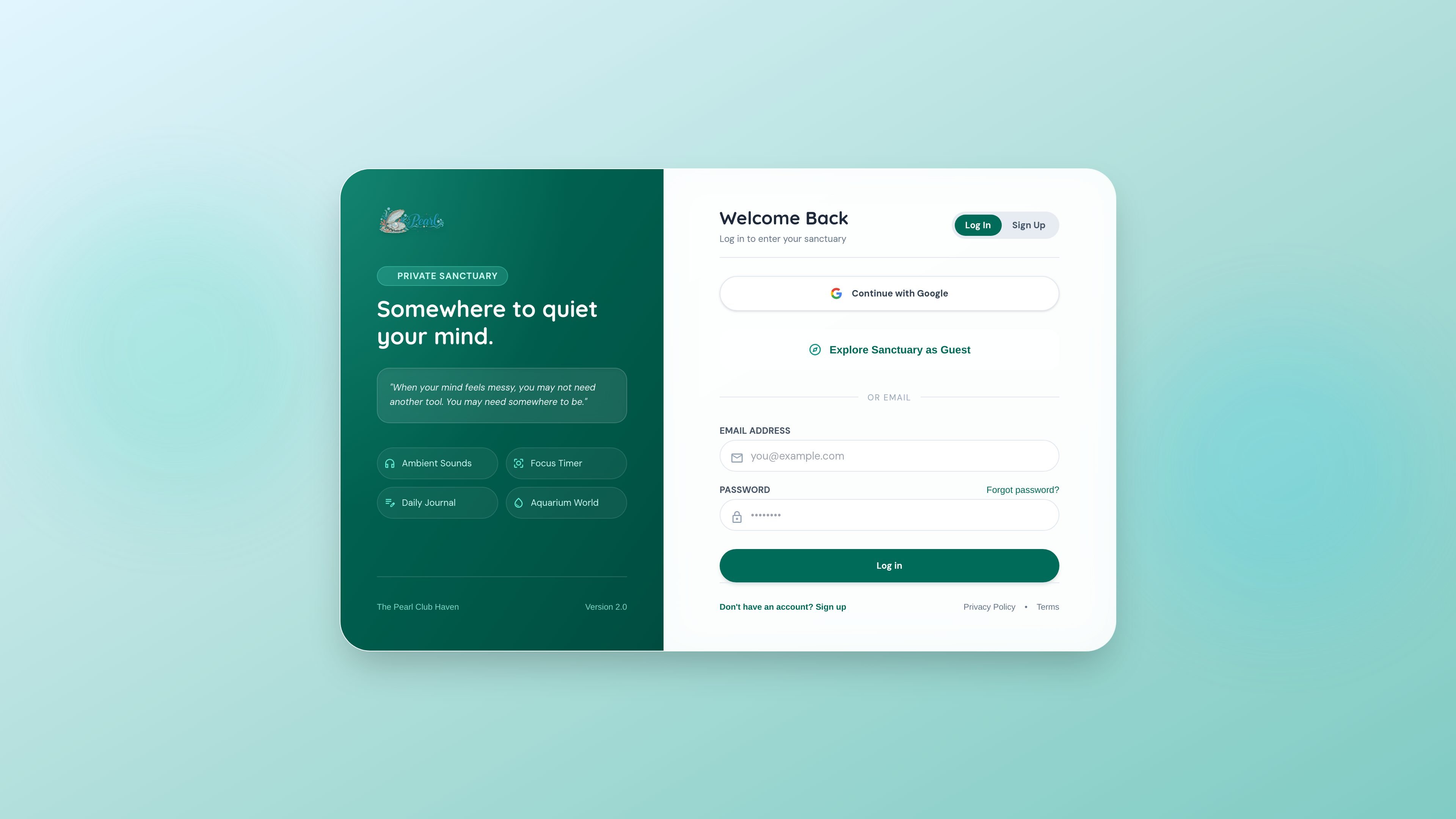
The Pearl Club is a private digital sanctuary for ambient listening, focus sessions, journaling, and personal reflection. The home page presents it as a place “to quiet your mind,” with entry options for logging in, signing up, or exploring as a guest.
Across the public pages, the product centers on a small set of mindfulness-oriented tools: ambient sounds, a focus timer, a daily journal, mood canvases, and aquarium-themed collectibles. The privacy policy and terms indicate that accounts can be created with email or Google OAuth, and that personal reflections and usage data are stored within the user’s sanctuary space.
The home page highlights ambient soundscapes as part of the sanctuary experience. This supports a calm background for users who want to work, reflect, or unwind.
A built-in focus timer is listed on the home page and in the product description. It gives the app a structured way to support attention during short work sessions or quiet periods.
The home page includes a daily journal, and the privacy policy refers to private journal reflections. The product is designed to store personal notes across sessions.
Mood canvases are part of the product description and privacy policy, which also references mood canvas data. This suggests a place to record or preserve mood-related entries inside the account.
The signup page mentions collectible pearls, pearl badges, sanctuary feeds, and bottle messages. These appear to add account-linked community or progression elements to the private sanctuary.
Use the ambient sounds and focus timer together when you want a low-distraction session for work, study, or a short reset.
Use the daily journal and mood canvases to record reflections, track how you feel, and keep personal notes in one place.
Open the sanctuary as a guest when you want to preview the experience before creating an account.
Create an account if you want your reflections, settings, and other sanctuary data to persist across sessions.
Yes. The signup flow supports creating a free membership with a full name, username, email address, and password, or signing up with Google. The site also offers an option to explore the sanctuary as a guest.
The source pages describe access to ambient sounds, a focus timer, a daily journal, mood canvases, and aquarium collectibles. The privacy policy also mentions personal reflections, focus timer history, and sanctuary data stored within the account.
A pricing page exists, but the collected page text does not show plan names, limits, or prices. The available evidence only supports that membership and account creation are offered.
The privacy policy says data is stored using Supabase with row-level security, and that users can request inspection, editing, or deletion of their account information. It also states that the service does not sell, rent, or trade personal information.
The terms and privacy pages give a contact email for questions and deletion requests: [email protected].

Goldfish is an AI memory app for macOS that helps you reply, write, summarize, and continue with context already on your Mac. It stores memory locally and writes in your tone.

ArtDeck is a visual reference board app for iPhone, iPad, and Mac. Collect mixed references on one canvas and study them with ToolBox lenses. Offline, optional iCloud sync, one-time purchase.

Biji is a versatile platform designed to enhance productivity through innovative tools and features.

Malyatko is a baby tracker for feeding, sleep, growth, teething, and milestones. Use it on iPhone, Apple Watch, and widgets offline, with iCloud sharing.

Redline is a budgeting tool for Claude Code that paces sessions by time, tokens, cost, or plan percentage, helping them end with a usable result.

Claude Overlay is a Windows desktop overlay for Claude Code that reads your screen, so you can ask questions, inspect content, and request edits without leaving the app. Uses your existing Claude subscription via Claude CLI.