
Prompt-based asset generation
Generate icons and illustrations from a prompt, with dedicated flows for each asset type on the site.

Morphia is an AI asset generator for designers that creates icons, illustrations, portraits, and PNG assets from prompts with one-time credit packs.
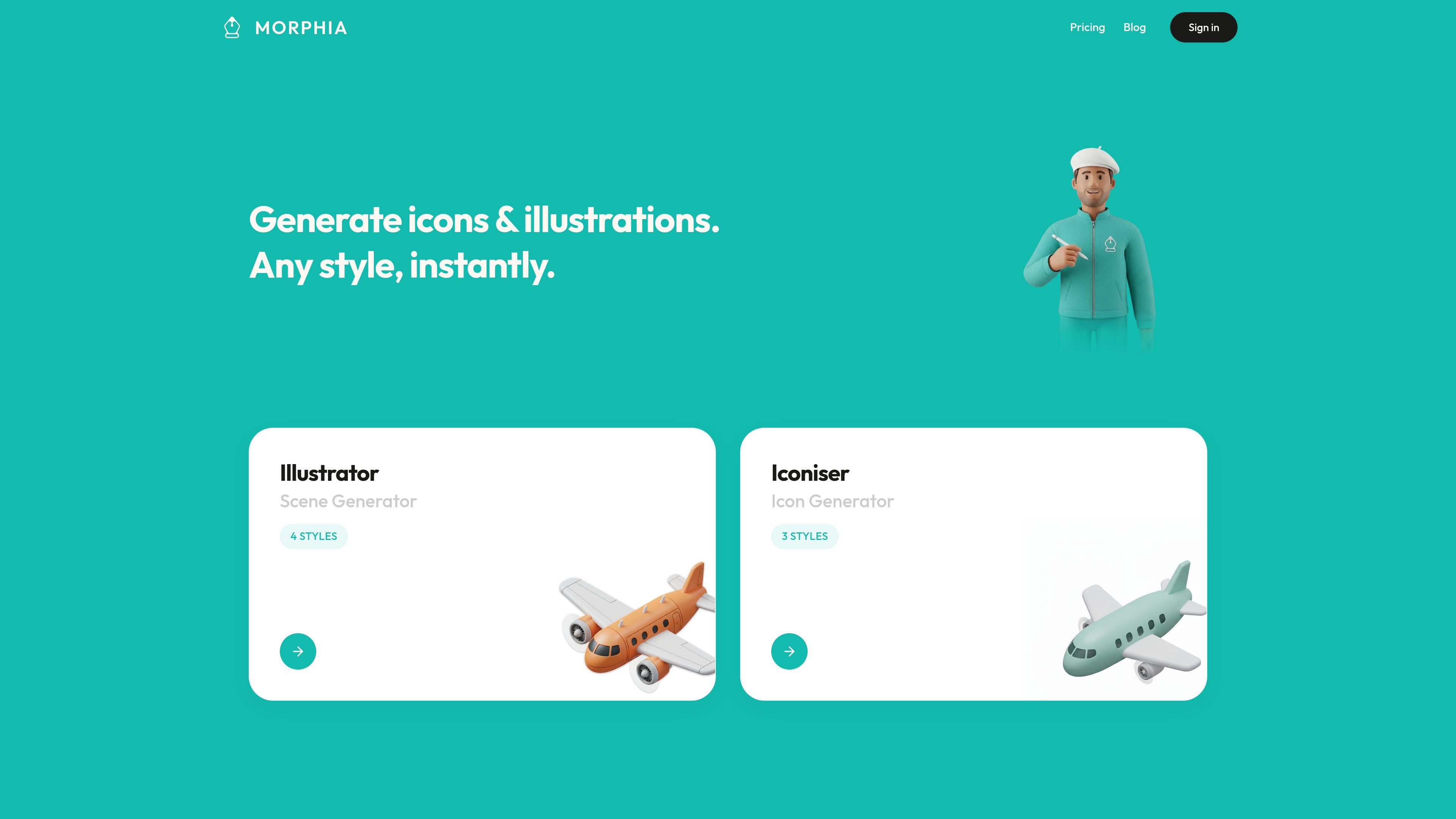
Morphia is an AI asset generator for designers that turns prompts into icons, illustrations, portraits, and PNG design assets. The site positions it as a simple way to create visual assets instantly without moving through a complex design workflow.
The product separates icon and illustration generation into style-driven pages, and its pricing page shows a credit-based model with Standard and HD generation options. Public plan details also indicate PNG export, credits that never expire, and different usage terms depending on the pack.
Generate icons and illustrations from a prompt, with dedicated flows for each asset type on the site.
Choose from multiple style presets on the illustration page, including Vector Art, Isometric, Kawaii, and Polymer.
Choose icon styles on the icon generator page, including Skeuomorphic, Duotone, and Outline.
Select between Standard and HD generation on the pricing page, depending on whether you need fast iteration or higher-detail output.
Export generated assets as PNG, with HD PNG listed for the higher-detail mode.
Buy credits once and reuse them across styles, with the pricing page stating that credits never expire.
Generate icons for product interfaces or marketing pages by choosing an icon style and iterating with prompts.
Create illustrative artwork in styles such as Vector Art, Isometric, Kawaii, or Polymer when a project needs a consistent visual treatment.
Produce portrait-style assets from prompts for profile visuals or concept explorations, as described in the site metadata.
Use Standard generation for quick exploration, then switch to HD when an asset is close to final and needs sharper rendering.
Buy a one-time credit pack for a portfolio, product, or production workflow without managing a recurring subscription.
Morphia is built for generating design assets from simple prompts, with page variants for illustration and icon generation. The pricing page also says credits can be used across all styles, and includes PNG export for generated assets.
The public pages show style-based generation flows rather than a setup-heavy product. Users pick a style, enter a prompt, and generate icons or illustrations; the pricing page distinguishes Standard and HD generation.
The pricing page lists three one-time credit packs: Starter, Creator, and Studio Max. It also states that credits never expire and that packs can be bought once and used anytime across all styles.
The pricing page shows personal usage on the Starter pack, while the Studio and Studio Max packs include a commercial usage license. That suggests licensing differs by plan.
The source pages mention icon and illustration generation, plus portraits in the site description, but the detailed public pages provided here do not show every output format or every style family in one place.

Kitbitz is a public library of hand-drawn illustrations for games, maps, and playful scene design. Download SVG and PNG assets with CC0 licensing.

Petalica Paint is a web service for automatic line-art coloring and tracing drawings from photos, with commercial use allowed under stated terms.

PixelDrive is a bulk image generation API for on-brand images from one template via browser editor, REST API, CSV batch, or MCP.

Napkin AI turns text into editable visuals for presentations, documents, and shareable content. Text-first generation, collaboration, and export to PPT, PNG, SVG, or PDF.

Refero MCP for AI agents connects an MCP-compatible agent to Refero’s curated library of web and iOS product interfaces and user flows. It helps agents research real design patterns before generating UI, with access included in the Refero Pro plan.

Frames helps you create launch posters and social media marketing graphics fast with premium device frames and templates for Instagram, Twitter, and Product Hunt. Free to start.