
Three supported toolchains
Provides shared presets for Oxlint with Oxfmt, Biome, or ESLint with Prettier and Stylelint, allowing projects to adopt the engine that fits their existing tooling.

Ultracite is a zero-configuration linting and formatting preset for JavaScript and TypeScript, supporting Oxlint, Biome, ESLint, editors, Git hooks, and coding agents.
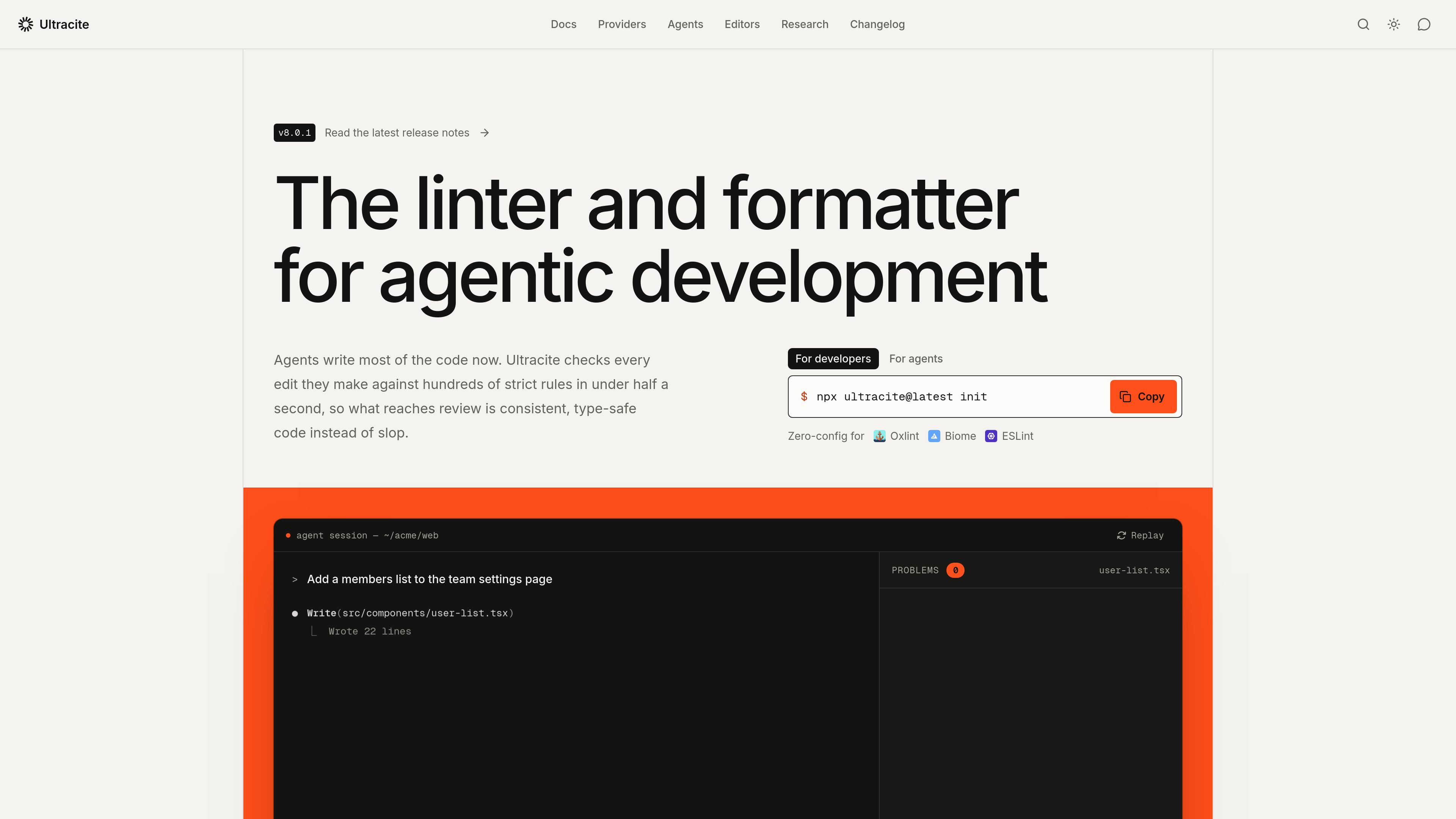
Ultracite is a zero-configuration preset for JavaScript and TypeScript linting and formatting. It is not a linter itself; instead, it configures Oxlint with Oxfmt, Biome, or ESLint with Prettier and Stylelint around a shared, strict standard.
The tool is designed for teams and coding agents that need consistent checks during development. It can run from the command line and editor, apply fixes on save, and connect to agent hooks so generated edits are checked before they move into review. Its presets emphasize type safety, React and hook patterns, accessibility, async correctness, imports, and formatting.
Provides shared presets for Oxlint with Oxfmt, Biome, or ESLint with Prettier and Stylelint, allowing projects to adopt the engine that fits their existing tooling.
The default presets cover type safety, React and hooks, accessibility, async correctness, imports, and formatting. Examples include checks for `any`, hook dependencies, image alt text, equality, and floating promises.
The `init` command detects the project stack, writes the selected engine’s configuration, and can configure editors, agents, and Git hooks. Presets are available for frameworks including React, Next.js, Vue, Svelte, Angular, Astro, and others listed by the project.
Ultracite can write guidance to `AGENTS.md` and configure hooks for supported coding agents. Hooks can run after edits, while agent-specific fix commands pass unresolved diagnostics back to Claude Code or Codex.
The project documents fast checks suitable for save-time and per-edit workflows. Its published benchmark shows different tradeoffs between Oxlint, Biome, and the ESLint toolchain depending on project size and configuration.
Add `AGENTS.md`, agent-specific settings, and post-edit hooks so generated files are checked as part of the agent’s normal write cycle. Unresolved issues can be returned to supported agents for further edits.
Use the initializer and save-time checks to establish shared linting and formatting conventions without assembling a configuration from scratch. Teams can override individual rules when their codebase needs different behavior.
Select Oxlint, Biome, or ESLint based on the project’s needs: native speed, a single integrated tool, or access to the broader ESLint and Prettier plugin ecosystems. The toolchain can be changed later through `init`.
Run checks after edits, on save, or through Git hooks to catch type-safety, accessibility, React, async, and formatting problems before code reaches review or CI.
Run `npx ultracite init`, or use the equivalent `pnpm dlx`, `yarn dlx`, `bunx`, or `nubx` command. The initializer detects the project stack, installs and configures the selected toolchain, and can set up editor, agent, and Git hook integrations. Existing ESLint, Prettier, Stylelint, Biome, or Oxlint projects can be migrated progressively or all at once.
Ultracite supports Oxlint with Oxfmt, Biome, and ESLint with Prettier and Stylelint. Oxlint is the documented starting recommendation for native speed and ESLint rule names; Biome fits projects wanting one linter, formatter, and configuration file; ESLint is suited to projects that depend on its plugins, Prettier plugins, or Vue and Svelte template linting.
After setup, Ultracite can run checks and fixes from the command line and editor. It can also format and apply fixes on save, and agent hooks can run `ultracite fix --hook` after file-write or edit operations. Autofix handles resolvable issues; remaining diagnostics can be handed to Claude Code or Codex with the corresponding `ultracite fix` flag.
Yes. The presets are zero-configuration by default but remain customizable. You can choose an engine during initialization, override rules, and later switch between Oxlint, Biome, and ESLint with `npx ultracite init --linter ...`.

ByteAsk is a terminal-first AI coding agent for C and C++ that edits repos and verifies changes with compilers, debuggers, sanitizers, and tests.

GitBot is a local browser workspace for reusable coding bots powered by Claude Code, Codex, or OpenCode, with persistent threads and configurable permissions.

Manta AI is an autonomous web app testing tool that maps app behavior, catches regressions, and generates tests from a URL, no scripts or selectors needed.

Ghost is a terminal-based AI assistant for chatting, code generation, and CLI tasks. Includes free models, supports Linux, macOS, Windows, and is open source.

Vi3ecode is a maintained development environment for AI coding agents, keeping project context, terminal, Git, memory, flows and review connected.

Lucid Train is a local-first AI coding harness that turns repo code into architecture diagrams for coding agents. Desktop app and Rust CLI, local models or API keys.