

Drop in
Drop in is a Chrome extension that adds custom features, smart workflows, and integrations to web apps without code—turn on or off anytime.
What is Drop in?
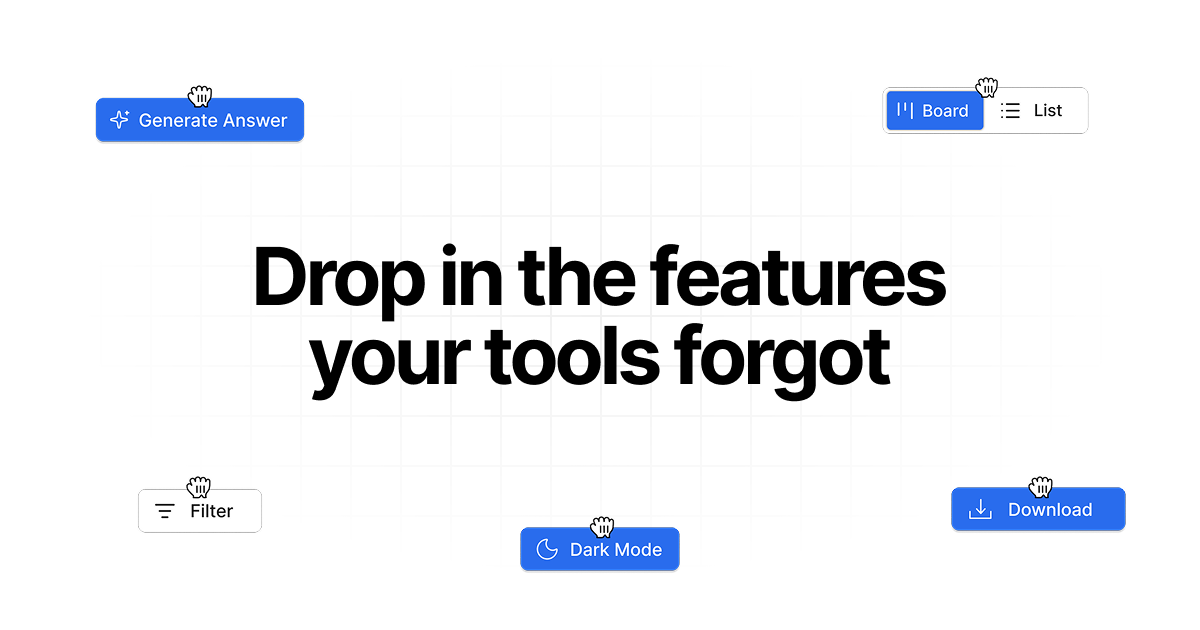
Drop in is a Chrome extension that lets you add custom features, smart workflows, and integrations on top of web apps that run in your browser. The core purpose is to provide a visual layer that you can enable or disable without changing the underlying site.
Instead of requiring you to modify each app directly, Drop in overlays additional UI elements (like buttons and sections) and functionality (like exporting content or inserting suggested replies) where they fit into your existing workflow.
Key Features
- Chrome extension “drop in” layer for web apps: Add features to any web app that runs in the browser, without needing to modify the original product.
- Custom features and smart workflows: Create or configure UI and behavior that appears inside the app you’re using.
- Visual overlay that can be turned on or off: Enable or disable features at any time without affecting the underlying app.
- Per-site control and access revocation: Control what each feature can read and what it can change, and revoke access per site.
- Transparent data handling: Data is sent to Drop in’s servers only when a feature requires it (for example, when calling an external API); otherwise, it stays local, and you can see what each feature accesses.
How to Use Drop in
- Install the Drop in Chrome extension.
- Identify a web app you want to enhance (any browser-based app; the site notes optimization efforts for tools like ChatGPT, HubSpot, and LinkedIn).
- Describe what you need, and use the available examples as reference for building or selecting a feature.
- Add the feature to the target app, then turn it on/off as needed.
- Review access settings per site to confirm what the feature can read and what it can change.
Use Cases
- Add an “Open Roles” section to HubSpot company cards: Display the total count of open positions directly on each company card.
- Export GPT conversations from a chat UI: Add an “Export Chat” button next to a model selector so you can save the conversation.
- Speed up replies with suggested responses: Add clickable quick-reply buttons above a message input to insert common responses.
- Enrich lead info from Google Maps: Add a full-width button on Google Maps profiles to capture business details and send them to Airtable.
- Provide structured help in Slack: Insert Slack smart reply buttons that let users click ready-to-send responses, then edit if needed.
FAQ
What is Drop in?
Drop in adds custom features, smart workflows, and integrations to any web app via a Chrome extension. The product is designed to work without source-code changes.
Does Drop in change the underlying product?
No. Drop in adds a visual layer on top of what you see. Features can be turned on or off without affecting the original app.
Is it safe?
You control what a feature can read and what it can change, and you can revoke access per site.
Does Drop in send my data to its servers?
Only when a feature requires it (for example, calling an external API). Other interactions stay local, and you can see exactly what each feature accesses.
Which apps does it work with?
Any web app that runs in your browser. The site indicates optimization for popular tools like ChatGPT, HubSpot, and LinkedIn.
Alternatives
- Low-code browser automation/workflow tools: Use UI automation to add steps around existing web apps, but typically require more setup and may not provide the same per-site visual overlay approach.
- Native app extensions/plugins (where available): If the target product offers official extensions, you can integrate within the app directly; however, availability depends on the specific platform.
- Workflow integrations via APIs or middleware: Build custom connections between tools (for example, syncing data to a database/CRM), but this usually involves development work rather than a no-code overlay.
- CRM and productivity automation platforms: Use built-in automation or templated actions for common workflows, but these may be limited to what the platform supports rather than adding UI elements directly into any web app.
Alternatives

Lasso
Lasso is an AI-first PIM for ecommerce teams that enriches product attributes and descriptions, processes supplier data, and monitors competitors via app or API.

Codex Plugins
Use Codex Plugins to bundle skills, app integrations, and MCP servers into reusable workflows—extending Codex access to tools like Gmail, Drive, and Slack.

Struere
Struere is an AI-native operational system that replaces spreadsheet workflows with structured software—dashboards, alerts, and automations.

Make Real
Draw a UI and make it real using the tldraw SDK.

Tavus
Tavus builds AI systems for real-time, face-to-face interactions that can see, hear, and respond, with APIs for video agents, twins & companions.

HiringPartner.ai
HiringPartner.ai is an autonomous recruiting platform with AI agents that source, screen, call, and interview candidates 24/7, reducing time-to-hire from weeks to as little as 48 hours.