
Multilingual directory
Browse a large catalog of AI tools and software products organized for cross-language discovery.

UStack is a multilingual directory for discovering and comparing AI tools, SaaS products, developer tools, and creative software. 4,000+ listings in 150+ categories, updated daily.
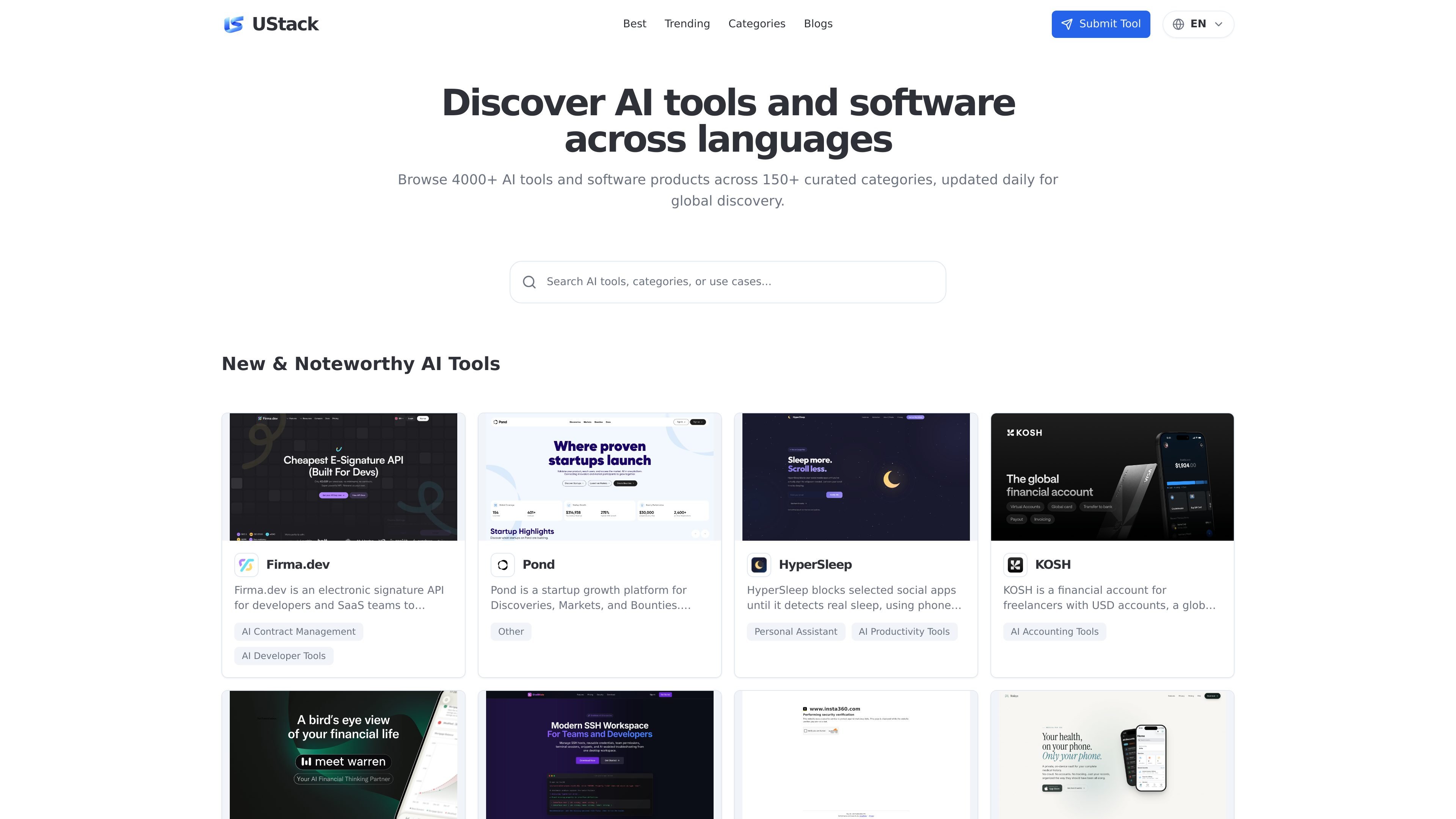
UStack is a multilingual directory for discovering and comparing AI tools, SaaS products, developer tools, and creative software. The site positions itself as a curated catalog with more than 4,000 products across 150+ categories, updated daily for broader discovery.
Its core job is to help users find relevant tools faster by grouping products into categories and surfacing new or noteworthy listings. The public pages emphasize browsing and comparison in the browser rather than a standalone software product with local installation or account-specific workflows.
Browse a large catalog of AI tools and software products organized for cross-language discovery.
Filter through more than 150 curated categories, including developer tools, productivity, and other software segments.
See new and noteworthy products surfaced on the home page alongside the broader catalog.
Access a daily-updated directory so product discovery stays current with recent additions and changes.
Use the site as a comparison-oriented directory for AI tools, SaaS products, developer tools, and creative software.
Browse a broad set of AI and software products when you want to compare options by category rather than search one product at a time.
Explore new or noteworthy listings to stay current with products appearing in the AI and software ecosystem.
Use the multilingual directory layout to discover products across language boundaries and expand search beyond a single market.
Move through curated categories to narrow down tools for developer work, productivity tasks, or creative workflows.
UStack is a curated directory for discovering and comparing AI tools, SaaS products, developer tools, and creative software across languages. It is updated daily and organized by categories to help users browse a large catalog more efficiently.
The directory page highlights 4,000+ tools across 150+ curated categories, so users can browse by category and compare products from a single place.
The public pages show a multilingual directory experience, but they do not describe a separate app install or browser extension. UStack appears to be used directly in the web browser.
The source does not show a paid plan for the directory itself on the pricing page; instead, that page is currently a not-found directory page. No directory pricing details are provided in the source.

Macuse is a macOS app that lets AI assistants control native Mac apps through MCP and use Computer Use for any app, with on-device automation.

qbrin is an enterprise AI search and governed agent platform that turns company knowledge into cited answers and can abstain when evidence is missing.

Goldfish is an AI memory app for macOS that helps you reply, write, summarize, and continue with context already on your Mac. It stores memory locally and writes in your tone.

Lasso is an ecommerce product data platform for enriching catalog records, processing supplier files, generating product content, and tracking competitors. It includes a web app, REST API, SDK, and MCP server.

ArtDeck is a visual reference board app for iPhone, iPad, and Mac. Collect mixed references on one canvas and study them with ToolBox lenses. Offline, optional iCloud sync, one-time purchase.

Biji is a versatile platform designed to enhance productivity through innovative tools and features.