
Local browser processing
Free Basic runs in the browser on the user's device, and the site says the photo is not automatically uploaded.

Vignra blurs distracting backgrounds in one photo while keeping the main subject clear, with free local processing, adjustable blur and optional refined mode.
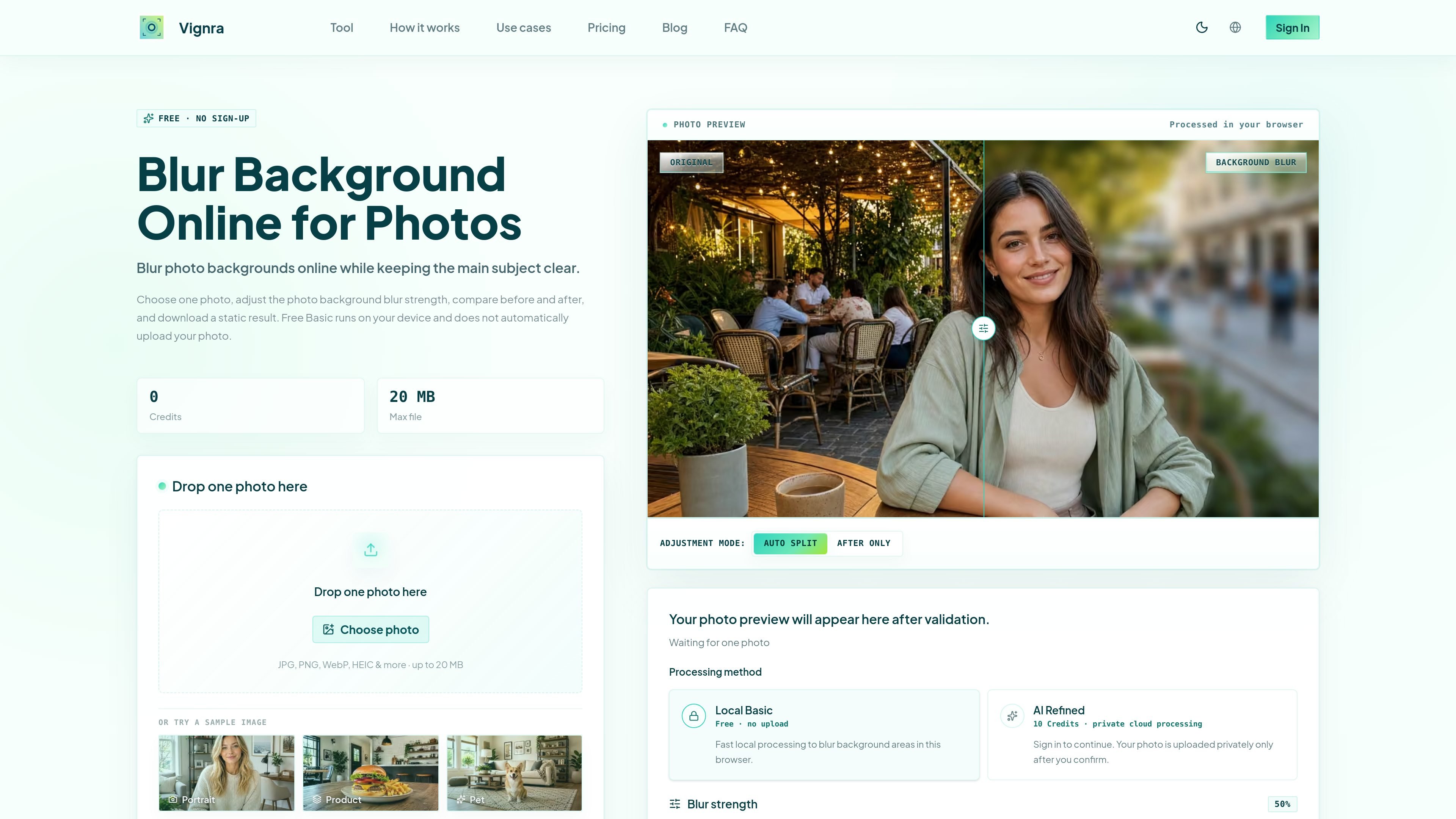
Vignra is a browser-based photo tool for blurring background distractions while keeping a primary subject visually clear. It is built around a focused workflow: select one image, prepare it in the browser, adjust the blur effect, compare the result with the original, and export a static version.
The free Basic mode processes photos locally on the device and does not automatically upload them. Users who need more refined subject and edge detection can choose the AI Refined or Advanced Bokeh options, which use private cloud processing after confirmation and are supported by one-time credit packs rather than a subscription.
Free Basic runs in the browser on the user's device, and the site says the photo is not automatically uploaded.
Choose a photo through drag-and-drop or file selection. The free upload flow shows a 20 MB maximum and supports common image formats.
Control the background blur strength and use Auto, Split, or After Only adjustment modes to review the effect.
Compare the original and processed image on the same page before exporting the result.
Download a static processed image when processing is enabled; animated or multi-page inputs use their first frame.
An optional AI Refined mode uses private cloud processing for more refined subject and edge detection after the user confirms the upload.
Soften distracting surroundings so attention stays on a person while retaining a controllable preview of the subject edges.
Prepare a cleaner profile image by reducing background clutter and checking the before-and-after result before downloading.
Make a single product photo less visually busy without replacing or removing the original background.
Create a more focused image for a social post, cover, or thumbnail using the same adjustable blur workflow.
Choose one photo, either by dropping it into the tool or selecting it from your device. Free Basic processes the image locally in the browser, then you can adjust the blur strength, compare the original and processed versions, and export a static result.
The site states that Free Basic processing runs on your device and does not automatically upload the photo. AI Refined processing uses private cloud processing and requires sign-in; the photo is uploaded only after you confirm.
The tool accepts JPEG, PNG, and WebP according to the page description. The upload control also lists HEIC and other formats, with some formats prepared automatically; animated or multi-page files use the first frame.
Free Basic is available without signing up. The site also offers AI Refined processing for 10 credits, while one-time credit packs unlock the Advanced Bokeh mode and do not use a subscription or automatic renewal.
The workflow is designed for one static photo at a time. The page describes a maximum file size of 20 MB for the free upload flow and provides a static downloadable result.

Pixelcut is an AI photo editor for product images, social content and video assets. Free and paid plans; mobile app and browser access for individuals and teams.

Petalica Paint is a web service for automatic line-art coloring and tracing drawings from photos, with commercial use allowed under stated terms.

Wearvue AI generates personalized outfit previews from a photo, refines styles for any occasion, and shows similar real products to shop.

Upscale.media is an AI image upscaling and enhancement tool by Pixelbin that sharpens low-resolution images in the browser, with bulk processing and API support.

Free browser-based AI image enlarger by PhotoAid for upscaling JPEG, WEBP, and PNG photos, especially portraits, without heavy blur.

Magic Eraser is an AI-powered tool that allows users to quickly remove unwanted objects, people, text, and blemishes from photos with ease.