
Browser-based terminal learning
Learn Linux terminal commands directly in the browser, with no installation or environment setup required before you begin.

WebTerm Learn helps beginners learn Linux terminal commands and Git in a browser with slides and hands-on exercises. Free, safe, and installation-free.
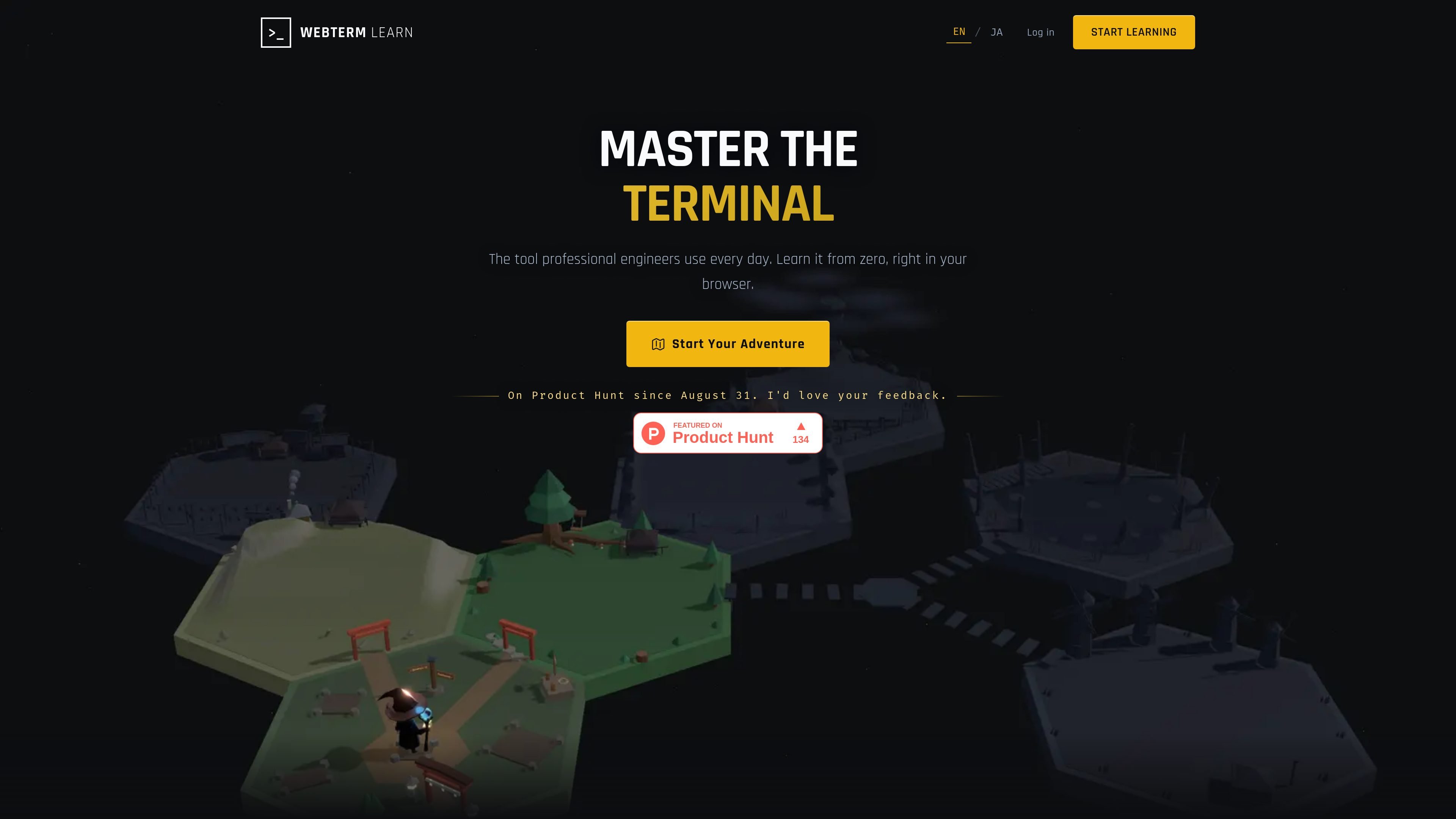
WebTerm Learn is an interactive browser-based platform for learning the Linux command line and Git by typing commands yourself. It is aimed at beginners and other learners who want a guided way to practice terminal basics without installing tools or configuring a local environment first.
The courses combine visual slides with hands-on exercises, and the help center says each course is organized into chapters and lessons. WebTerm Learn also emphasizes a safe sandboxed terminal, automatic progress saving for logged-in users, and free access to every course and lesson.
Learn Linux terminal commands directly in the browser, with no installation or environment setup required before you begin.
Lessons pair explanatory slides with hands-on command entry, so learners can move from concept to practice in the same flow.
Each course is broken into chapters and lessons, giving the learning path a clear progression instead of a loose collection of articles.
The terminal runs as a browser sandbox, which lets learners practice commands without affecting their own computer.
Logged-in progress is saved automatically, making it possible to stop and resume where you left off.
The help center says learners can use hints, skip, and reset in the learning flow, which supports self-paced practice when they get stuck.
A new developer can start with terminal basics, follow the slide explanations, and practice commands in a safe browser environment before using a real shell.
Someone who already codes but still hesitates at command-line tasks can work through structured lessons to build comfort with everyday terminal workflows.
A learner can return after a break, pick up where they left off, and keep practicing without rebuilding a local setup.
A beginner who wants a low-risk environment can type commands, use hints when needed, and reset lessons after mistakes.
A user preparing to understand Git and terminal-driven workflows can learn in-browser before moving to a real development environment.
WebTerm Learn is an interactive platform for learning Linux terminal commands in your browser. Lessons use slides and hands-on exercises, so you can type real commands without installing anything.
Yes. The help center says every course and every lesson is free, and the pricing page says there are no paid plans.
WebTerm Learn is designed for PC use. The recommended browser is the latest version of Google Chrome, and tablets and smartphones are not currently supported.
Lessons are organized into chapters and lessons. They begin with slides that explain the concept, then move into hands-on exercises where you type commands yourself.
The platform simulates terminal behavior in the browser and runs everything as a sandbox, so it is safe to practice commands without affecting your computer. The help center also notes that the commands you type are not sent externally.

Framework First Academy is an online learning platform with 30 courses on choosing and applying frameworks, plus a free decision map and flexible plans.

TubeKit turns public YouTube videos and playlists into AI-powered tools creators can customize and share. Free to try, no signup needed.

BeFreed is a personalized audio learning app that turns books and knowledge sources into narrated listening experiences with interactive audio and learning tools.

AGINE Academy — a gamified online academy for learning Claude in work, creative tasks, and automation. Start with a free lesson and real missions, no dev experience needed.

Padel Chess is a web-based platform for improving padel tactics with puzzle-based practice in realistic court scenarios.

Sidegent is a hands-on platform for building AI agents and apps with browser-based courses and labs. Start free, then unlock the full catalog, live coding machines, and weekly updates with Pro.