
Brand asset generation
Create logos, posters, social posts, videos, and other brand assets from a central workspace, with brand-oriented outputs designed to stay consistent across projects.

Zawa is an AI design and branding platform for creating logos, posters, mockups, images, and videos from a brand-aware workspace.
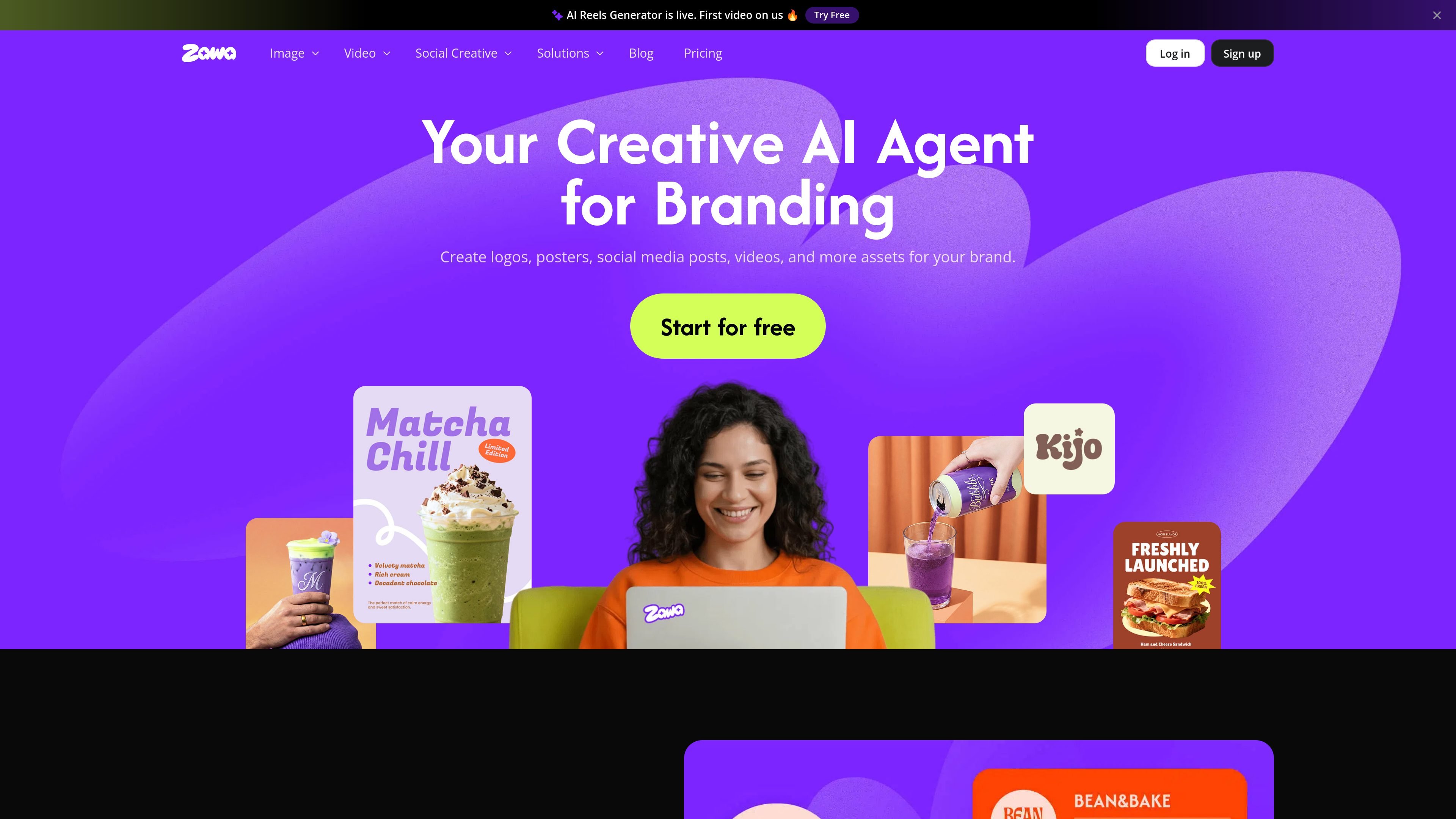
Zawa is an AI design platform for branding and content creation. It combines a brand kit generator/editor with tools for logos, posters, social posts, product mockups, images, and videos.
The site positions Zawa as a workspace for businesses and creators who want to keep brand assets consistent while producing content faster. Its workflow centers on a brand-aware AI agent, reusable brand memory, and output types such as brand guides, mockups, and short-form videos.
Create logos, posters, social posts, videos, and other brand assets from a central workspace, with brand-oriented outputs designed to stay consistent across projects.
Store brand assets once and reuse them across designs so new outputs can follow the same palette, typography, and usage rules.
Build logo concepts, visual mockups, and brand guides for a more complete brand identity workflow rather than a single one-off graphic.
Use the AI video generator to turn text prompts or uploaded images into short clips, then refine scenes and text with built-in editing tools before export.
Generate and edit product and e-commerce visuals, including background removal, object removal, image enhancement, recoloring, and AI model or flatlay outputs.
Choose between Free, Plus, Pro, Max, and Enterprise offerings, with credits used across AI tools and higher limits for paid tiers.
Use the brand kit workflow to produce a logo, brand guide, and reusable visual identity when launching a new business or refreshing an existing one.
Generate menus, posters, flyers, and social posts for restaurants, cafés, retail stores, and other businesses that need regular marketing assets.
Turn product photos into cleaner e-commerce visuals with enhancement, background removal, object removal, flatlays, mannequins, and recolored assets.
Create short videos from prompts or images, then adapt them for social platforms such as Instagram Reels and TikTok.
Use the enterprise offering when a larger team needs custom API integration, dedicated capacity, or private models for a tailored workflow.
Zawa’s AI video generator works from the Workspace Agent flow. The source shows a prompt-based workflow where you can upload an image, add a prompt, refine the result with built-in AI tools, and export the finished clip.
The pricing page shows Free, Plus, Pro, Max, and Enterprise options. It also says Free has limited access, while Plus, Pro, and Max include higher usage limits and monthly quotas for generative tools.
The pricing page states that Zawa uses credits as a universal in-platform currency for AI-powered features, including image and video tools. Some generative tools have monthly soft limits, and you can continue using them with credits after the quota is reached.
The pricing page says Plus, Pro, and Max usage limits reset at the beginning of each calendar month. It also says credits included with those plans are frozen if you cancel and remain available when you resubscribe.
The source shows branding, image, and video creation tools, plus an enterprise option with custom API integration, dedicated capacity, and private models. It does not provide public details about third-party app integrations on the pages reviewed.

Make Real is a Next.js app that turns hand-drawn wireframes into HTML prototypes with the tldraw SDK and AI models, with canvas sketching and embedded preview.

Pixelcut is an AI photo editor for product images, social content and video assets. Free and paid plans; mobile app and browser access for individuals and teams.

Petalica Paint is a web service for automatic line-art coloring and tracing drawings from photos, with commercial use allowed under stated terms.

PixelDrive is a bulk image generation API for on-brand images from one template via browser editor, REST API, CSV batch, or MCP.

Wearvue AI generates personalized outfit previews from a photo, refines styles for any occasion, and shows similar real products to shop.

Upscale.media is an AI image upscaling and enhancement tool by Pixelbin that sharpens low-resolution images in the browser, with bulk processing and API support.