
Task-based tool finding
Describe a task and get the site’s recommended tool rather than a generic category list. The home page and pricing copy both frame the product around finding the one tool worth using for a specific job.

YourOnlyAI helps you find the best AI tool for any task, with benchmark-based rankings, ready prompts, and quick comparisons for writing, code, conversion, productivity, and more.
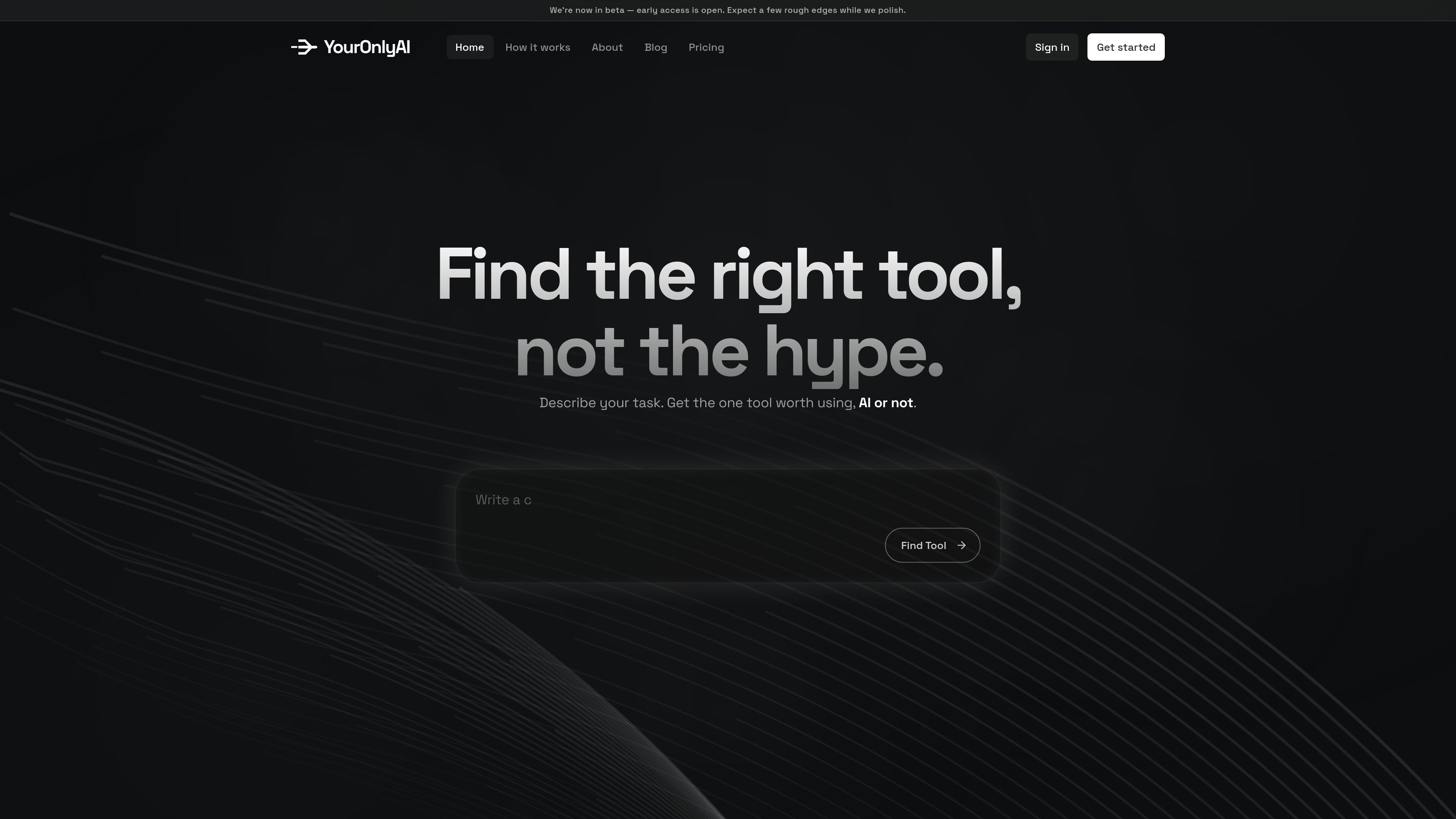
YourOnlyAI is a tool finder that helps users choose the best app or AI model for a task instead of starting from a category directory. The site’s main promise is simple: describe what you want to do, and it returns the one tool worth using, ranked by real benchmark data and paired with a ready prompt.
The product is positioned for people who want a faster way to select software for writing, code, conversion, research, productivity, and similar tasks. The current experience focuses on discovery and recommendation; the pricing page says paid centralized execution is coming later, while the free tier already supports unlimited searches, rankings, and prompt generation with your own tool accounts.
Describe a task and get the site’s recommended tool rather than a generic category list. The home page and pricing copy both frame the product around finding the one tool worth using for a specific job.
Results are ranked from benchmark data, with the site saying scores are refreshed every few hours and drawn from sources such as LMSYS Arena, Artificial Analysis, and vetted community tests.
The product generates a ready prompt when it sends you to a tool, which reduces the setup needed to start the task.
The catalog lets you browse tools by category and price, including filters for free, freemium, and paid options.
The tools directory is organized across areas such as writing, image, file conversion, code, video, audio, search, productivity, and data, so the same search flow can apply to different kinds of work.
The pricing page says the free tier supports unlimited finder searches and community prompts, and it also references your own tool accounts for use on the free tier.
A user who needs a writing assistant can compare ranked text tools and jump straight to the recommended option instead of manually checking a long directory.
Someone building a code workflow can browse the code and developer category to identify the top-ranked tool for their task.
A person who needs to convert files can search by task, then use the catalog’s category and price filters to narrow the options.
A user evaluating productivity tools can compare benchmark-ranked apps and decide whether a free, freemium, or paid option fits their needs.
A team member who wants a quick start can use the generated prompt to begin the task inside the selected tool with less setup.
Yes. The finder, rankings, and prompt generation are free on the current product pages. The pricing page also says you bring your own accounts on each tool in the free tier.
The free product is for finding and ranking tools and generating a ready prompt. The pricing page says Premium is coming later and will run the tool for you under one subscription, while the chat page shows a workflow that asks questions and then returns a plan with the right tools, steps, and costs.
The site says tools are ranked using real benchmark data refreshed every few hours from sources such as LMSYS Arena, Artificial Analysis, and vetted community tests.
The site says it covers more than AI tools. Examples include writing, code, file conversion, data, and plain utilities.
Premium and Team are listed as coming soon on the pricing page. Current pricing information supports a free tier, with paid centralized execution and team features planned later.

Goldfish is an AI memory app for macOS that helps you reply, write, summarize, and continue with context already on your Mac. It stores memory locally and writes in your tone.

ArtDeck is a visual reference board app for iPhone, iPad, and Mac. Collect mixed references on one canvas and study them with ToolBox lenses. Offline, optional iCloud sync, one-time purchase.

Biji is a versatile platform designed to enhance productivity through innovative tools and features.

Malyatko is a baby tracker for feeding, sleep, growth, teething, and milestones. Use it on iPhone, Apple Watch, and widgets offline, with iCloud sharing.

Prompty Town turns a link into a building in a small internet city. Buy a tile, add a prompt, and publish it alongside other buildings.

Redline is a budgeting tool for Claude Code that paces sessions by time, tokens, cost, or plan percentage, helping them end with a usable result.