

Zatanna — Kampala
Kampala by Zatanna reverse engineers human-only software workflows by intercepting HTTP/HTTPS traffic, tracing auth, and exporting reliable APIs for AI agents.
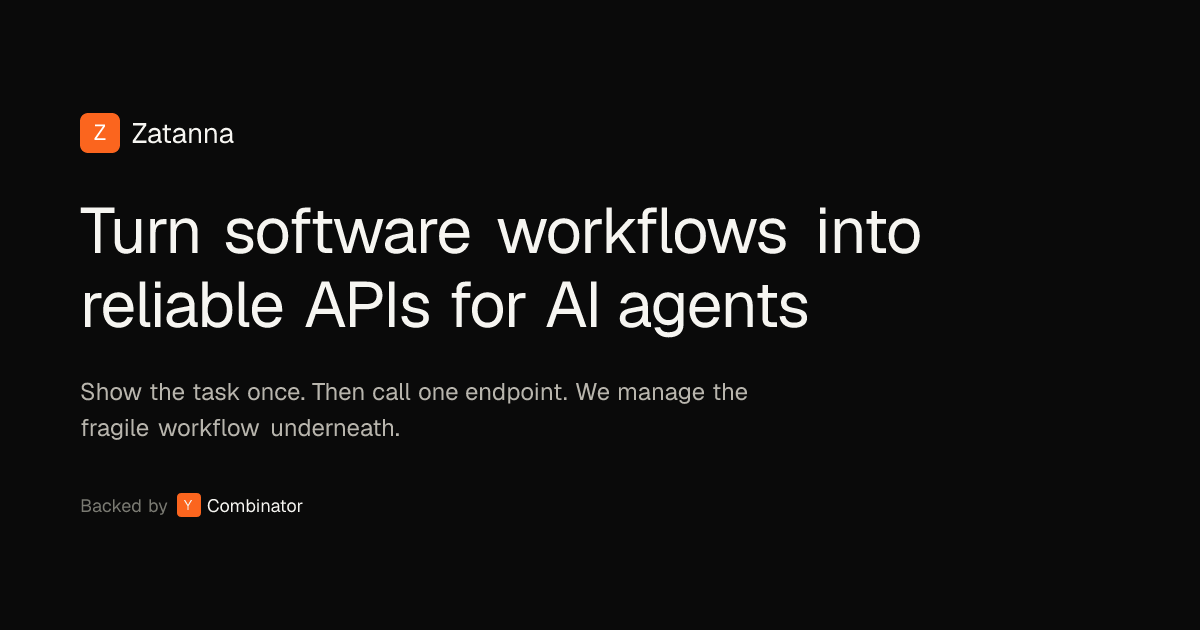
What is Zatanna?
Zatanna’s Kampala is a macOS tool that helps you reverse engineer software workflows and expose them as reliable APIs that AI agents and internal tools can call in production. The goal is to capture real request/response behavior from websites, mobile apps, and desktop apps without relying on browser automation scripts that must be maintained.
Kampala is designed to intercept and analyze live traffic, including multi-step sequences, so you can map the authentication chain (tokens, cookies, and sessions) and then replay the captured flow as stable automations.
Key Features
- Full traffic interception (HTTP/HTTPS) in real time: Lets you view every HTTP/S request made by an app or browser so you can understand how the workflow actually communicates.
- Auth chain tracing: Automatically maps tokens, cookies, sessions, and multi-step sequences to reduce the manual work of identifying what needs to be present for authenticated requests.
- Flow replay & export: Captures sequences and allows you to replay them as stable automations, then export the result so it can be called as an API.
- Fingerprint preservation: Maintains the original HTTP/TLS fingerprint so intercepted traffic behaves identically to the source workflow.
How to Use Kampala
- Download and run Kampala on macOS to start intercepting traffic.
- Open or interact with the target site or app while Kampala captures the relevant HTTP/S requests.
- Review the captured sequence and authentication behavior, including tokens, cookies, sessions, and any multi-step flow.
- Replay and export the flow so it can be used as a stable automation/API that an AI agent or internal tool can call.
Use Cases
- Automate an existing web workflow as an API: Capture the network requests behind a multi-step interaction in a browser and convert that sequence into an API for agent-driven automation.
- Reverse engineer an authenticated mobile-app flow: Intercept the app’s HTTP/S requests, trace the auth chain (tokens/cookies/sessions), then replay the same sequence reliably.
- Support internal tooling that needs deterministic calls: Use flow capture and replay to export stable automations rather than maintaining custom browser automation scripts.
- Validate that traffic matches the original fingerprint: When behavior depends on HTTP/TLS characteristics, use fingerprint preservation so replayed calls behave more like the original workflow.
FAQ
-
What does Kampala do? Kampala intercepts HTTP/HTTPS traffic from apps and browsers, traces authentication across multi-step sequences, and lets you replay and export the captured flow as reliable APIs for use in production.
-
Which platforms are supported? Kampala is available for macOS. Windows support is on the way; the page provides a Windows waitlist.
-
Do I need to write browser automation scripts? The page positions Kampala as an alternative to maintaining browser automation scripts by reversing the workflow from observed network behavior.
-
What kinds of applications can be reverse engineered? The site states Kampala can reverse engineer workflows from websites, mobile apps, and desktop apps.
Alternatives
- Browser automation frameworks (e.g., scripted UI/browser control): Instead of intercepting and exporting network traffic, these rely on automating user interactions. They may require more maintenance when UIs change.
- HTTP API wrappers built from documented endpoints: If an application provides an official or stable API, you can call those directly. This avoids interception, but it may not exist for the workflow you need.
- General-purpose traffic/proxy tooling: Tools that capture HTTP/S traffic can help you inspect requests, but may not provide the same combination of auth-chain tracing, replay, and export aimed at producing production-ready API calls.
- Custom automation scripts (non-browser): You can replicate workflows by scripting request sequences yourself, though you would typically need to handle auth tokens/cookies and replay logic manually.
Alternatives

Codex Plugins
Use Codex Plugins to bundle skills, app integrations, and MCP servers into reusable workflows—extending Codex access to tools like Gmail, Drive, and Slack.

Wallie
Wallie is an open-source AI streamer framework with real-time vision, persona profiles, chat, TTS, and avatar output for VTuber-style streams.

ClawTick
ClawTick is a CLI-first AI agent automation platform for scheduling webhook tasks on cron with monitoring, alerts, retries, and execution logs.

Falconer
Falconer is a self-updating knowledge platform for high-speed teams to write, share, and find reliable internal documentation and code context in one place.

OpenFlags
OpenFlags is an open source, self-hosted feature flag system with a control plane and typed SDKs for progressive delivery and safe rollouts.

AakarDev AI
AakarDev AI is a powerful platform that simplifies the development of AI applications with seamless vector database integration, enabling rapid deployment and scalability.