
Automatic background removal
Automatically removes image backgrounds with a single upload or API call, producing a cutout without manual pixel selection.

Slazzer is an AI photo editor for automatic background removal, with web app, API, desktop software and plugins, plus upscaling and restoration tools.
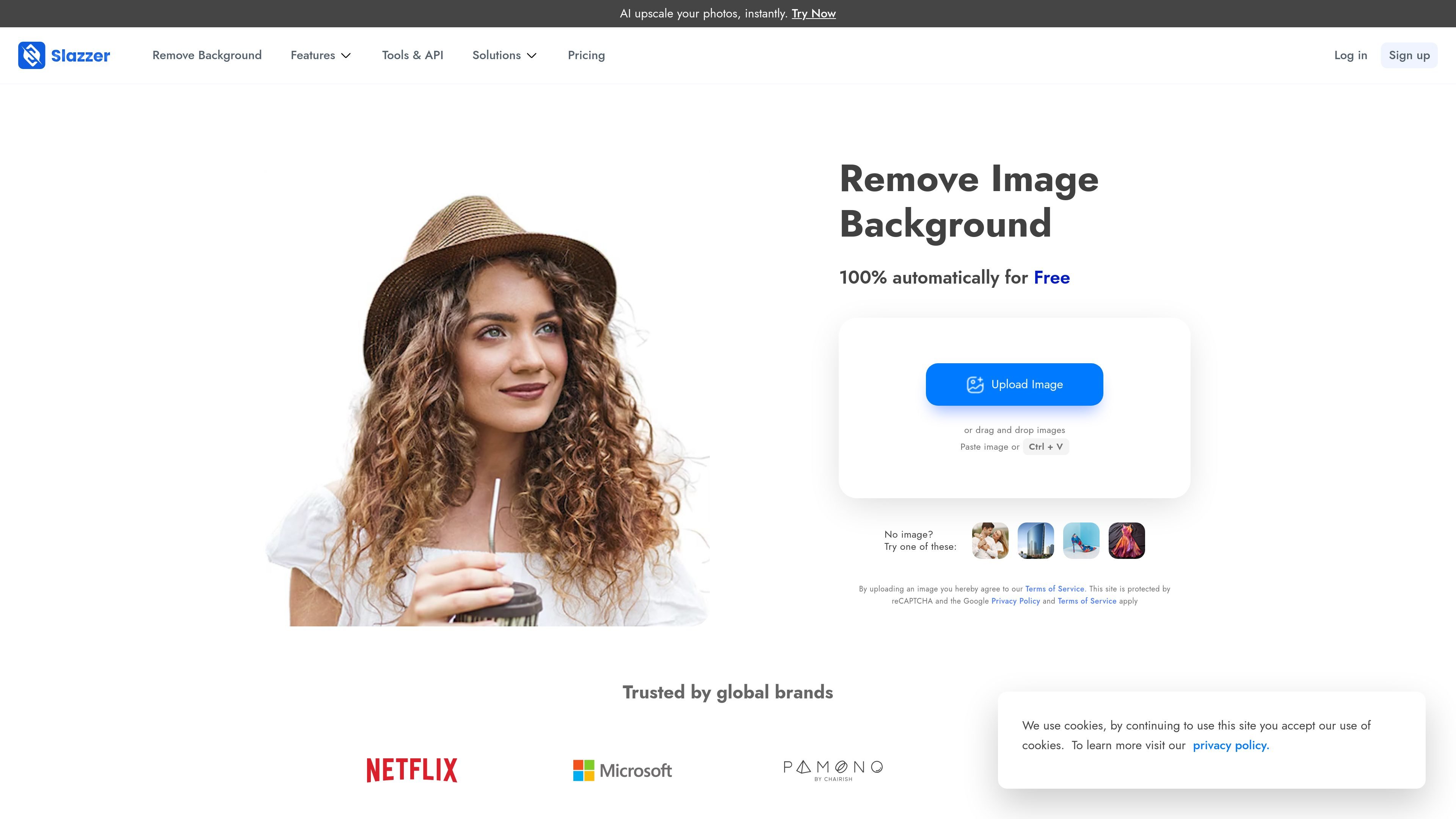
Slazzer is an AI photo editing and background-removal product built around fast cutout generation. Its homepage says users can upload a photo and get an instant cutout in about 5 seconds, while the pricing page and tools pages show that the same background-removal engine is available through the website, API, desktop software, and plugins.
Beyond background removal, Slazzer includes adjacent AI image tools for upscaling, enhancement, relighting, shadow generation, sky replacement, and photo restoration. The product is positioned for both individual image edits and repeatable production workflows, including catalog imagery and developer integrations.
Automatically removes image backgrounds with a single upload or API call, producing a cutout without manual pixel selection.
Provides image editing tools such as background erase or restore, blur, and simple paint/replace workflows for preview editing.
Offers AI image enhancement tools including upscale, enhance, relight, shadow generation, sky replacement, and de-oldify.
Supports catalog-oriented workflows for grocery, food, and furniture images so teams can standardize product visuals at scale.
Exposes an API plus desktop and plugin options so teams can connect background removal to existing design and production workflows.
Create clean cutouts for product listings without manually tracing edges, especially for items with a clear foreground.
Generate consistent visuals for grocery, food, and furniture catalogs where many similar images need the same treatment.
Improve portraits and object shots with enhancement tools such as upscale, relight, shadow, and background removal.
Integrate background removal into an app or website using the REST API, with support for high-volume processing and rate limits on request.
Use desktop applications or plugins to fit background removal into tools such as Photoshop and other supported design environments.
Slazzer can be used through its website, API, desktop apps, and plugins. The pricing page says credits work across the API, desktop software, and plugins, while the tools page lists support for Windows, Mac, Linux, Photoshop, Figma, Sketch, and mobile apps.
Slazzer supports JPG, JPEG, and PNG files up to 12 MB and 25 megapixels. Images larger than 25 megapixels are automatically resized to that maximum resolution.
The pricing page states that credits are used at a rate of 1 image = 1 credit for full-HD output, while preview images on the website are free and API preview images use 1/5th of a credit. Top-up credits expire after two years, and subscription credits roll over while you remain subscribed.
Yes. The pricing page says commercial use is allowed with any Top-up plan or a monthly subscription of at least 300 credits.
The site says Slazzer works well for images with a clear foreground, such as products, people, cars, animals, and similar subjects. It also notes that users can test the quality on the website and that premium customers at higher usage levels may qualify for a quality guarantee.

BgSub is a browser-based AI tool for removing or replacing image backgrounds. Fast cutouts, background replacement, and color adjustment for product images, photos, and web visuals.

Pixelcut is an AI photo editor for product images, social content and video assets. Free and paid plans; mobile app and browser access for individuals and teams.

Magic Eraser is an AI-powered tool that allows users to quickly remove unwanted objects, people, text, and blemishes from photos with ease.

Airbrush is an AI photo and portrait editor for web, desktop, and mobile. Retouch portraits, remove backgrounds, and enhance images with credit-based AI tools.

Aaavatar is a macOS portrait editor for teams. Remove backgrounds, apply brand colors or presets, and export consistent staff photos to LinkedIn, Slack, and email.

Petalica Paint is a web service for automatic line-art coloring and tracing drawings from photos, with commercial use allowed under stated terms.