
Category and family browsing
The catalog is organized into named categories and families, making it easier to browse related items such as historical architecture, furniture, materials, or modern interiors.

Borne is a curated image licensing platform and visual database for architecture, interiors, landscape, art, and design objects. It also offers full dataset licensing and open API tools.
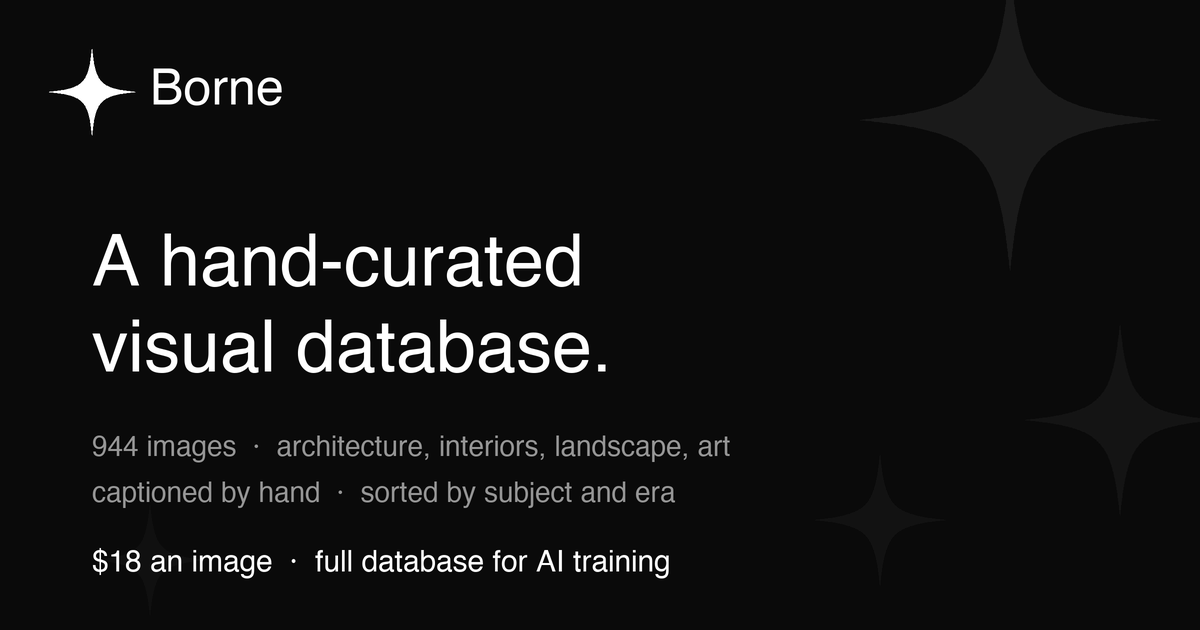
Borne is a curated visual database and licensing platform for images across architecture, interiors, landscape, art, and design objects. The site presents the catalog as “split by era and captioned by hand,” with both individual image licensing and a full-database option for AI training.
It serves two overlapping workflows: people who want to browse and license specific images, and teams that need structured visual data for machine-learning work. The API documentation also shows open search and browse endpoints, while the dataset page describes a rights-cleared bulk licence with captions, keywords, and per-asset metadata.
The catalog is organized into named categories and families, making it easier to browse related items such as historical architecture, furniture, materials, or modern interiors.
The API exposes open search and browse endpoints with filters like query, category, family, orientation, limit, and offset, so users can search without an API key.
The dataset page describes every asset as individually reviewed, captioned, keyworded, and structured, which supports both human browsing and ML workflows.
The assistant accepts shopping prompts by category, style, and budget, then pulls matching items from the catalog.
The dataset licence includes all 1,040 assets in full resolution, unwatermarked originals, and a complete JSON metadata sidecar for bulk use.
The API docs show a purchase flow for single images and a separate purchase flow for the full database, both routed through checkout.
Browse by category, style, or budget when looking for a specific visual reference or a product-like object from the catalog.
Use the open API to search by query, category, family, or orientation when building a programmatic discovery workflow.
Download the full database with captions, keywords, and structured metadata for training, fine-tuning, or synthetic derivation.
Ask the assistant for catalog suggestions when you want a guided shopping-style search across items already on the site.
Review manifests and sample records before buying when you need to confirm scope, structure, or fit for a project.
Single-image licensing is available through the checkout flow for individual image pages, and the dataset page also notes a full database licence for AI training. The site’s assistant and API can help you find catalog items before you buy.
The API docs state that browsing and search are open and require no API key. You can query images, browse categories, inspect dataset manifest data, and fetch sample records without authentication.
The dataset page says the full database licence is perpetual, non-exclusive, and worldwide, and it permits training, fine-tuning, and synthetic derivation. It is delivered as a single bulk download with metadata sidecar files.
The assistant is designed to help shoppers by category, style, and budget, and it pulls from the catalog to suggest relevant items. Example prompts on the page include furniture under a budget, watches, art prints, and leather goods.
The site frames Borne as a curated visual database spanning categories such as architecture, interiors, landscape, art, and design objects. The dataset and API pages show that it is also organized for machine-learning use with captions, keywords, and structured metadata.

ByteAsk is a terminal-first AI coding agent for C and C++ that edits repos and verifies changes with compilers, debuggers, sanitizers, and tests.

Goldfish is an AI memory app for macOS that helps you reply, write, summarize, and continue with context already on your Mac. It stores memory locally and writes in your tone.

Lasso is an ecommerce product data platform for enriching catalog records, processing supplier files, generating product content, and tracking competitors. It includes a web app, REST API, SDK, and MCP server.

CreateOS Sandbox is an isolated compute environment for running code and agent workloads in Firecracker micro-VMs with private networking and SDK, CLI, or MCP control.

ArtDeck is a visual reference board app for iPhone, iPad, and Mac. Collect mixed references on one canvas and study them with ToolBox lenses. Offline, optional iCloud sync, one-time purchase.

Struere turns spreadsheet data into structured operational software with dashboards, alerts, and automations for teams replacing manual spreadsheet workflows.