
Automatic website tracking
Track time spent on websites automatically and see usage in daily, weekly, and monthly views.

Brain Rest tracks screen time and boosts focus on Chrome, Edge, iOS, and Android with limits, site blocking, Pomodoro sessions, and local-first data.
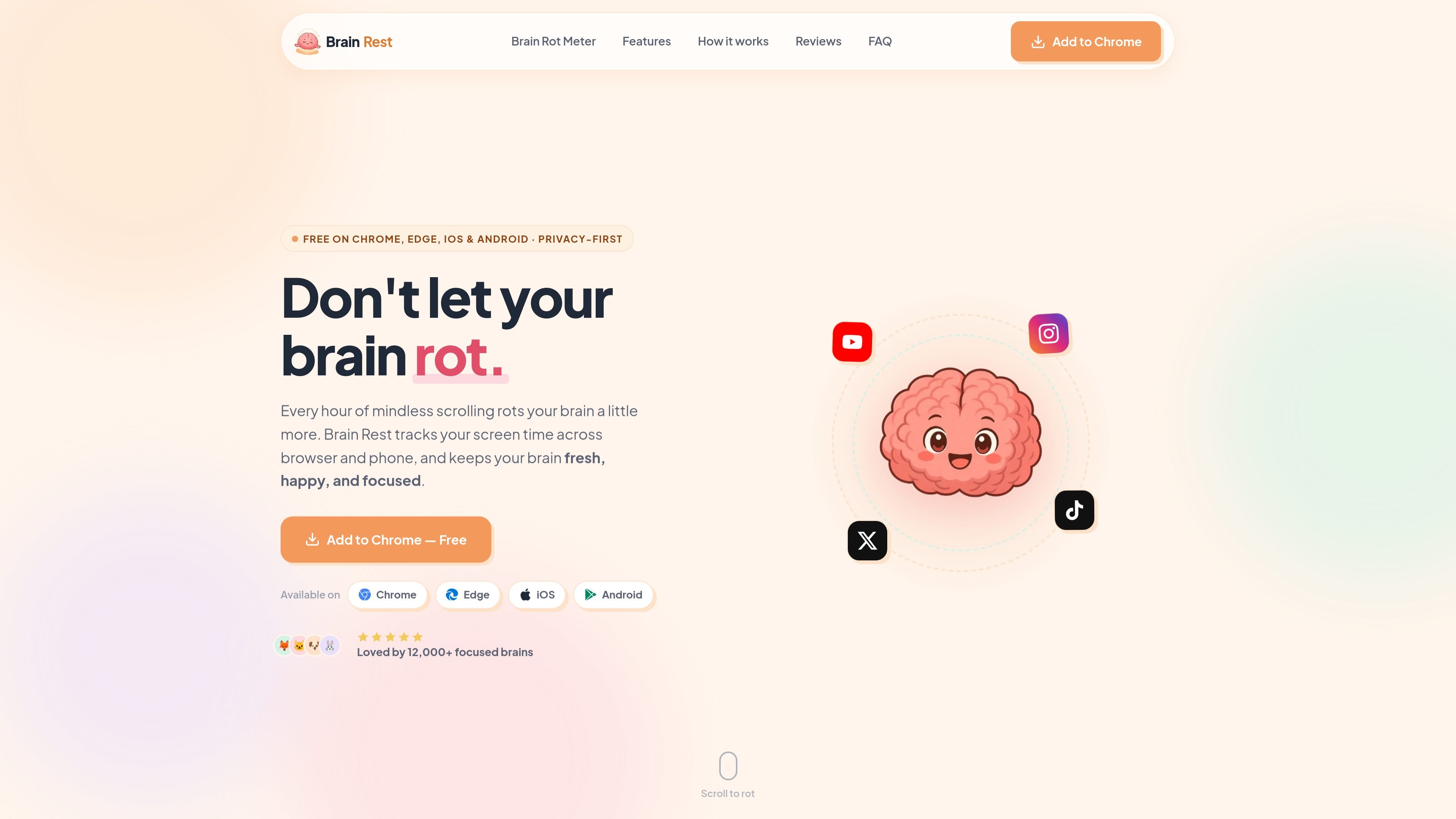
Brain Rest is a screen-time tracking and focus tool for Chrome, Edge, iOS, and Android. It monitors time spent on websites, shows usage patterns, and adds controls such as daily limits, site blocking, Pomodoro sessions, and break reminders.
The product is positioned as privacy-first and local-first. Its site says detailed activity stays on the device, with only day-level summaries syncing to a private account so stats can follow you across devices. Brain Rest Pro adds deeper history, calendar analytics, and stronger limit enforcement.
Track time spent on websites automatically and see usage in daily, weekly, and monthly views.
Set daily time budgets for the whole day or for individual sites, then receive warnings when you reach them.
Use the built-in Pomodoro timer for work and break cycles, with a classic preset on the free plan and custom presets in Pro.
Block specific sites or categories and, on Pro, use block or redirect actions when a limit is reached.
Review trends, history, and calendar analytics to understand where your screen time goes over time.
The extension runs locally on your device; the site says no account is needed for tracking itself, and privacy details note that detailed activity stays on-device while only day-level summaries sync to a private account.
Keep an eye on time spent across websites during normal browsing, then review where the day went from the dashboard and analytics views.
Set budgets for distracting sites and let warnings, blocks, or redirects stop you when you reach the limit.
Use the Pomodoro timer for focused work sessions and break reminders when you want a built-in work/break rhythm.
Check longer-term trends, history, and calendar views when you want to compare usage across days or weeks.
Use the local-first storage model when you want detailed activity to remain on your device rather than being uploaded as raw history.
Yes. The core screen-time tracker, daily dashboard, brain levels, limit warnings, the Classic Pomodoro timer, and break reminders are included at no cost. Brain Rest Pro adds full history, calendar analytics, block and redirect enforcement, unlimited blocked sites and categories, and custom Pomodoro presets.
Brain Rest requires a free account. You can sign up with email and password or sign in with Google, and the account is used to sync stats and settings across the devices where you use it.
The product says detailed, moment-to-moment activity stays on your device. Only day-level summaries sync to your private account so your stats can follow you across devices, and the raw browsing history is not uploaded.
Brain Rest times the active tab in your focused window, records usage per website and per day, and pauses after 60 seconds of inactivity or when the screen locks. Background tabs are not counted.
It can warn you when you hit a limit on the free plan. Pro adds block and redirect actions, along with unlimited blocked sites and categories, plus custom Pomodoro presets.

Goldfish is an AI memory app for macOS that helps you reply, write, summarize, and continue with context already on your Mac. It stores memory locally and writes in your tone.

ArtDeck is a visual reference board app for iPhone, iPad, and Mac. Collect mixed references on one canvas and study them with ToolBox lenses. Offline, optional iCloud sync, one-time purchase.

Biji is a versatile platform designed to enhance productivity through innovative tools and features.

Malyatko is a baby tracker for feeding, sleep, growth, teething, and milestones. Use it on iPhone, Apple Watch, and widgets offline, with iCloud sharing.

Redline is a budgeting tool for Claude Code that paces sessions by time, tokens, cost, or plan percentage, helping them end with a usable result.

Claude Overlay is a Windows desktop overlay for Claude Code that reads your screen, so you can ask questions, inspect content, and request edits without leaving the app. Uses your existing Claude subscription via Claude CLI.