
Text capture
Create notes by typing when you need to capture an idea quickly.

Brev is a private, offline notes app for Android. It lets you capture typed or voice notes quickly, with everything kept local on your device and no account required.
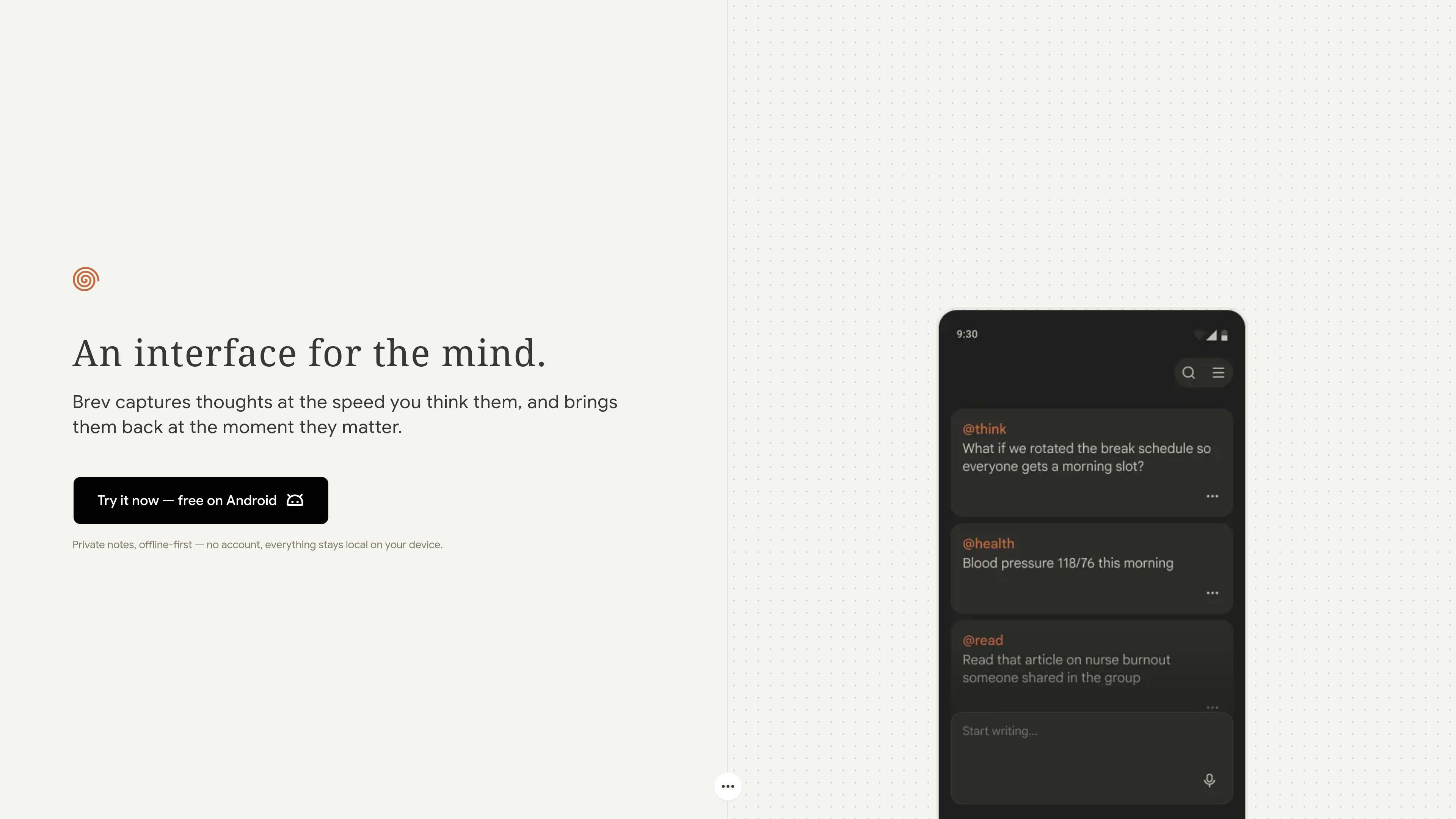
Brev is a private, offline-first notes app for Android focused on fast capture. It is built around the idea that a note should take less than a second to create, so the app emphasizes immediate text entry and voice capture rather than heavier organization workflows.
According to the site, notes stay local on the device and no account is required. The app also supports search, pinning, archiving, sharing, JSON import and export, and a Process Text workflow that lets you send text from another Android app into Brev.
Create notes by typing when you need to capture an idea quickly.
Dictate thoughts using Android Speech Recognition with continuous transcription.
Type an @ prefix to tag a note automatically and group related notes together.
Find notes by keyword or by @ prefix to retrieve captured ideas later.
Create, edit, delete, pin, archive, and share notes from within the app.
Save text from another Android app directly into Brev with Process Text integration.
Capture a thought as soon as it appears, using either the keyboard or voice transcription, without signing in or setting up a sync account.
Record a spoken idea while walking, commuting, or multitasking, then let the app turn it into text through Android Speech Recognition.
Group notes by typing an @ prefix so related items can be found together later with prefix-based search.
Send text from another Android app into Brev using Process Text when you want to save something without switching contexts.
Keep a small, private notes archive on-device when you want local storage instead of cloud sync.
Brev is an Android notes app designed for quick capture. It supports text notes, voice notes through Android Speech Recognition, keyword search, and note actions such as pinning, archiving, sharing, editing, and deleting.
Yes. The site states that Brev is free on Android, requires no account, and keeps everything local on the device.
Brev stores note data locally on the user’s device. The llms.txt also says the app does not send data to external servers except for voice transcription via the Android Speech Recognition API.
Yes. The source lists import and export of notes as JSON, which should help with moving data in and out of the app.
Brev is built for Android and the source lists support for Android apps and a minimum SDK of 24.

Gemma AI is a phone call reminder app that calls you with scheduled reminders instead of push notifications. It helps people who want a more direct way to stay on schedule, with Google Calendar sync and conversational call interactions.

Spotit is a macOS app that reads your screen and highlights exactly where to click, using voice questions and on-screen guidance.
MealTime is your personal, offline-first recipe companion designed to help you save, organize, plan meals, and generate smart grocery lists, all while keeping your data private.

Magic Notebook is a desktop writing app for bloggers, journalists, authors, and other people who want to write in local files without a cluttered interface or cloud workflow.

Scribeist is an AI-powered writing platform with dedicated workspaces for novels, blogs, essays, and notes. It combines project-aware AI, fiction continuity tools, SEO-focused blog tools, and publishing integrations.

Asmi is an AI personal assistant for chores by phone calls, iMessage, and WhatsApp. Book services, follow up on tasks, and keep context.