
Automatic decision capture
Brief watches tools such as Slack, Linear, Notion, GitHub, Jira, and Fathom, then extracts decisions and context automatically as work happens.

Brief captures product decisions from existing tools and makes them available to teams and AI coding agents, helping teams preserve rationale, align engineering, and turn ideas into specs and tickets.
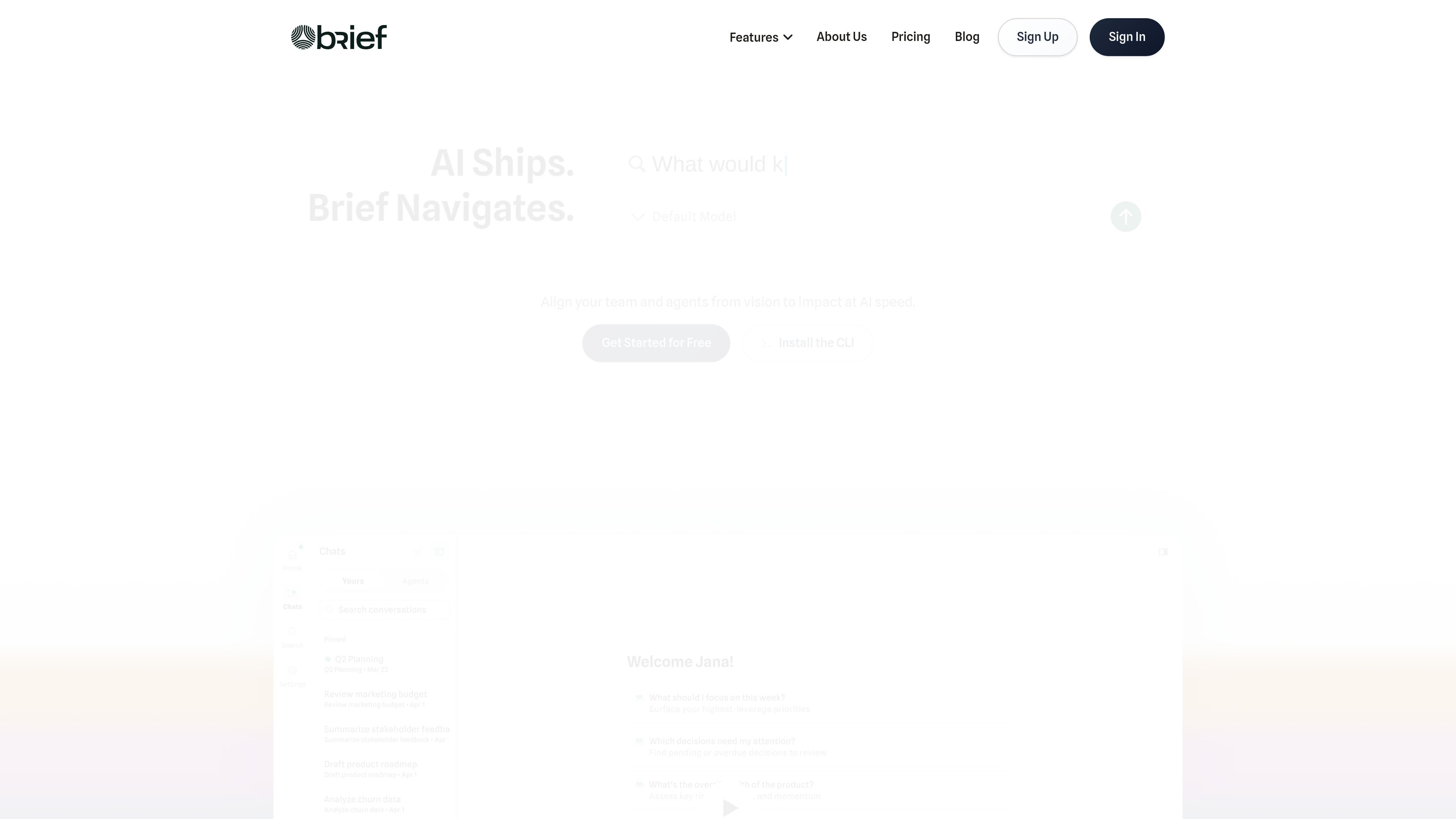
Brief is a product context platform for teams building with AI. It connects decisions, docs, tickets, and discussions into a Product Graph so product reasoning stays available as work moves from idea to implementation.
The product is designed to keep engineers and AI coding agents aligned with product intent. It captures decisions from tools such as Slack, Linear, Notion, GitHub, Jira, and Fathom, then serves that context through a web app, MCP server, CLI, and integrations.
Brief also supports the path from concept to delivery. It can turn messy inputs into product specs, generate PRDs with wireframes, create Linear or Jira tickets with acceptance criteria, and draft status updates from live project data.
Brief watches tools such as Slack, Linear, Notion, GitHub, Jira, and Fathom, then extracts decisions and context automatically as work happens.
Captured decisions are connected into a Product Graph so teams can search prior choices, rationale, and related context in one place.
Brief provides a web app for browsing the Product Graph, searching decisions, and understanding where the product is headed.
Its MCP server and CLI surface product context inside coding assistants such as Cursor, Claude Code, and Windsurf so agents can build with the right constraints.
Brief can turn unstructured inputs such as Slack messages, whiteboard photos, voice notes, and customer emails into drafts of specs, wireframes, and tickets.
The product includes pricing-plan support for shared workspaces, pooled context, centralized billing, admin dashboards, and SSO on higher tiers.
A PM can capture strategy, tradeoffs, and customer context once, then let teammates and agents query the same source of truth later.
An engineer working in Cursor, Claude Code, or Windsurf can pull in product constraints and prior decisions before writing code.
A rough Slack note, voice note, or whiteboard photo can be converted into a PRD draft, then broken into Linear or Jira tickets.
A team can use Brief to draft status updates from actual work in Linear, GitHub, and Slack instead of reconstructing progress manually.
A new engineer or PM can ask why a feature exists, see the reasoning behind past calls, and ramp with less dependency on ad hoc explanations.
No. Brief says it is a navigator, not a task tracker. It captures product decisions from your existing tools and makes them available to the team and AI agents.
Brief is different from documentation because it focuses on why decisions were made, including reasoning, tradeoffs, and customer context, not just what exists.
No. The site says you keep working where you already work while Brief watches your tools and extracts decisions automatically.
Brief is shown working with Cursor, Claude Code, Windsurf, any MCP-compatible assistant, and its own CLI.
The site says you can see value in minutes after connecting your tools, because Brief starts building your Product Graph immediately.

garden-md is an open-source Node.js CLI that turns meeting transcripts into a local company wiki, linking entities and preserving the original text.

ByteAsk is a terminal-first AI coding agent for C and C++ that edits repos and verifies changes with compilers, debuggers, sanitizers, and tests.

Goldfish is an AI memory app for macOS that helps you reply, write, summarize, and continue with context already on your Mac. It stores memory locally and writes in your tone.

Lasso is an ecommerce product data platform for enriching catalog records, processing supplier files, generating product content, and tracking competitors. It includes a web app, REST API, SDK, and MCP server.

CreateOS Sandbox is an isolated compute environment for running code and agent workloads in Firecracker micro-VMs with private networking and SDK, CLI, or MCP control.

ArtDeck is a visual reference board app for iPhone, iPad, and Mac. Collect mixed references on one canvas and study them with ToolBox lenses. Offline, optional iCloud sync, one-time purchase.