
In-place text polishing
Clarafy works directly inside text fields, so you can polish text without copying content into another app or tab.

Clarafy is a browser writing assistant that polishes text where you type, with app-aware rewriting, voice dictation, and synced account and history management.
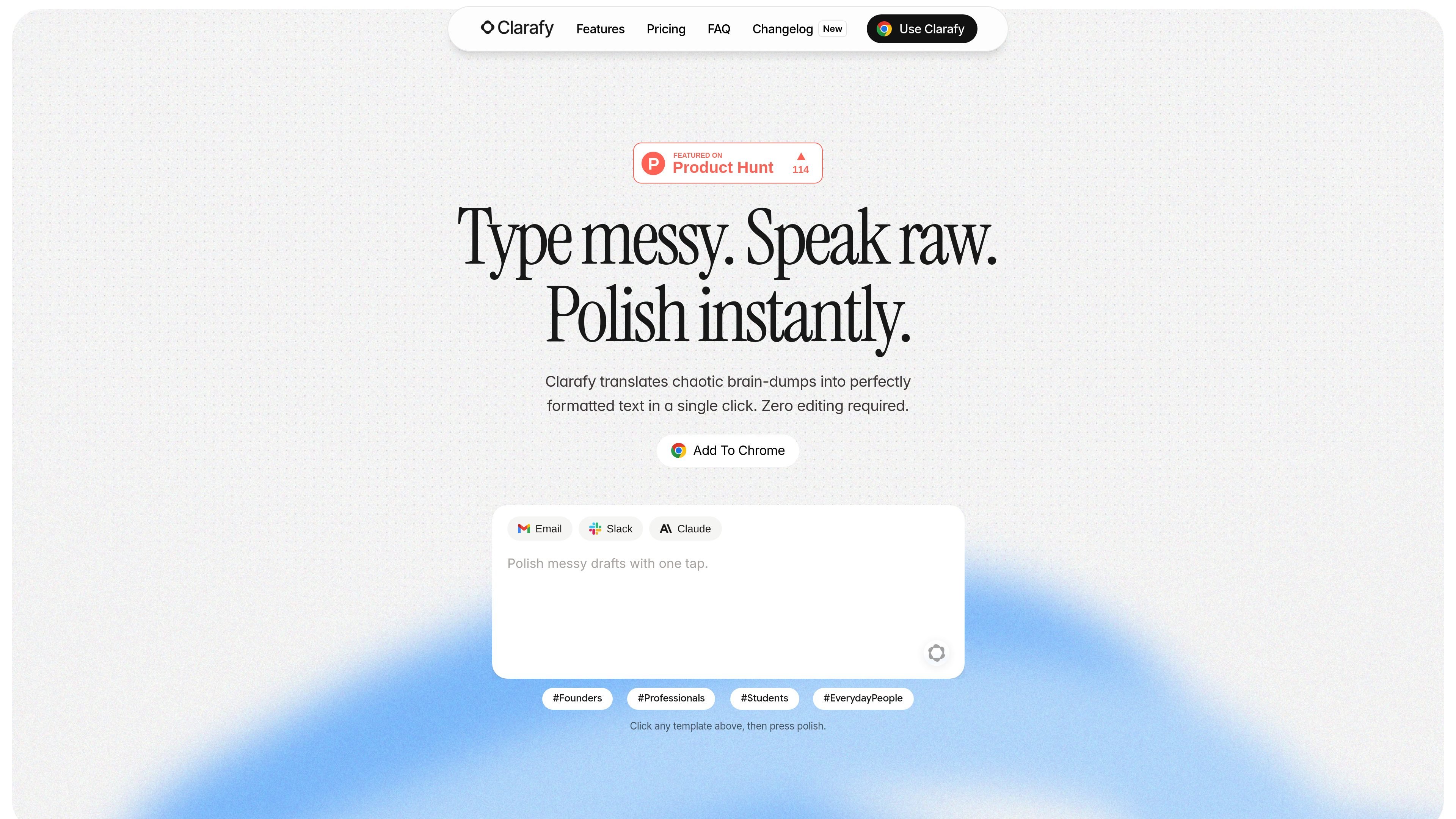
Clarafy is a browser-based writing assistant that polishes text where you type. It is designed to help people fix grammar, adjust tone, rewrite messy thoughts, and dictate messages without moving between apps or copying text into a separate editor.
The product combines a Chrome extension with a web account hub at app.useclarafy.com. The extension works across websites and text fields, while the hub is used to sign in, manage the plan, review activity, and keep settings, history, and StyleMemory in sync.
Clarafy works directly inside text fields, so you can polish text without copying content into another app or tab.
The homepage shows Clarafy can adapt output to the context of the app you are in, such as making text more casual in Discord or more professional in Gmail.
Clarafy supports hold-to-dictate input, then turns spoken words into polished text when you release the shortcut.
The Writing Tools panel includes options such as Proofread, Rewrite, Friendly, Professional, Concise, Summary, Key Points, List, Table, Paragraphs, and Compose.
The changelog says StyleMemory helps preserve your writing habits and that polish can better keep your style while editing naturally.
The account hub keeps plan, polish history, preferences, and settings in sync with the browser extension.
Clean up rough notes or a brain-dump and turn them into readable text without switching tools.
Draft more appropriate messages for places like Gmail, Discord, LinkedIn, or ChatGPT based on the surrounding context.
Hold the shortcut, speak naturally, and let Clarafy convert spoken thoughts into polished text in the same field.
Open the Writing Tools chip to proofread, rewrite, summarize, or reformat selected text into lists, tables, or paragraphs.
Use the web hub to sign in once, keep settings and history synced, and review activity and plan information from one place.
Clarafy is a browser extension that works directly in text fields and also includes a web hub for account, history, and plan management.
The source shows a Chrome extension flow and an account hub at app.useclarafy.com. Sign in once on the hub and your plan, polish history, StyleMemory, and settings stay in sync with the extension.
The homepage says Clarafy works across websites and the changelog says app-aware behavior covers places like email, chat, and prompts. The homepage also specifically names Gmail, Discord, ChatGPT, LinkedIn, and Notion as examples.
Clarafy’s free plan includes voice dictation and 10 polishes per day, while Pro unlocks unlimited polishes, writing tools, and full StyleMemory.
The source shows Clarafy supports polishing text, rewriting, dictation, and writing tools such as proofread, rewrite, tone adjustments, summaries, key points, lists, tables, paragraphs, and compose. It also says polish works in any language, including mixed-language text.

Dictro is a private AI dictation app for Mac that turns speech into polished text in any editable app. Runs locally on Apple Silicon Mac by default, with optional Fast Mode.

ProWritingAid is a writing assistant for storytellers with grammar checking, style editing, paraphrasing, and story analysis in popular writing apps.

SpeakoFlow is a free, open-source desktop voice-to-text app for Windows, macOS, and Linux. Dictate into any app, use Flow, cleanup, translation, and a screen-aware assistant.

Sanota turns spoken memories and interviews into clear written stories for personal storytelling, family history and shared memories, with guided prompts and subscriptions.

Goldfish is an AI memory app for macOS that helps you reply, write, summarize, and continue with context already on your Mac. It stores memory locally and writes in your tone.

Flunkey is a voice-first productivity layer for Windows that turns speech into text, AI outputs, and remembered context without leaving your app.